INSTRUCTIONS MANUAL
-47-
CHARGE
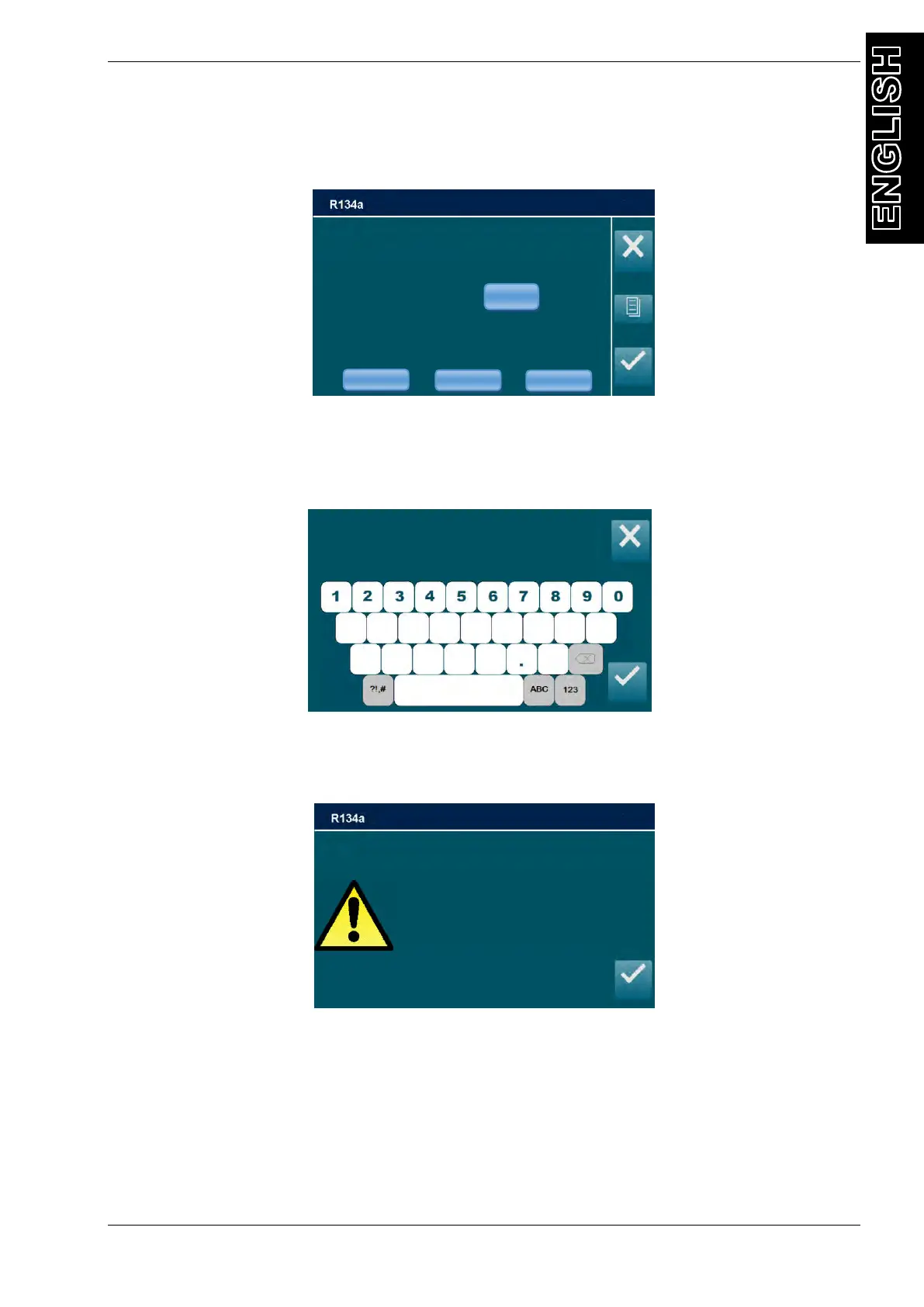
From the MANUAL PROCEDURE, select CHARGE, the following screen will be displayed:
NOTE: For most systems the quantity of fluid to be refilled is indicated on a plate that is in the
vehicle’s engine compartment. If this quantity is not known, look for it in the relevant manuals.
Select the CHARGE AMOUNT quantity field, use the keypad on the display to enter the
amount (in grams) of REFRIGERANT that will be loaded into the A / C system.
NOTE: If DATABASE is installed, can be used to insert the value of refrigerant into the GAS
CHARGE field.
NOTE: if gas CHARGE is lower than 100 grams the following popup warning will be displayed:
Gas charge lower than 100 grams is not allowed, press ENTER then digit an higher amount of
gas CHARGE.
EDIT GAS CHARGE MODE
Select the connection mode:
- HP to fill the refrigerant only from the HP service port,
- LP to fill the refrigerant only from the LP service port,
- HP+LP fill the refrigerant from both HP and LP service ports
CHARGE AMOUNT
(min 100g)
_ _ _ _ _ _ _ _ _ _ _ _ _ _ _
Charge amount
Less than 100g/4oz
or unavailable quantity requested
Press ENTER to continue



 To Next Page