INSTRUCTIONS MANUAL
-54-
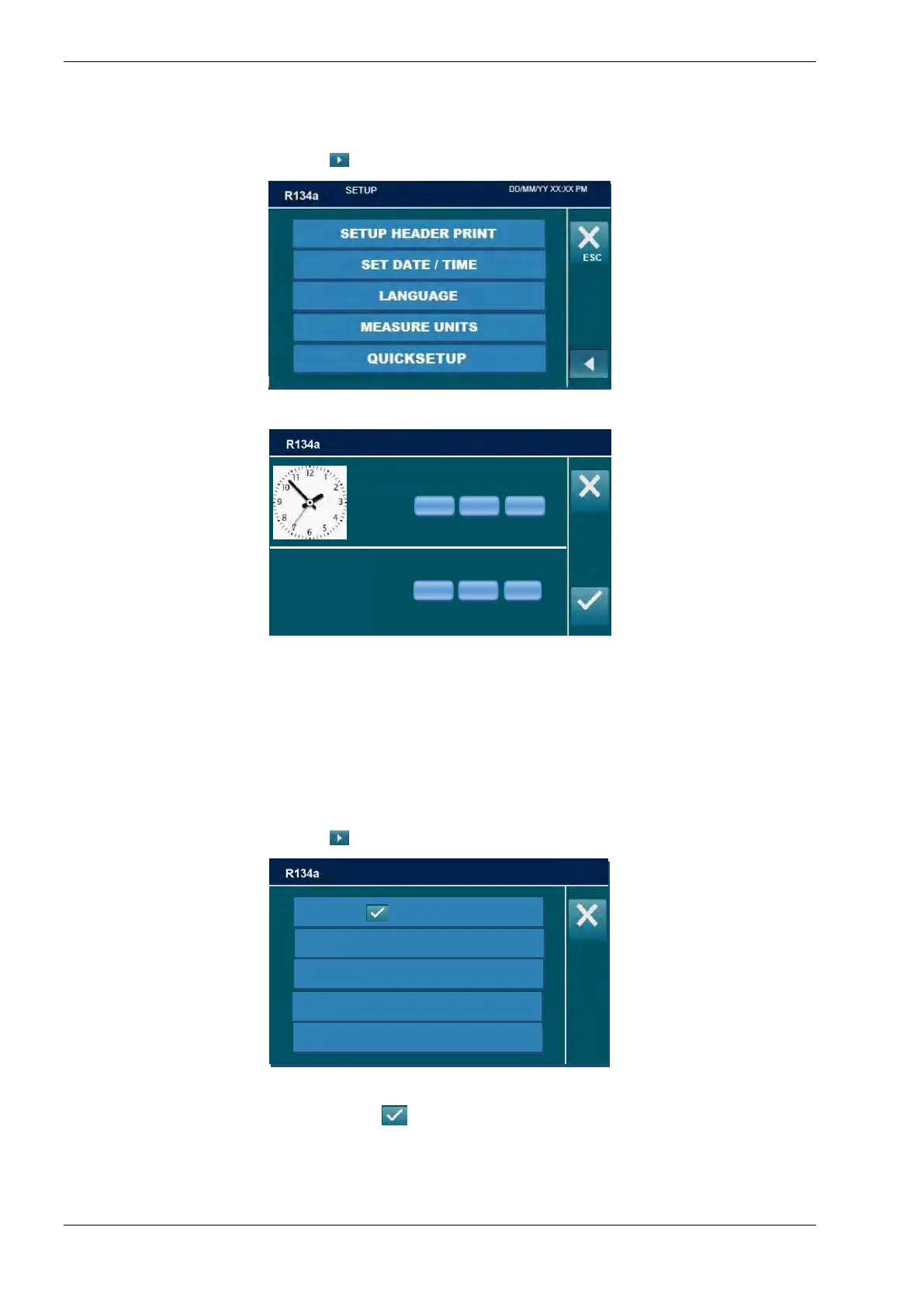
SET DATE / TIME
From SETUP menu, press arrow
to change page
Select SET DATE / TIME:
Use keypad to change date and time, press ENTER to confirm, or press ESC to return to
SETUP menu without saving the changes.
NOTE: The machine keeps date and time settings even if it is not used for around one year.
LANGUAGE
From SETUP menu, press arrow
to change page, then select LANGUAGE:
Select a language, or press ESC to exit.
NOTE: current language is indicated by



 To Next Page