INSTRUCTIONS MANUAL
-43-
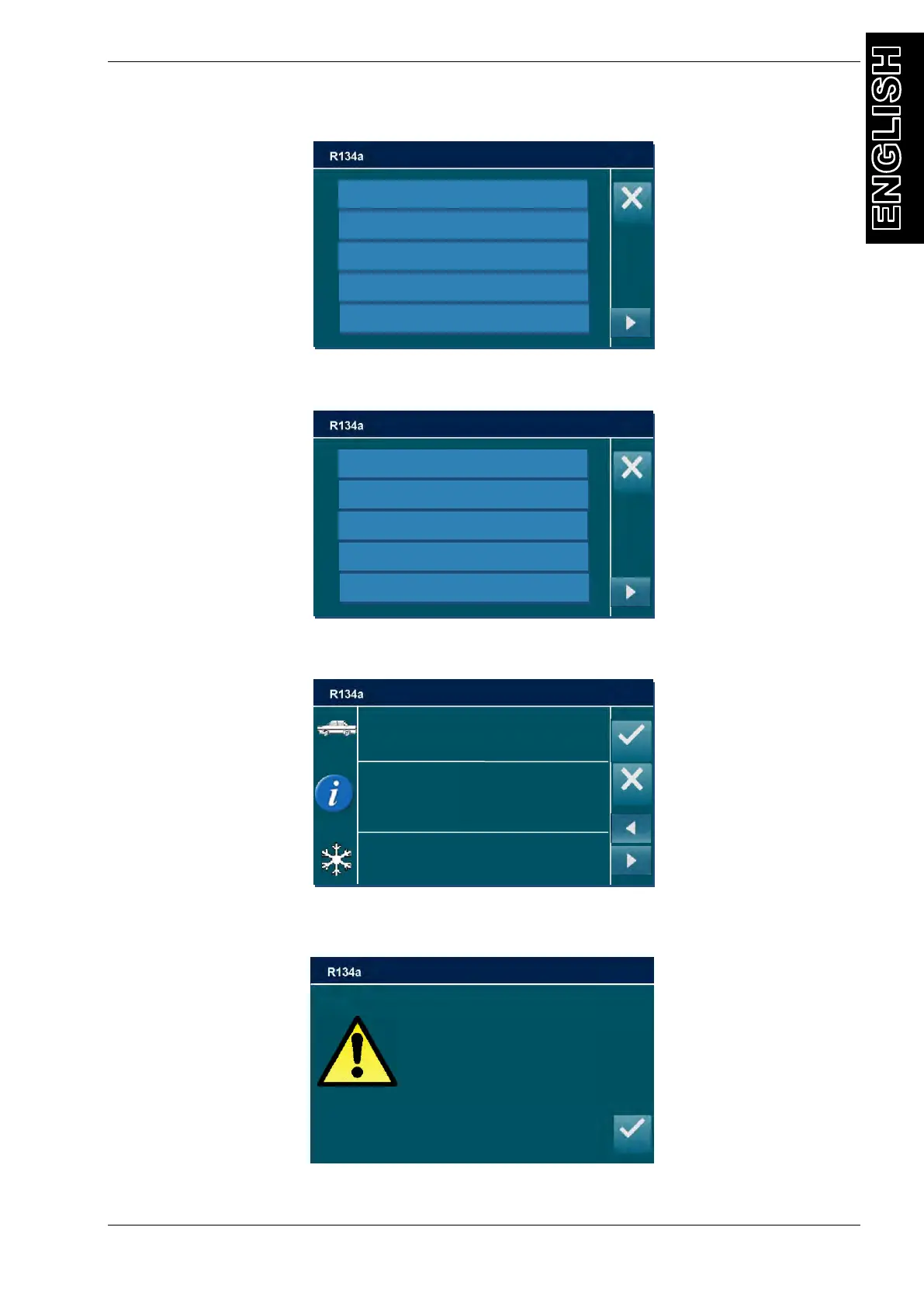
Or, in installed, press DATABASE button, the following screen will be displayed:
Select the vehicle typology
Select the brand of vehicle you are servicing, (use the arrow keys to change page if
necessary), the following screen is displayed (i.e. for BMW):
Select the model of vehicle you are servicing. (If you wish to install DATABASE contact the
machine dealer.), all the information about this model is displayed:
Press ENTER to confirm, and insert the value into the GAS FILLING field.
NOTE: if gas CHARGE is lower than 100 grams the following popup warning will be displayed:
Gas CHARGE lower than 100 grams is not allowed, press ENTER then digit an higher amount
of gas CHARGE.
R134A: 750 g
Press ENTER to continue
BMW
I3 (I01)
ALL;3447
2013-
Charge amount
Less than 100g/4oz
or unavailable quantity requested
Press ENTER to continue



 To Next Page