INSTRUCTIONS MANUAL
-74-
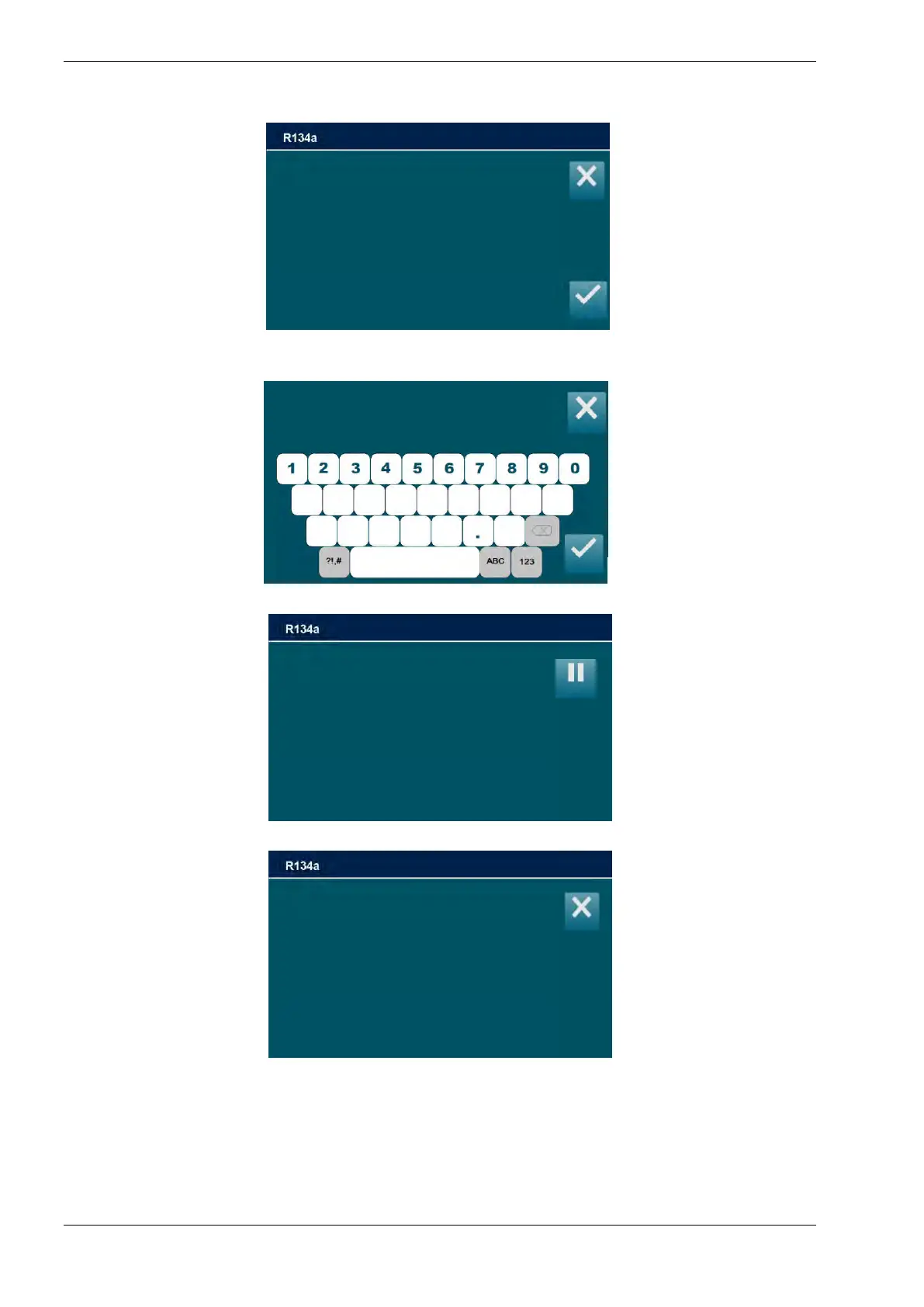
9) Type the filter code and press ENTER to delete the alarm. If the filter code is not
available, call the Service Center:
10) Press ENTER to continue with vacuum check:
11) If leaks are detected the following screen will be displayed:
Check filter tightening and press ESC to restart the vacuum check.
12) After few minutes, if no leaks are detected the following screen will be displayed:
Reset service alarm
enter filter code
_ _ _ _ _ _ _ _ _ _ _ _ _ _ _
After changing the filter
Following the user manual,
Press ENTER
to insert the counter reset code
WARNING!
LEAKS!
Press ESC to exit



 To Next Page