INSTRUCTIONS MANUAL
-83-
EXTRACT ARCHIVE
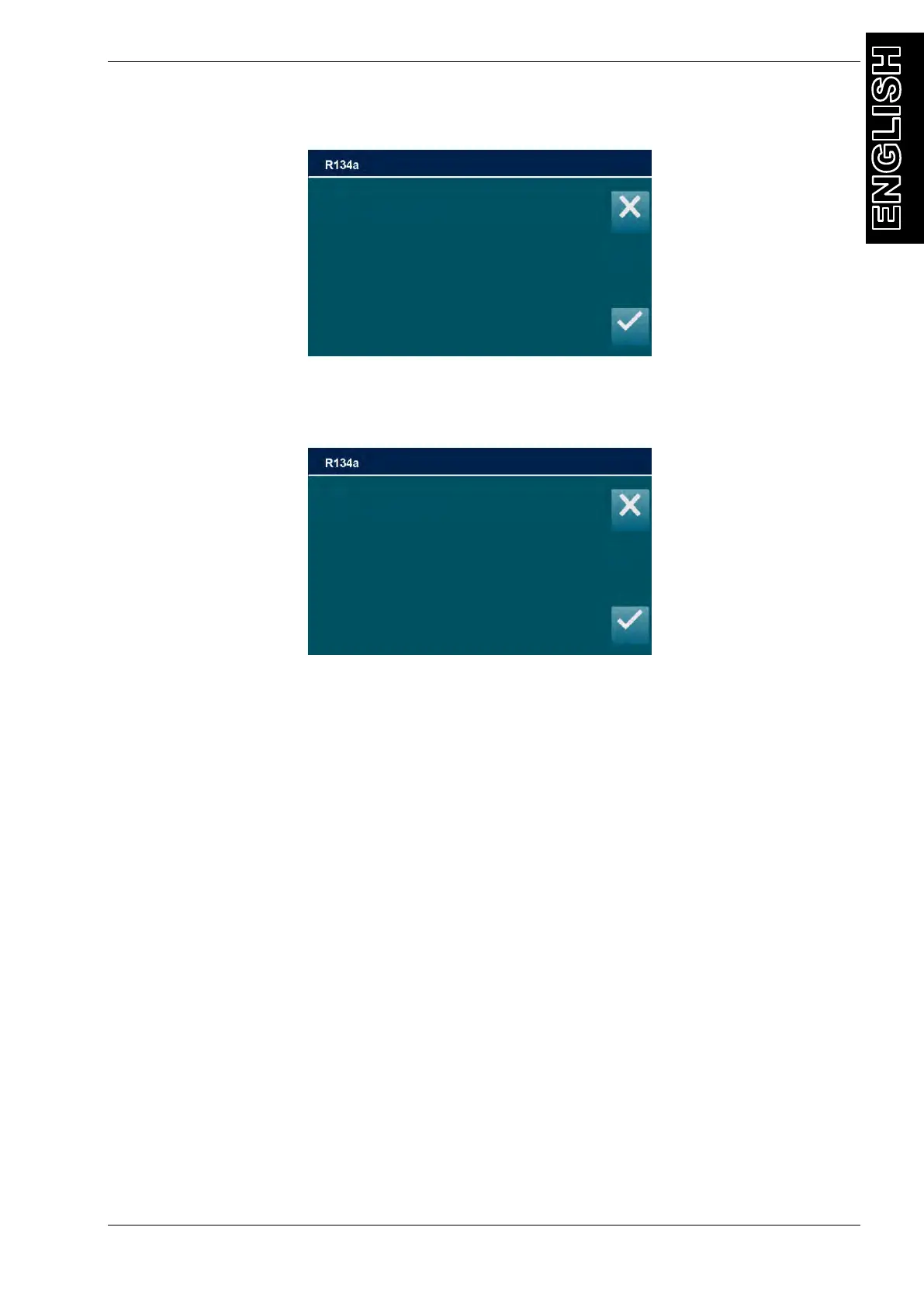
Selecting EXTRACT ARCHIVE, the following screen will be displayed:
Insert the storage device (FAT32, 256mb min.) in the USB port and press ENTER, to save to
copy a .CSV file with all the operations into the Pendrive.
The following screen will be displayed for few seconds:
Extraction is now completed, the machine will return to the previous menu.
Please insert USB key
Then press ENTER
Extraction complete
Remove the USB key
And press ENTER



 To Next Page