INSTRUCTIONS MANUAL
-85-
DATABASE
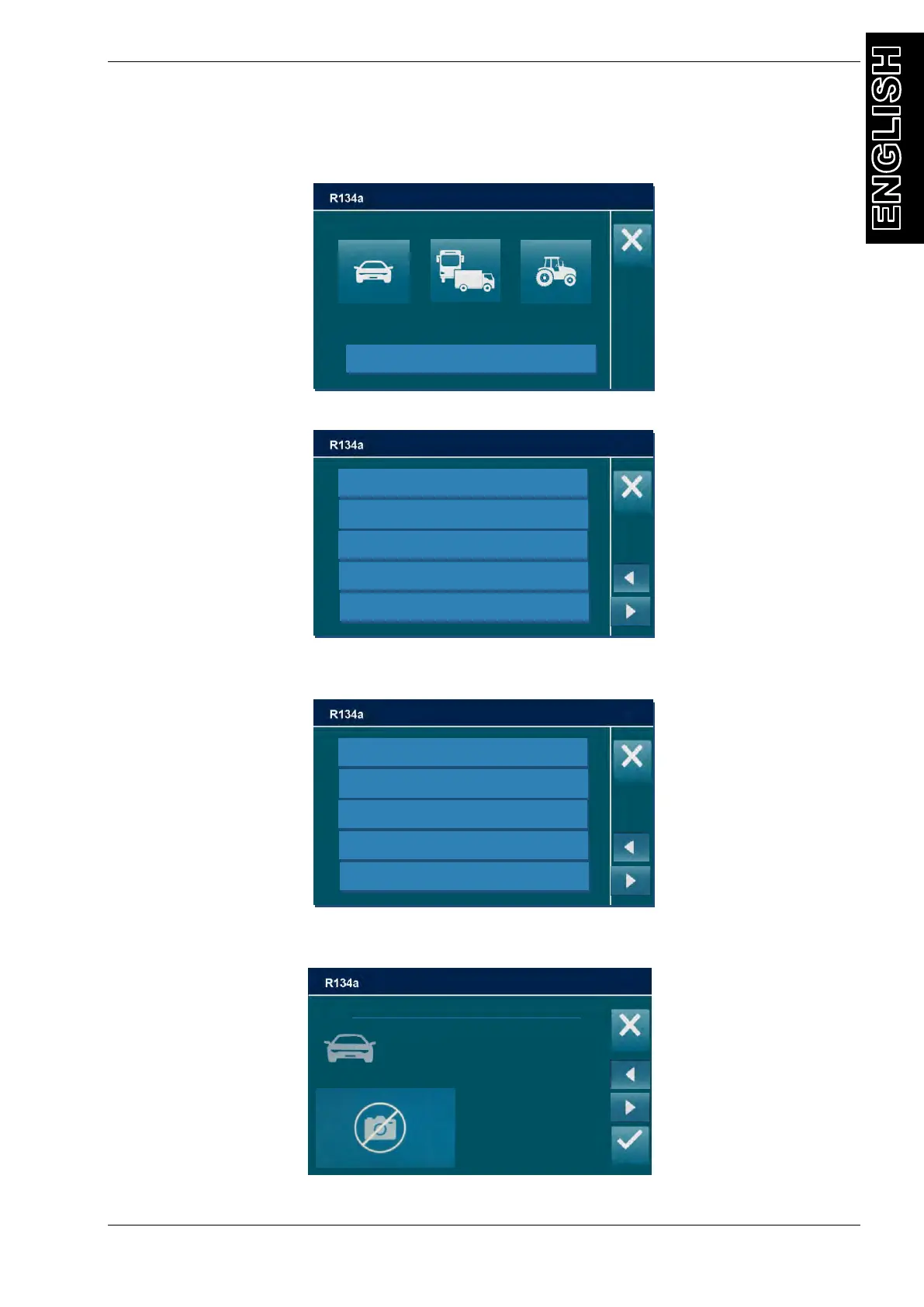
The machine has a database of all vehicles divided by typology
From the MAINTENANCE, select DATABASE
Select the vehicle typology, the following screen will be displayed:
Select the brand of vehicle you are servicing, (use the arrow keys to change page if
necessary), the following screen is displayed (i.e. for BMW):
Select the model of vehicle you are servicing. (If you wish to install DATABASE contact the
machine dealer.), all the information about this model is displayed:
NOTE: select CUSTOM to add a special vehicle and save it in the machine database
BMW / i3 (l01) / “ALL;3447” / 2013- / 3447
REFRIGERANT OIL ISO
R134 PAG *
750 g *
*
INFO
*



 To Next Page