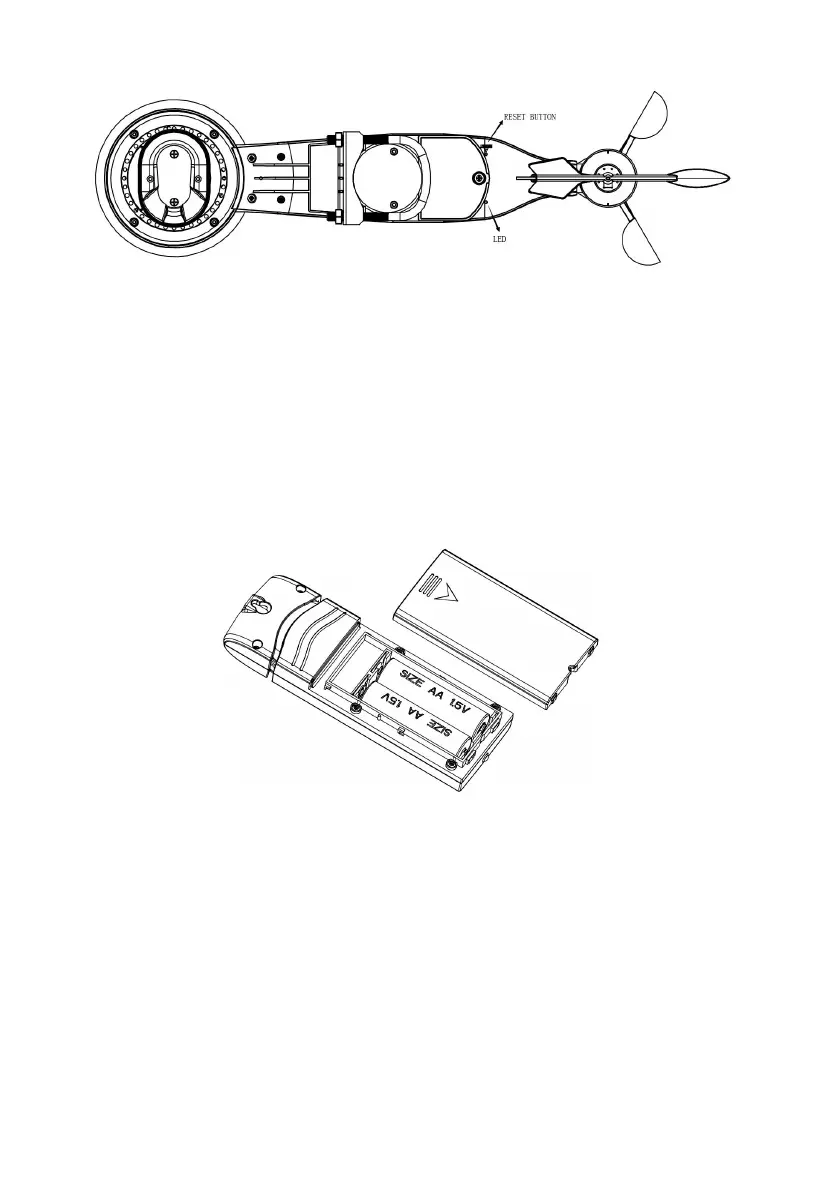
Figure 10: Reset button and Transmitter LED location
5.4 Indoor Sensor Set Up
Note: To avoid permanent damage, please take note of the battery polarity
before inserting the batteries.
Remove the battery door on the back of the sensor. Insert two AA batteries.
Figure 11: Indoor sensor battery installation
5.5 Multi-channel temperature and humidity sensor (Optional)
The device supports up to 8 additional thermo-hygrometer sensors (WH31),
which can be viewed on the display tablet and Internet.
Note: Do not use rechargeable batteries. We recommend fresh alkaline
batteries for outdoor temperature ranges between -10 °C and 60 °C and fresh
lithium batteries for outdoor temperature ranges between -40 °C and -10 °C.



 To Next Page