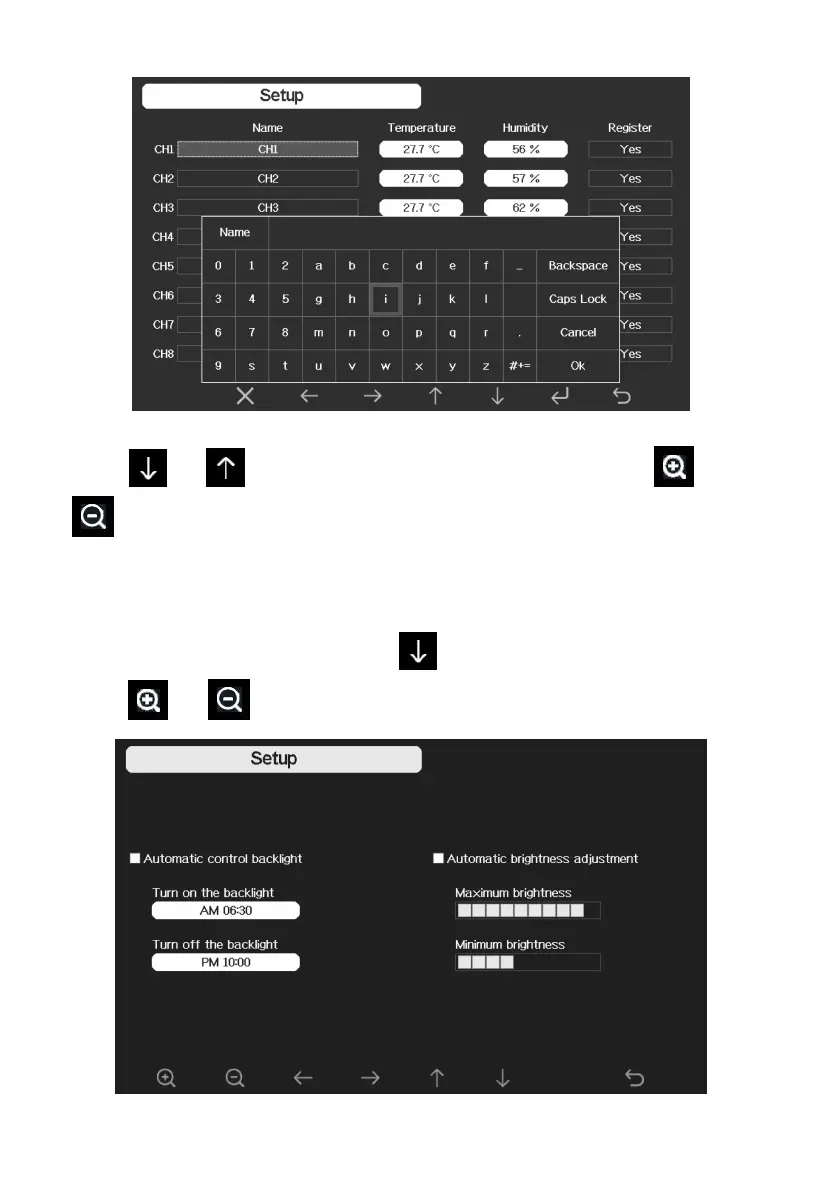
Figure 27: rename the sensor Screen
Press or key to select Register setting field, press the or
key to register the selected sensor
5.10.10 Backlight setting
While in Menu Setting Mode, press key to select Backlight Setup field,
press or key to enter backlight Setup mode:



 To Next Page