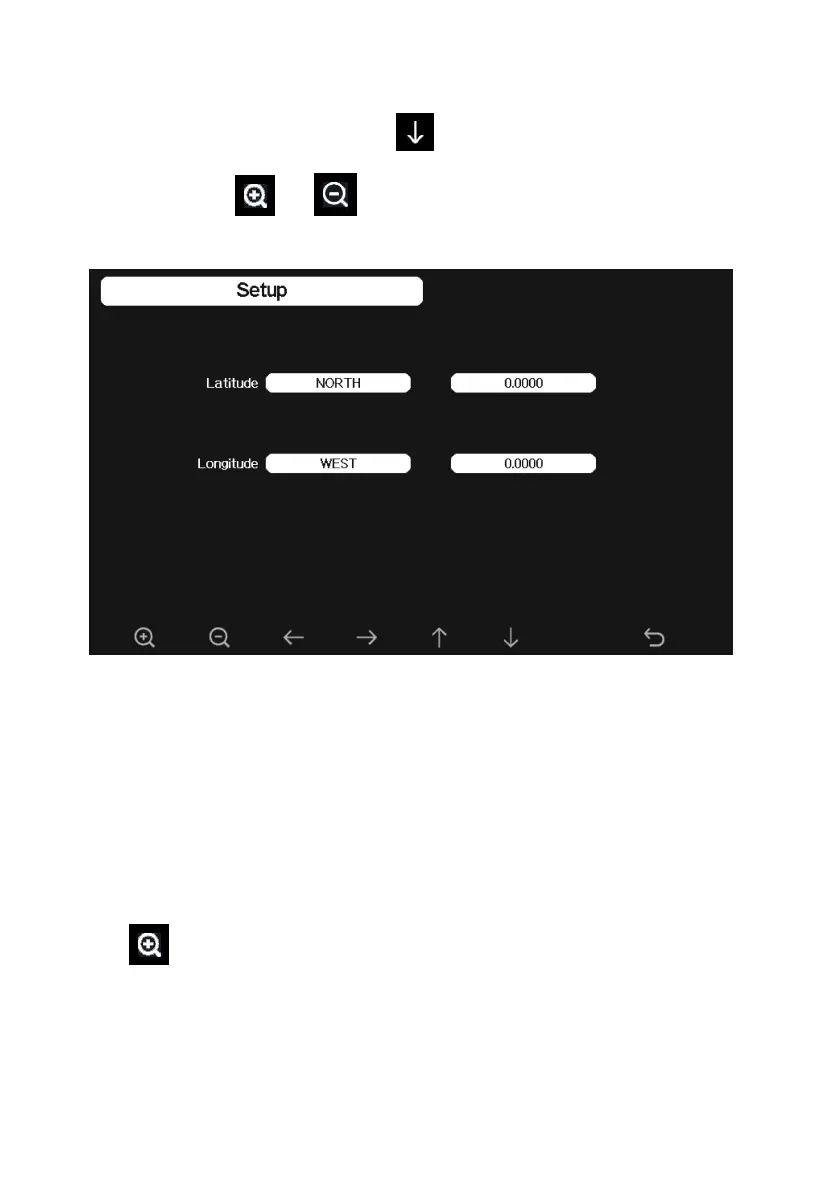
5.10.11 Longitude: Latitude setting
While in Menu Setting Mode, press key to select Longitude: Latitude
Setup field, press or key to enter Longitude Latitude Setup
mode:
Figure 29: Longitude and Latitude Setting Screen
The sunrise/sunset times will be calculating automatically base on the
Longitude and Latitude. Your location GEO info can be found on mobile
compass page. Two digits after decimal should be enough for this feature to
be working correctly.
5.10.12 Reset Weekly Rain
Press to change the beginning of the weekly rainfall. The default is
Sunday.



 To Next Page