5.10.8 Solar Rad. Unit
Press to change the solar radiation units of measure between W/m^2,
lux and fc.
5.10.9 Multi Channel Sensor
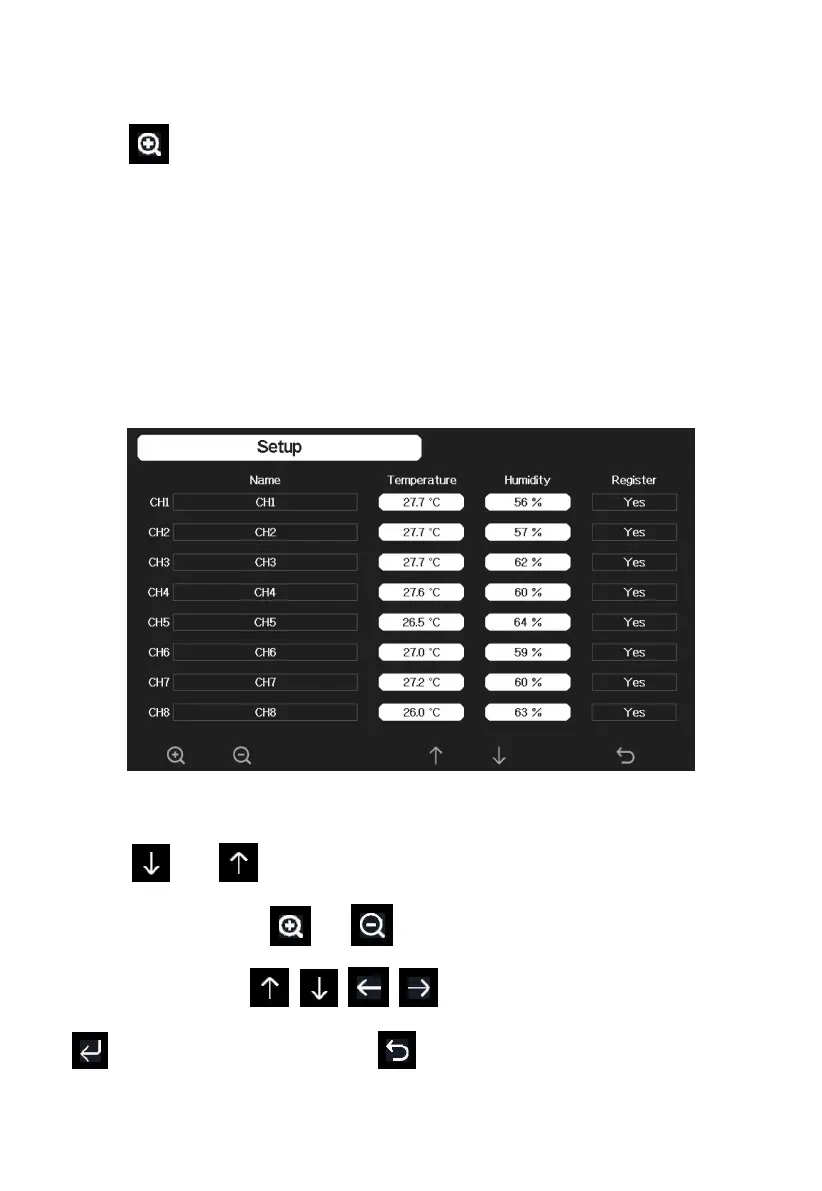
In Multi channel sensor Setup Screen, you can rename the Multi-channel
temperature and humidity sensor or register the Multi-channel temperature
and humidity sensor again while the sensor lost connection to console
display.
Figure 26: Multi channel sensor Setup Screen
Press or key to select Name setting field, the name on focus
turns green, press the or key to pop up the keyboard to enter the
sensor name. Press to scroll to the character and press
to select the character. Press to return to the setup page.



 To Next Page