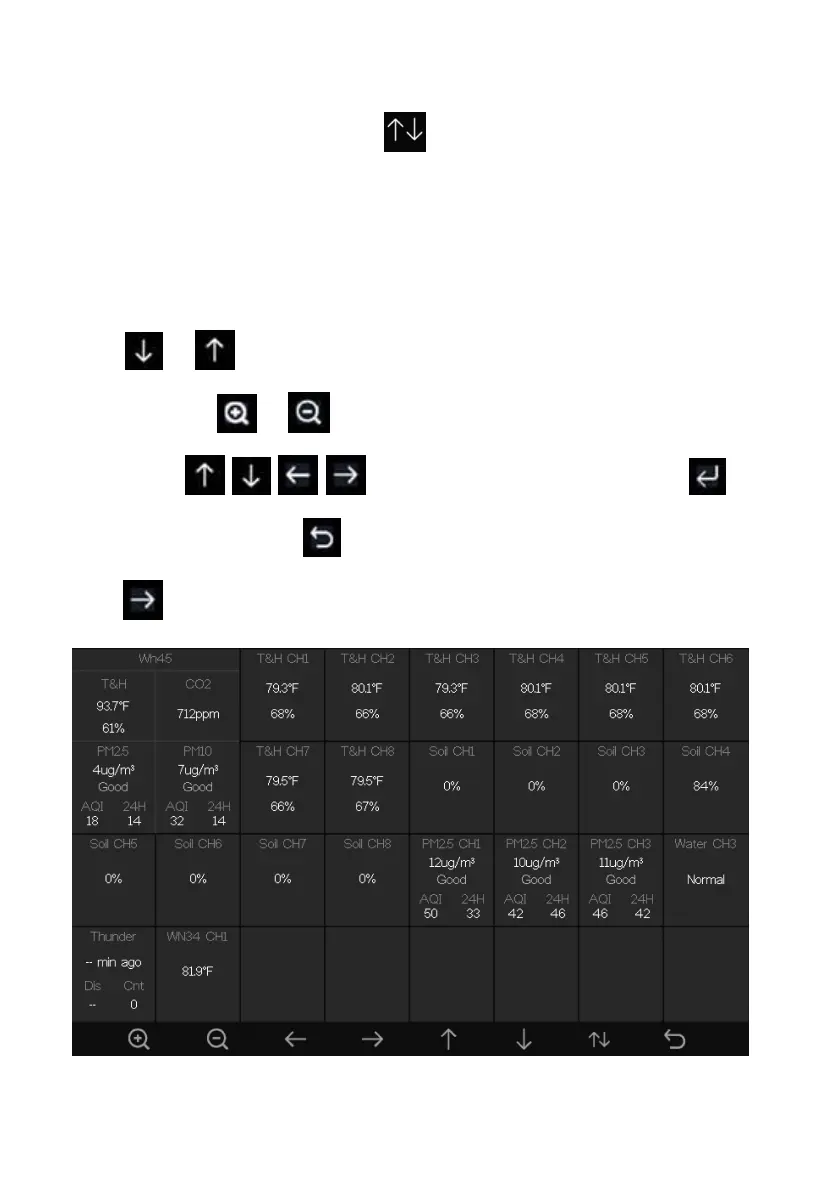
5.9.4 View Channel Data
While in normal display, press the key four times to enter Channel
Data Mode.
If you purchase the optional sensor, soil moisture sensor or PM2.5 sensor or
multi-channel temperature and humidity sensor, their data can be showed on
Channel Data screen.
Press or key to select Name setting field, the name on focus turns
green, press the or key to pop up the keyboard to enter the sensor
name. Press to scroll to the character and press to
select the character. Press to return to the Channel Data page.
Press key to page down.
Figure 23: Channel Data Screen



 To Next Page