5.13.7 Backup data
Press or key to select Backup data. Press or key to
popup the Message Box ”Copy history data to SD card?” Press or
to select OK or Cancel. Press the or key to confirm the
selection.
Note: You need to insert a SD card(not included) into the console before
using this function.
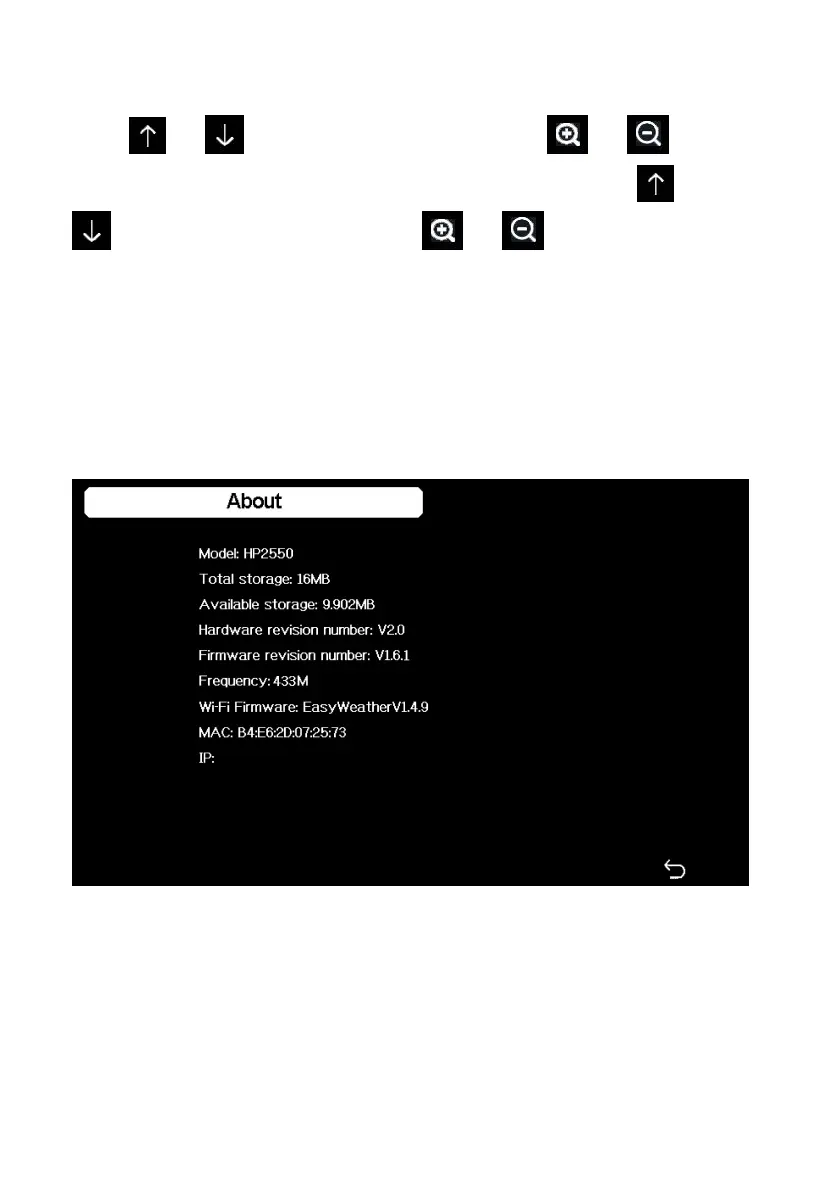
5.13.8 About information
Figure 43: About information Screen
Note: This figure is just for reference(model and frequency will change
according to different market). The actual display console may be with
higher firmware version than this manual described because we will update
the firmware occasionally.



 To Next Page