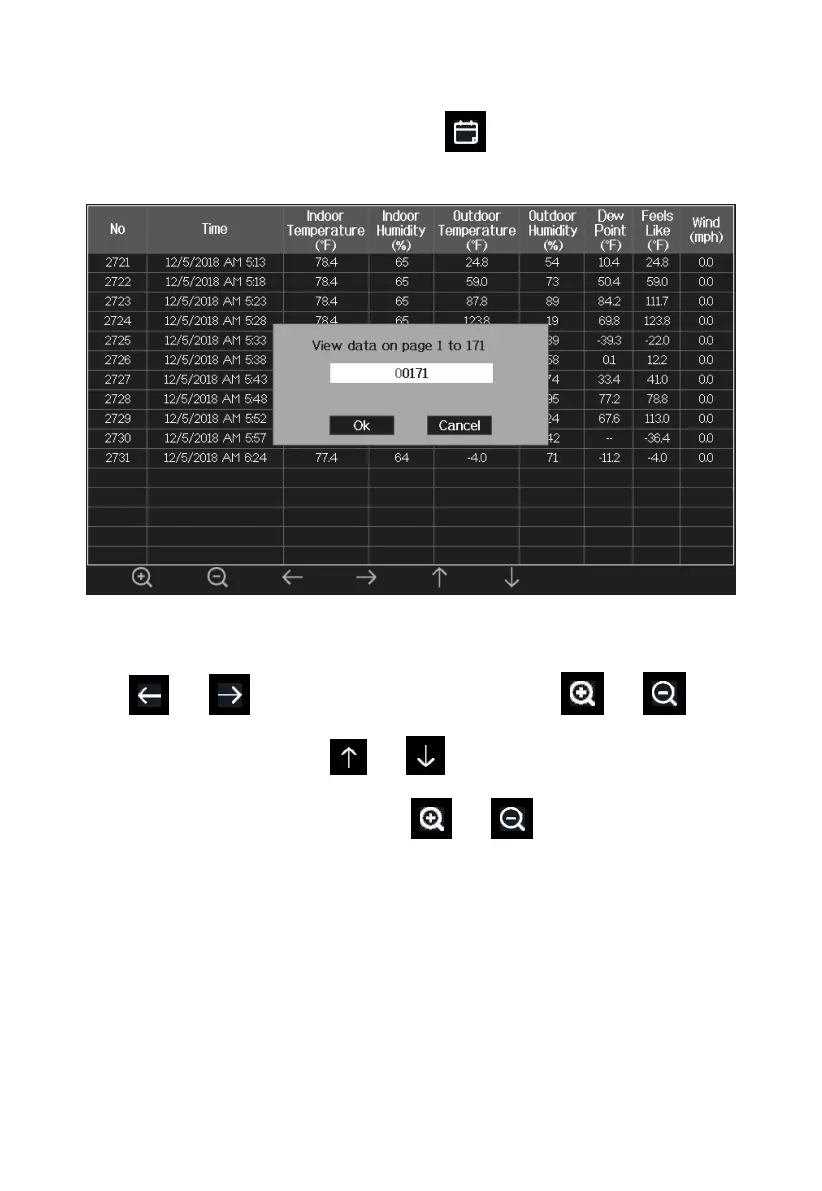
5.9.2.2 View a specific page of history
While in History Record Mode, press the key to enter the page
selection mode:
Figure 21: view a specific page of history Screen
Press or to select a digit in a number, press or key
to change the number. Press or to change the activated option
field, toggle OK or Cancel then press or key to confirm.



 To Next Page