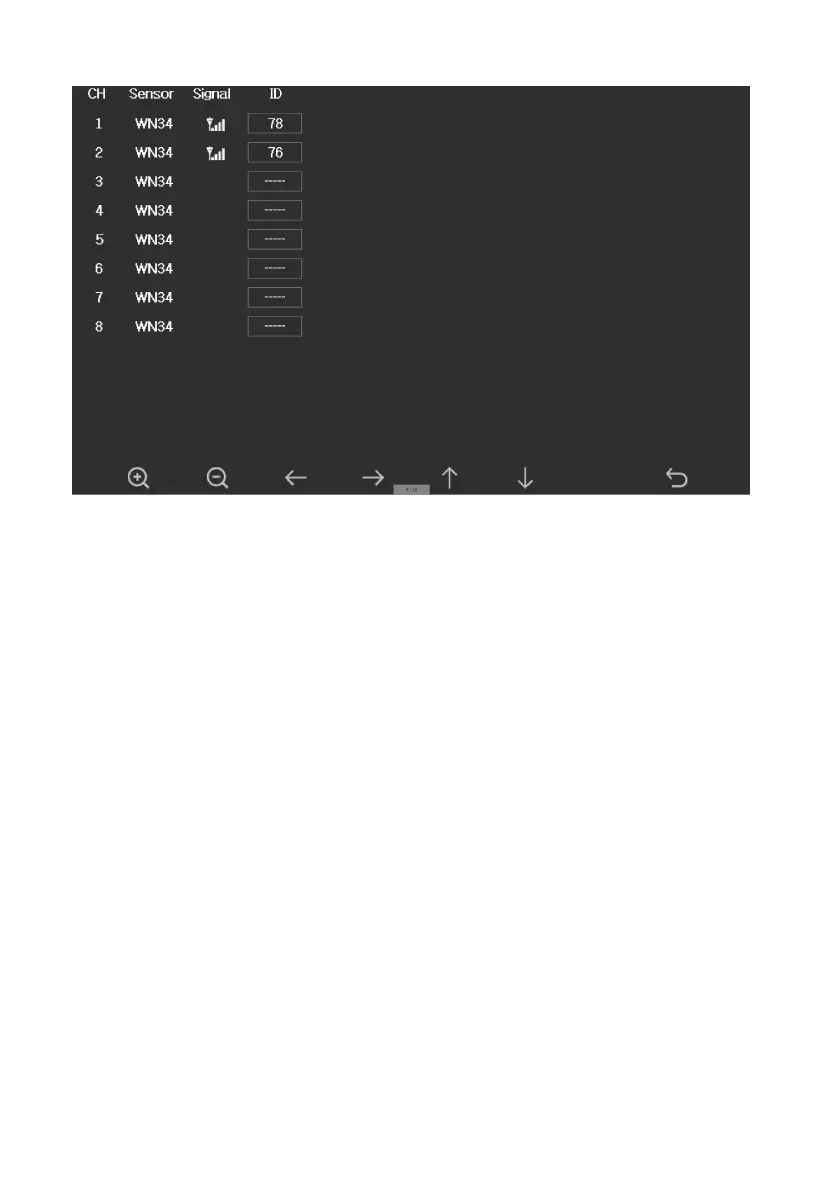
Figure 39: Sensors ID setup Screen
This screen list all sensors can work with the console. This package just
included WH65 outdoor sensor array and T&HP (Temperature, humidity
and pressure) indoor sensor. These two sensors signal reception status and
ID number will automatically display on the screen if console receives the
sensors signal.
The sensor ID is unique and fixed. You can choose Disable to disconnect
with console, or Register to reconnect with console.



 To Next Page