Introduction
1-4
1
Stacking Ports
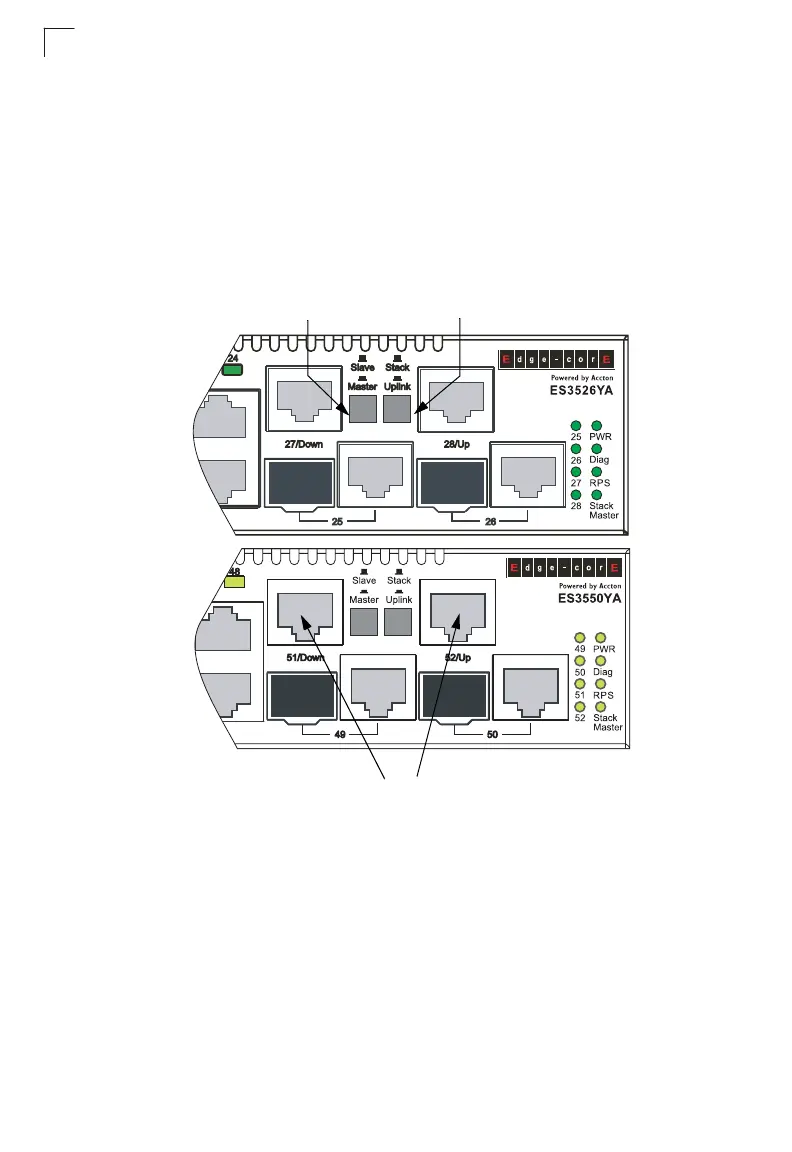
The unit provides two stacking ports that provide a 4 Gbps stack backplane
connection. You can stack up to eight ES3526YA units or four ES3550YA units using
Category 5 Ethernet cables (purchased separately). The Master button enables one
switch in the stack to be selected as the master. This is the unit through which you
manage the entire stack.
The stacking ports can also be used as normal Ethernet ports in standalone mode
by pressing the Uplink button.
Figure 1-2 Stacking Ports
Master Button
Uplink Button
Stacking Ports













 To Next Page