22
Using the internal sound generator
Selecting the type of part (INST/DRUM)
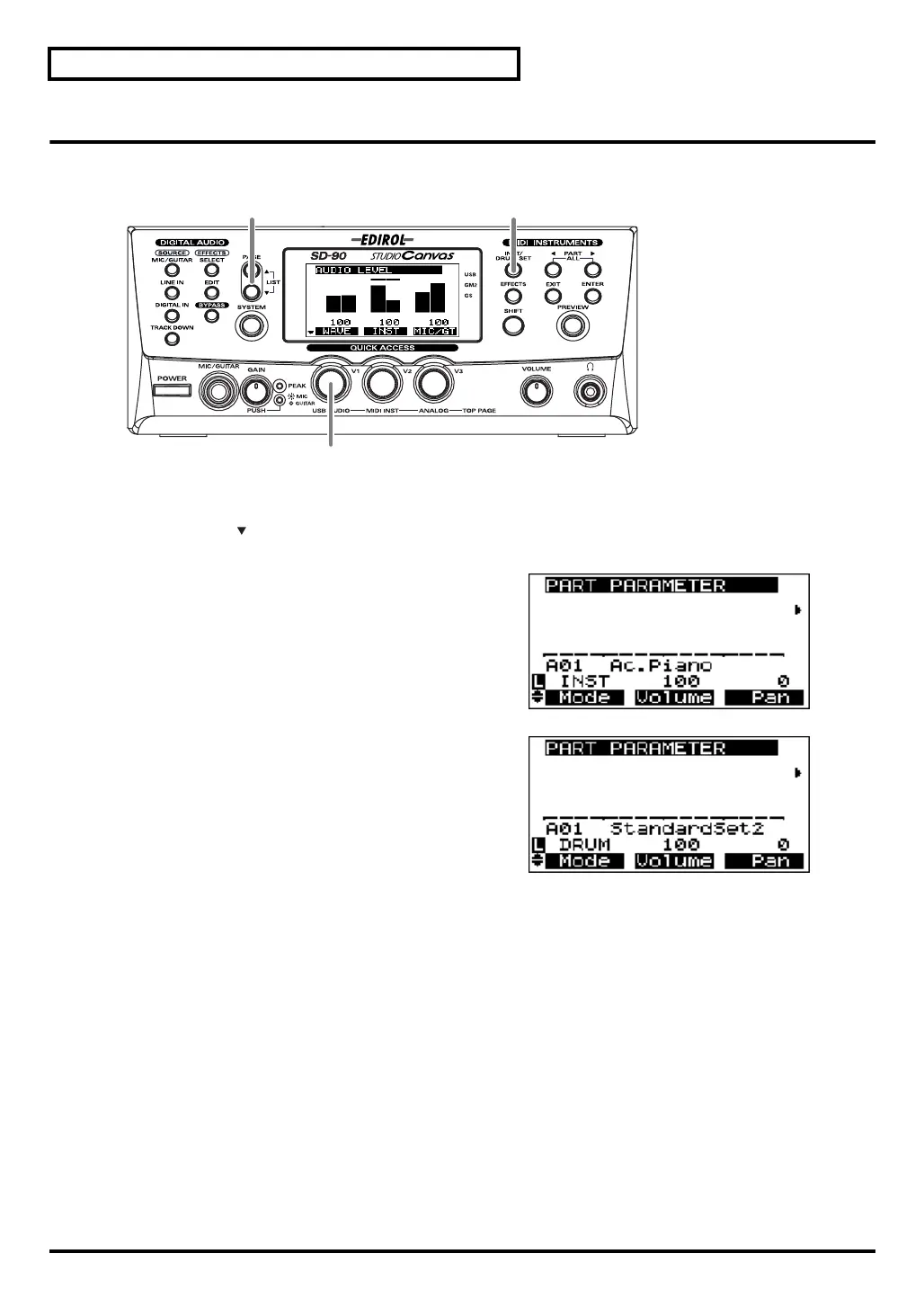
Here’s how to select the type (Part Mode) for each part.
fig.5-04
1.
Press
[INST/DRUM SET]
.
2.
Press
[PAGE ]
once.
fig.5-04a_67.2
3.
Turn the
[V1]
knob to select the desired part mode
(INST or DRUM).
The part mode has now been selected.
fig.5-04b_67.2
4.
Press
[INST/DRUM SET]
once again to return to the basic screen.
3
2 1, 4
sd90_manual_e.book 22 ページ 2004年10月4日 月曜日 午後3時28分



 To Next Page