31
Using the internal sound generator
■
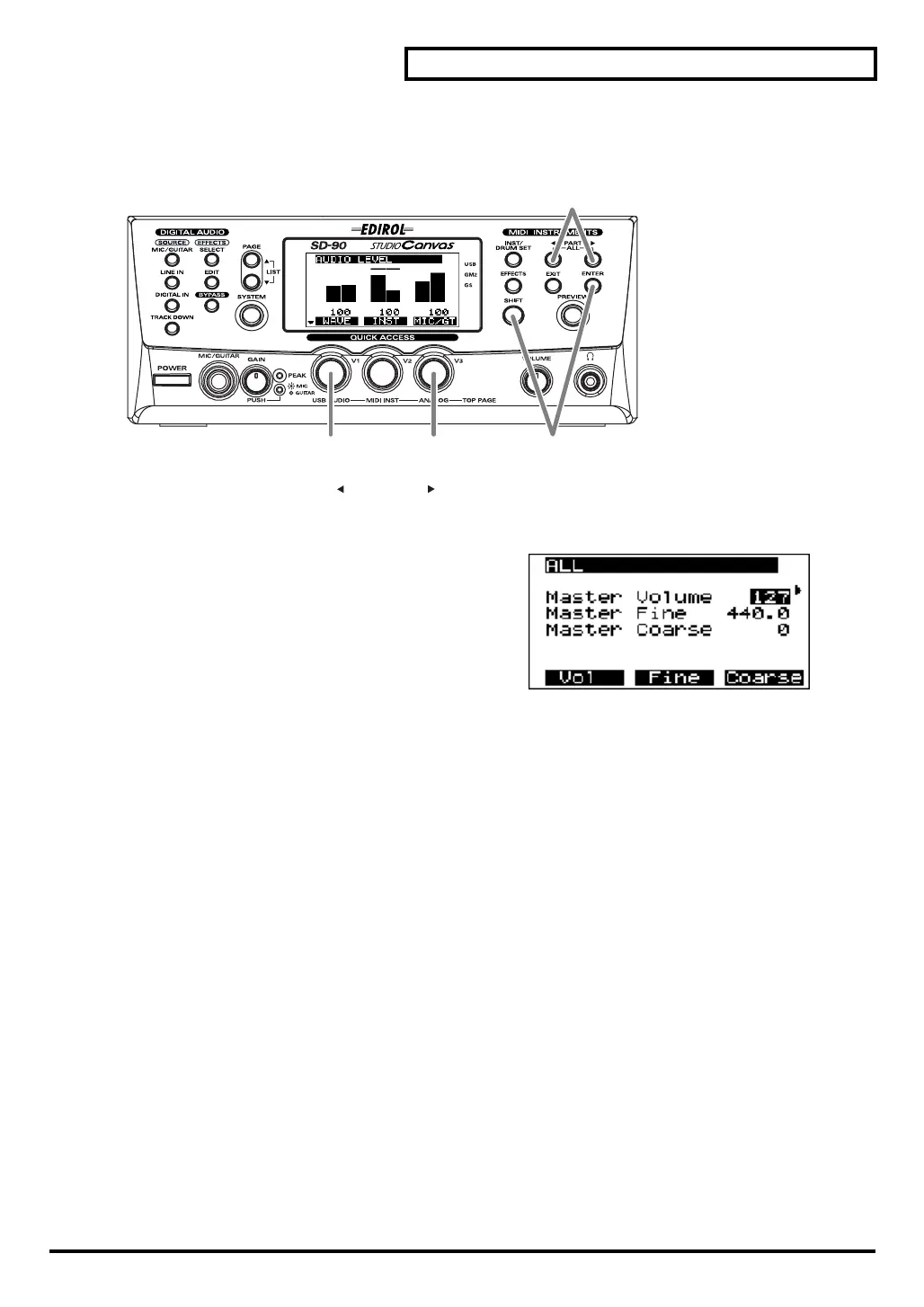
Editing parameters that are common to all parts
Here’s an example of how to edit parameters that are common to all parts.
fig.5-12
1.
Simultaneously press
[PART ]
and
[PART ]
. A screen will appear in which you can edit parameters for
all parts.
fig.5-12a_67.2
2.
Turn the [
V1]
knob to select the parameter that you
want to edit (e.g.,
Master Volume
).
3.
Turn the
[V3]
knob to adjust the value of the parameter
you selected in
step 2
.
4.
If you want to keep the results of your edit, hold down
[SHIFT]
and press
[ENTER]
after
step 3
. The
current setting will be transmitted from the USB connector (
"USB mode"
(p. 71)) or the
MIDI OUT
connector (
"MIDI mode"
(p. 71)).
4
1
32
sd90_manual_e.book 31 ページ 2004年10月4日 月曜日 午後3時28分



 To Next Page