23
Using the internal sound generator
Selecting the sound set
In GM2 mode you can choose one of four different sound sets. In Native mode you can choose one of six
different sound sets.
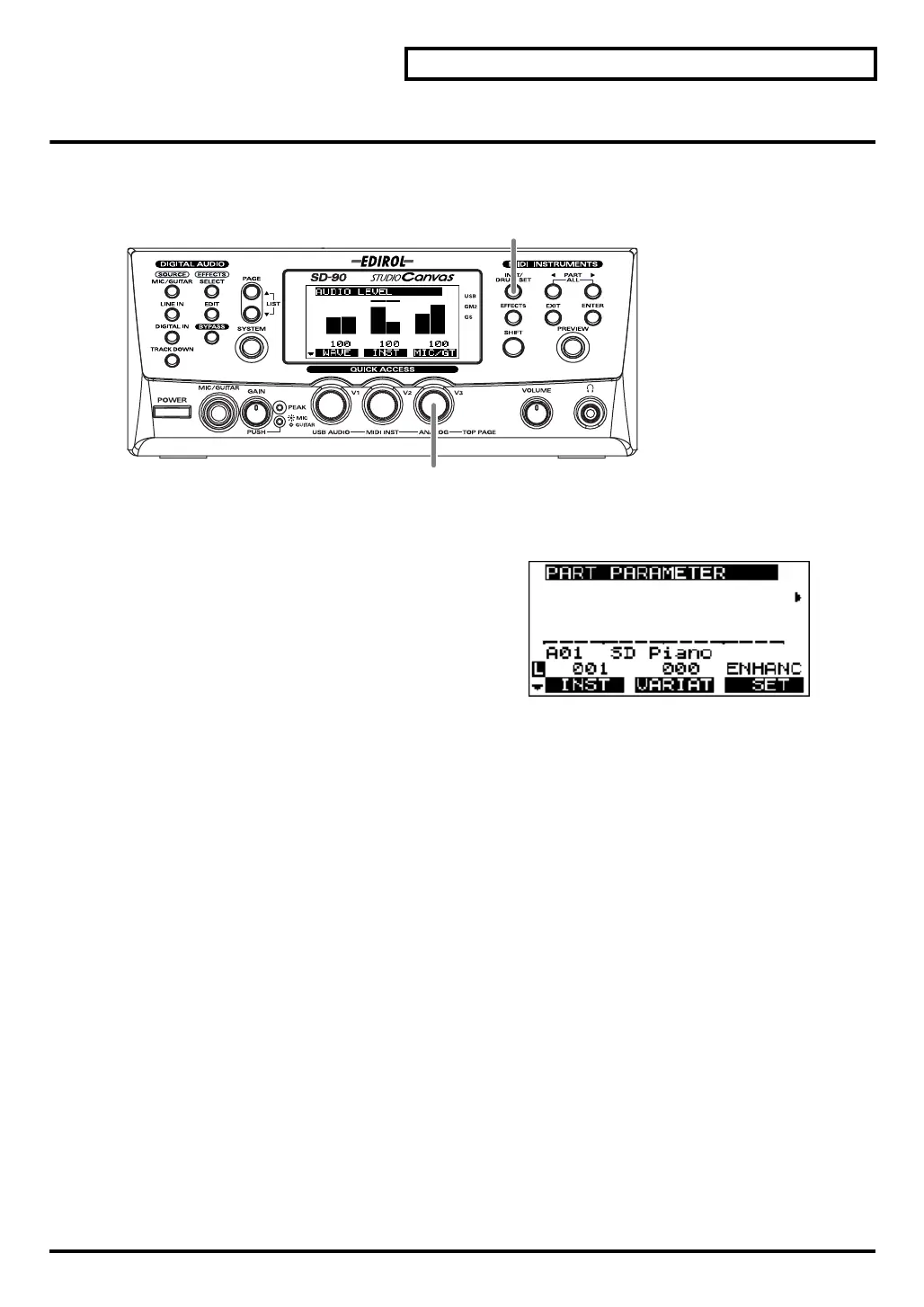
fig.5-05
1.
Press [INST/DRUM SET].
fig.5-05a_67.2
2.
Turn the [V3] knob to select the desired sound set.
CLASIC:
Classical
CONTEM:
Contemporary
SOLO:
Solo
ENHANC:
Enhanced
SP 1:
Special 1 (Native mode only)
SP 2:
Special 2 (Native mode only)
The sound set has now been selected.
3.
Press
[INST/DRUM SET]
once again to return to the main screen.
2
1, 3
sd90_manual_e.book 23 ページ 2004年10月4日 月曜日 午後3時28分



 To Next Page