32
Using the internal sound generator
About parameters that can be edited from the SD-90’s panel
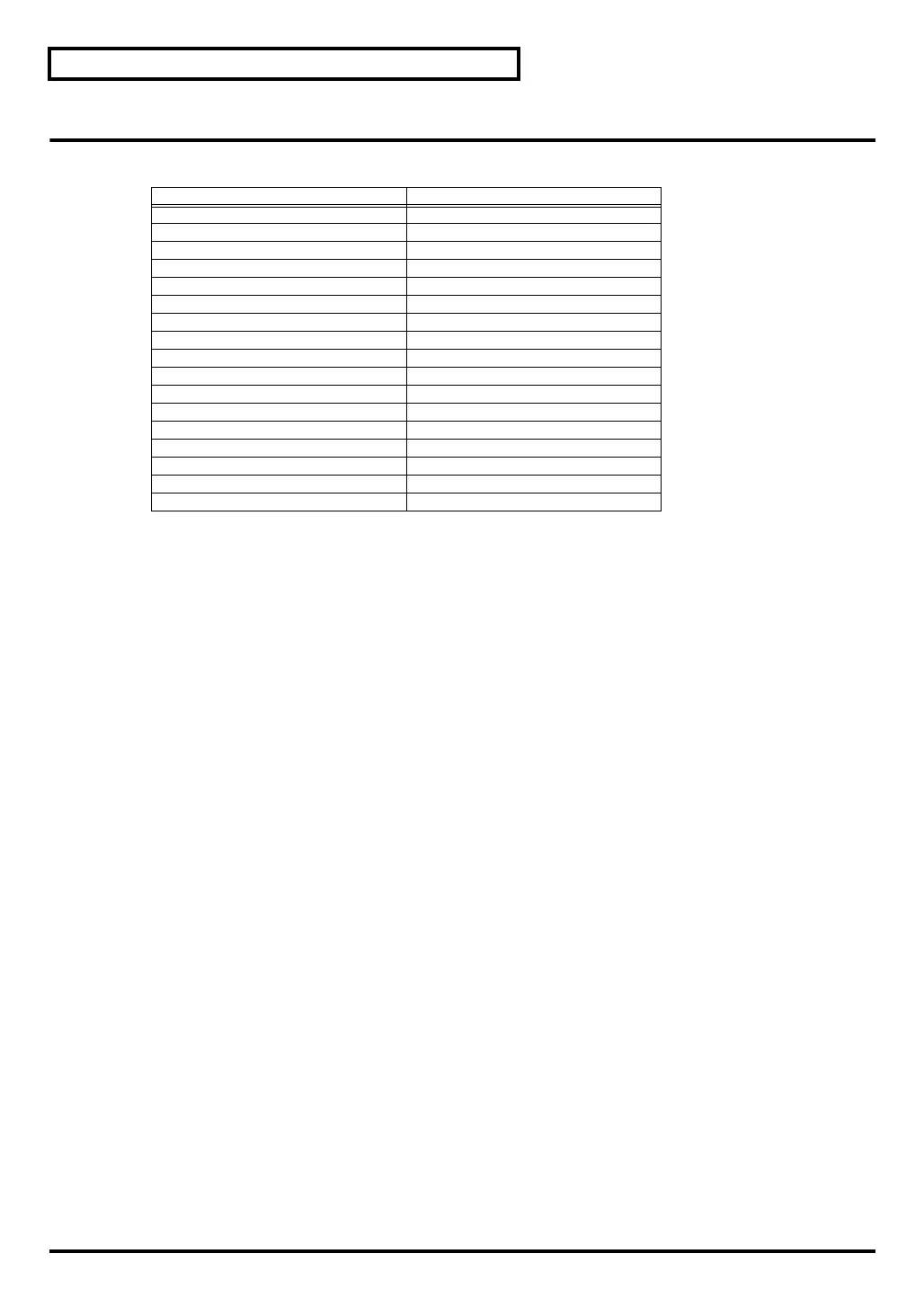
The following parameters can be edited from the panel in GM2 mode or Native mode.
On the SD-90, parameter values are specified for the Part. In other words, these parameters belong to the
part, and not to the sound (instrument). For example, if you set Vibrato Rate to +20 and then select a
different sound for that part, the Vibrato Rate of the newly selected sound will stay at +20, and will not be
the default setting of +/-0. Parts that belong to the Part in this way are called “
part parameters
.”
■
Part parameters (GM2 mode, Native mode)
INST/DRUM SET INST, DRUM
The part mode can be switched between Inst and Drum Set.
Select INST for parts that will play conventional instrumental sounds (Inst parts). Select DRUM for parts
that will play percussion or drum sounds (Drum parts). For a drum part, each different MIDI note
number will play a different sound (instrument), allowing you to play a variety of percussion instrument
sounds from a single part (
"Drum set list (GM2 / Native mode)"
(p. 139)).
Each part 1–16 can be set either as an Inst part (to play a conventional sound), or a Drum part (to play a
drum set).
Modulation Depth [cc#1] 0
–127
Specifies the depth of vibrato.
Volume [cc#7]
0–
100
–127
Adjusts the volume of each part. Increasing this value will make the sound louder. The overall volume of
the entire SD-90 is adjusted by the [VOLUME] knob. If the [VOLUME] knob is set to the minimum
position, there will be no sound even if you raise this level parameter.
Pan [cc#10]
L64–
0
–63R
Adjusts the pan (localization of the sound image; effective when stereo output is used) of the part.
* For some sounds, a small amount of sound may be heard from the opposite speaker even if this parameter is set to far
right or far left.
* In a drum set, the pan setting of each individual percussion sound is fixed. When you edit the pan setting of a drum
part, the overall panning of the entire drum set will change.
Parameter name Parameter name
INST/DRUM SET Modulation Depth
Channel Volume Pan
Portamento SW Portamento Time
Filter Resonance Brightness
Release Time Attack Time
Decay Time Vibrato Rate
Vibrato Depth Vibrato Delay
Reverb Send Level Chorus Send Level
Pitch Bend Sensitivity Fine Tune
Coarse Tune Mono/Poly Mode
Scale/Octave Tuning Adjust RX Channel
Legato SW Part Velocity Sens Offset
Part Keyboard Fade Width Lower Part Keyboard Range Lower
Part Keyboard Range Upper Part Keyboard Fade Width Upper
Part Dry Send Level Part Output MFXSelect
Part Output Assign Master Volume
Master Fine Tuning Master Coarse Tuning
sd90_manual_e.book 32 ページ 2004年10月4日 月曜日 午後3時28分



 To Next Page