49
Using the Audio Mixer
fig.7-1f)
3.
Turn the
[V2]
knob to select the analog input jack that
you want to use.
Analog In
Select either
Mic/Gtr
or
Line
.
Mic/Gtr:
MIC/GUITAR jack
Line:
Line jacks
4.
Press
[ENTER]
. The settings you made will be stored
in the SD-90.
* Do not turn off the power while the settings are being stored (while the display indicates “SAVING...”). Doing so
will result in the loss of all data stored within the SD-90.
5.
Press
[SYSTEM]
once again to return to the main screen.
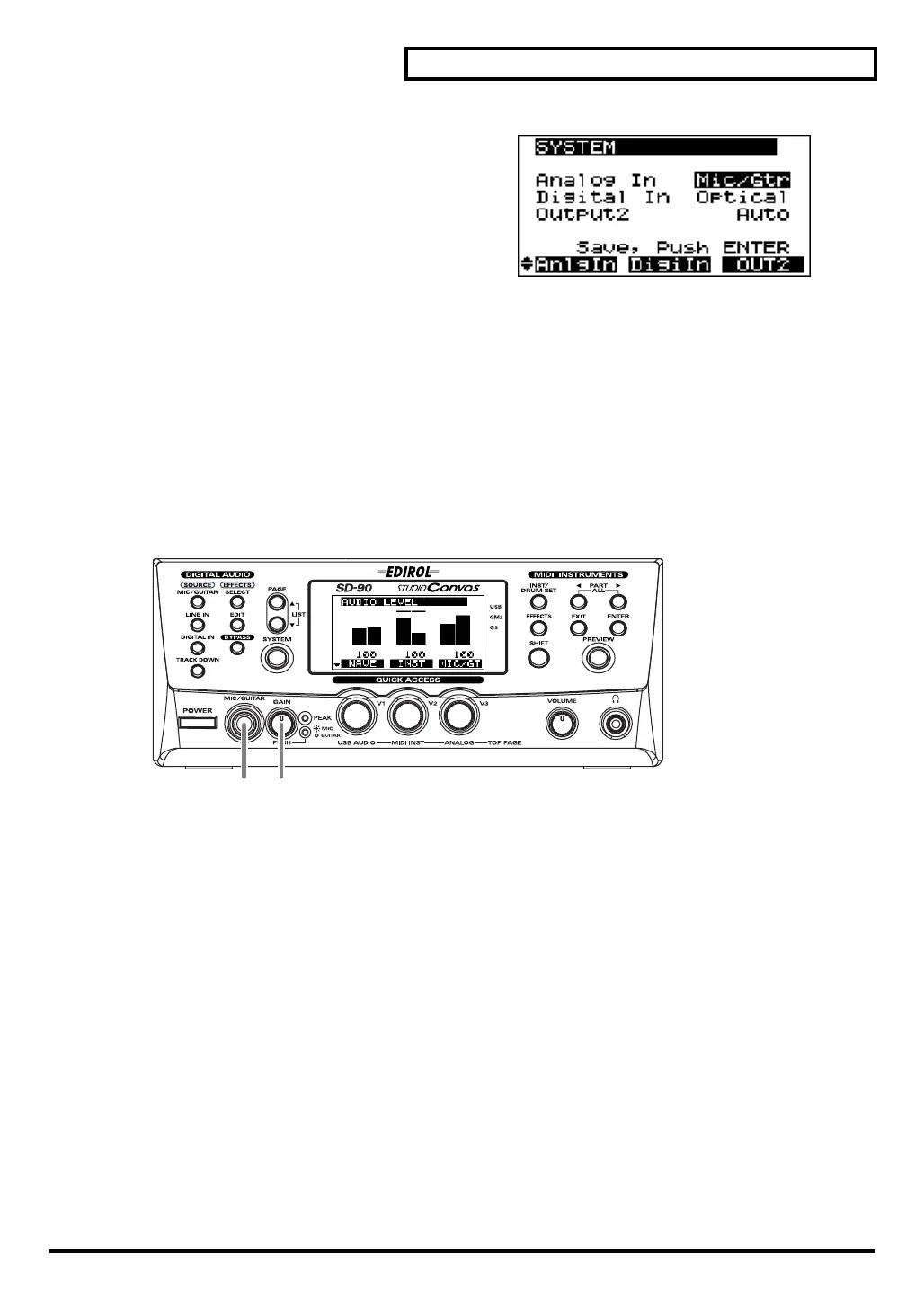
Connecting a mic/guitar
fig.3-02
1.
Turn the
GAIN
knob fully counterclockwise (minimum position).
2.
If you are connecting a mic, press the
GAIN
knob so that the
GAIN
indicator lights. If you are connecting a
guitar, press the
GAIN
knob so that the
GAIN
indicator goes dark.
* If the
GAIN
indicator is dark when a mic signal is being input, the audio from the mic will be too weak, since the
MIC/GUITAR
jack will be functioning as a guitar input.
3.
Connect your mic or guitar to the front panel
MIC/GUITAR
jack.
* The
MIC/GUITAR
jack is not compatible with the miniature mics (condenser mics) included with some computers
or sound cards.
* Depending on the location of the mic and speakers, you may hear acoustic feedback (a squealing or screeching
sound). If this occurs, take one or more of the following measures:
1. change the direction of the mic,
2. move the mic away from the speakers,
3. turn down the volume.
3 1, 2
sd90_manual_e.book 49 ページ 2004年10月4日 月曜日 午後3時28分



 To Next Page