EasyManua.ls Logo

Edirol Studio Canvas SD-90 - Page 56

Edirol Studio Canvas SD-90
164 pages
Print Icon
To Next Page IconTo Next Page
To Previous Page IconTo Previous Page
Loading...
56
Using the Audio Mixer
* Valid only for preset routing 05.
Knob Display (Name) Range Explanation Example screen
V1
INST Vol (instru-
ment volume)
0–
100
–127
Volume of the in-
ternal sound gen-
erator
V2
INST Send (in-
strument send
level)
OFF
, ON
Send level from
the internal sound
generator to the
effects*
V3
INST Mute (in-
strument mute)
0–
64
–127
Mute on/off for
internal sound
generator
List display
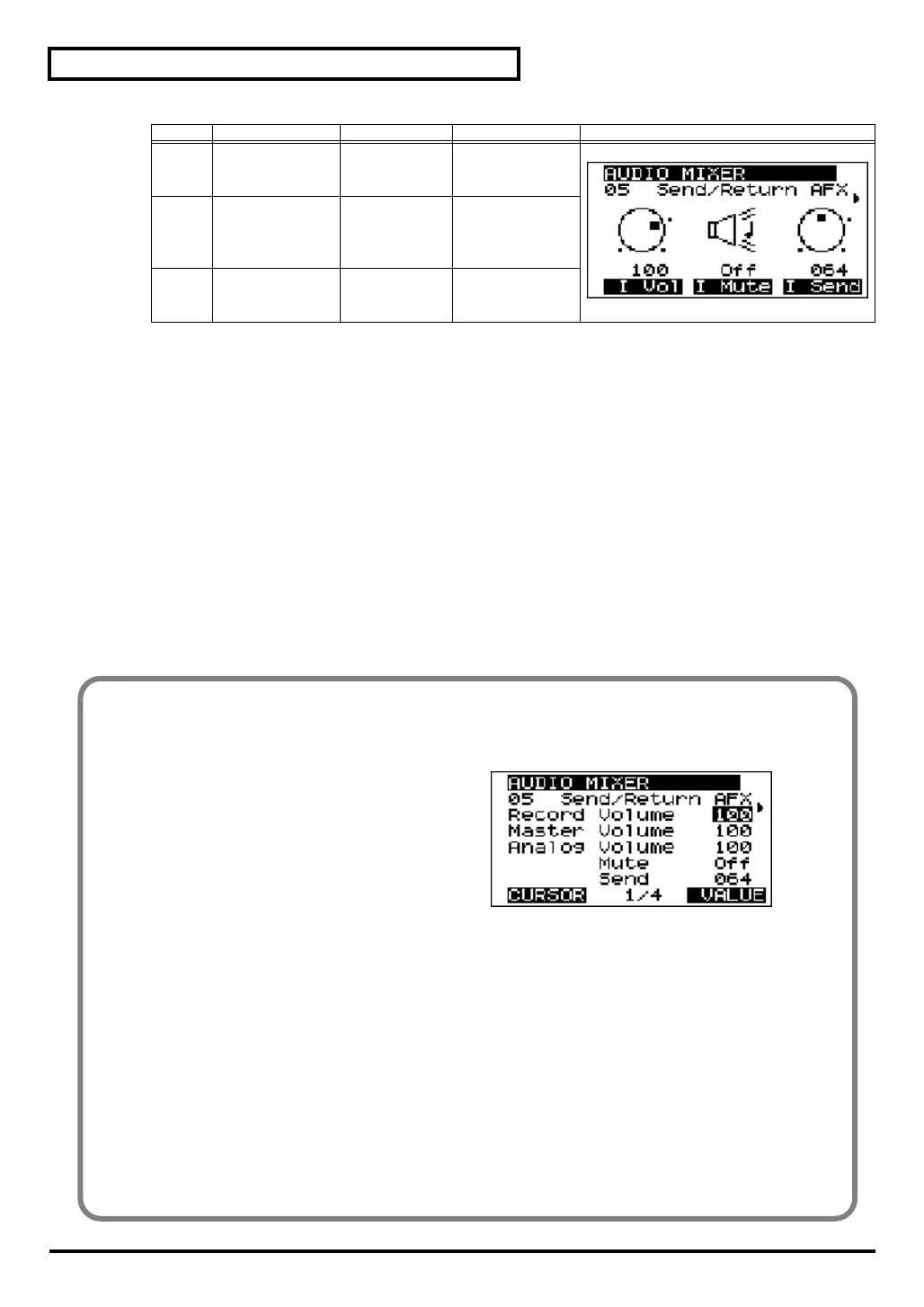
In the list, the parameters are shown in the following order.
fig.3-11
Record Volume
Master Volume
Analog Volume
Analog Mute
Analog Send Level *
Wave Volume
Wave Mute
Wave Send Level *
Digital Volume
Digital Mute
Digital Send Level *
Inst Volume
Inst Mute
Inst Send Level *
Rec Monitor Sw
Mixer Mute
* Only preset routing 05 is valid.
sd90_manual_e.book 56 ページ 2004年10月4日 月曜日 午後3時28分

Table of Contents

Other manuals for Edirol Studio Canvas SD-90

Related product manuals