81
Controlling the SD-90 via MIDI
Data: 00H = OFF (Normal part)
01H = Set1 (Drum1)
02H = Set2 (Drum2)
Switching the Part Mode in XGlite mode
Send a message that causes the sound generator to switch to XGlite mode (F0 43 10 4C 00 00 7E 00 F7), and
then use a Bank Select message to select the sound (
"Switching sounds"
(p. 82)).
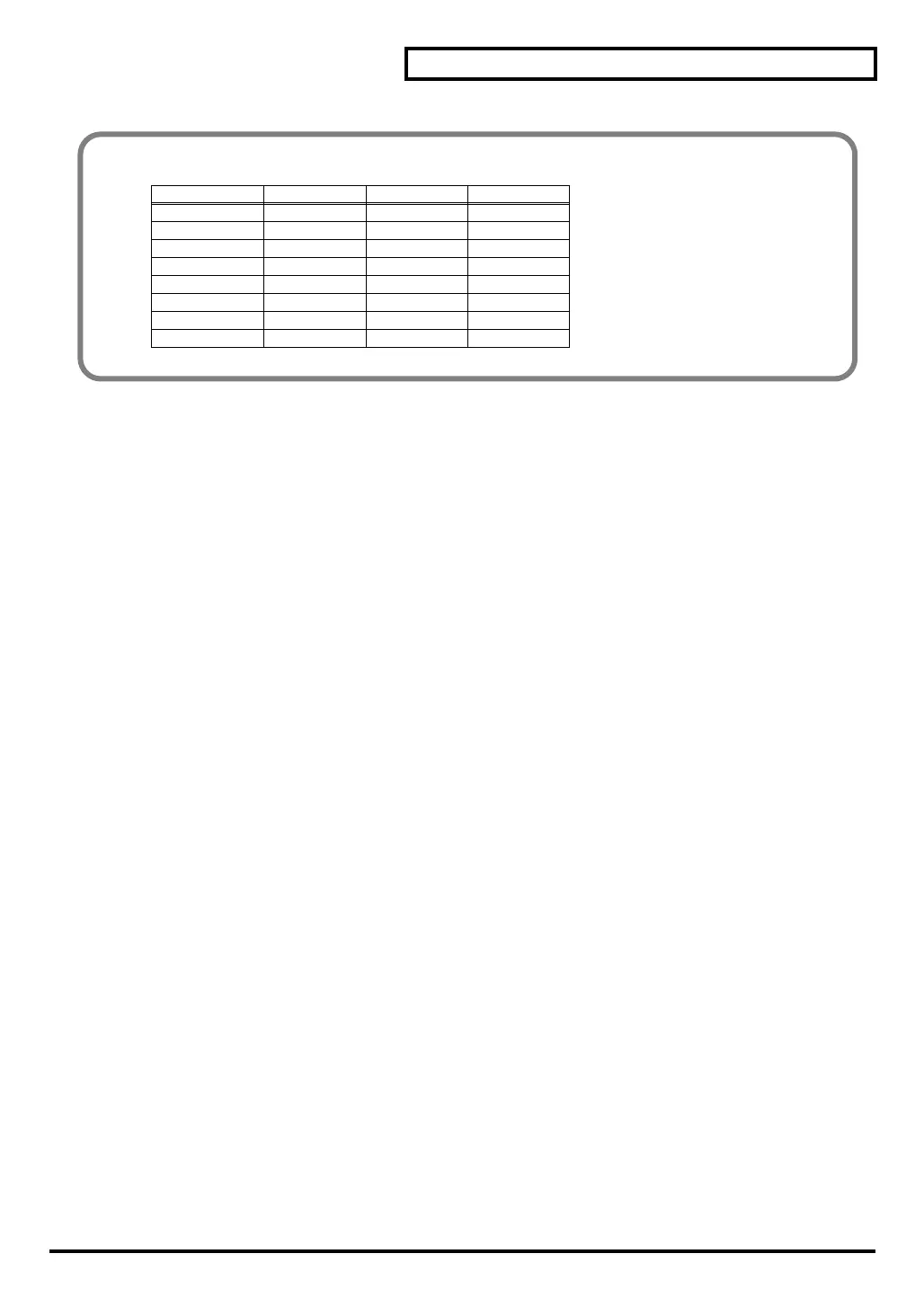
Correspondence between actual parts and part numbers in GS mode
Actual part Part number Actual part Part number
Part1 1 Part9 9
Part2 2 Part10 0
Part3 3 Part11 A
Part4 4 Part12 B
Part5 5 Part13 C
Part6 6 Part14 D
Part7 7 Part15 E
Part8 8 Part16 F
sd90_manual_e.book 81 ページ 2004年10月4日 月曜日 午後3時28分


 To Next Page
 Loading...


