86
Controlling the SD-90 via MIDI
Switching drum sets in Native mode
Transmit bank select LSB(CC#32) and program change (PC#).
* Bank select MSB (CC#0) is used to switch the Part Mode. Inst part and Drum part correspond to the following
numbers.
<Example> Specifying part 10 as a Classical set drum part (009: Room Set)
MIDI CH= 10
CC#00 104 ... specify as a Classical set drum part
CC#32 0 ... specify variation number 000
PC# 9 ... specify program change number 009
Switching drum sets in GS mode
In GS mode, part 10 is specified as a drum part (MIDI receive channel: 10). The note data in the rhythm
data you are playing must match the note numbers of the drum set you are using.
fig.4-11e
<Example> Switching the drum set
Transmit the following to set part 10 sound to 009: Room.
MIDI CH = 10
CC#00 000 ... specify variation number 000
CC#32 0
PC# 009 ... specify drum set number 009: Room
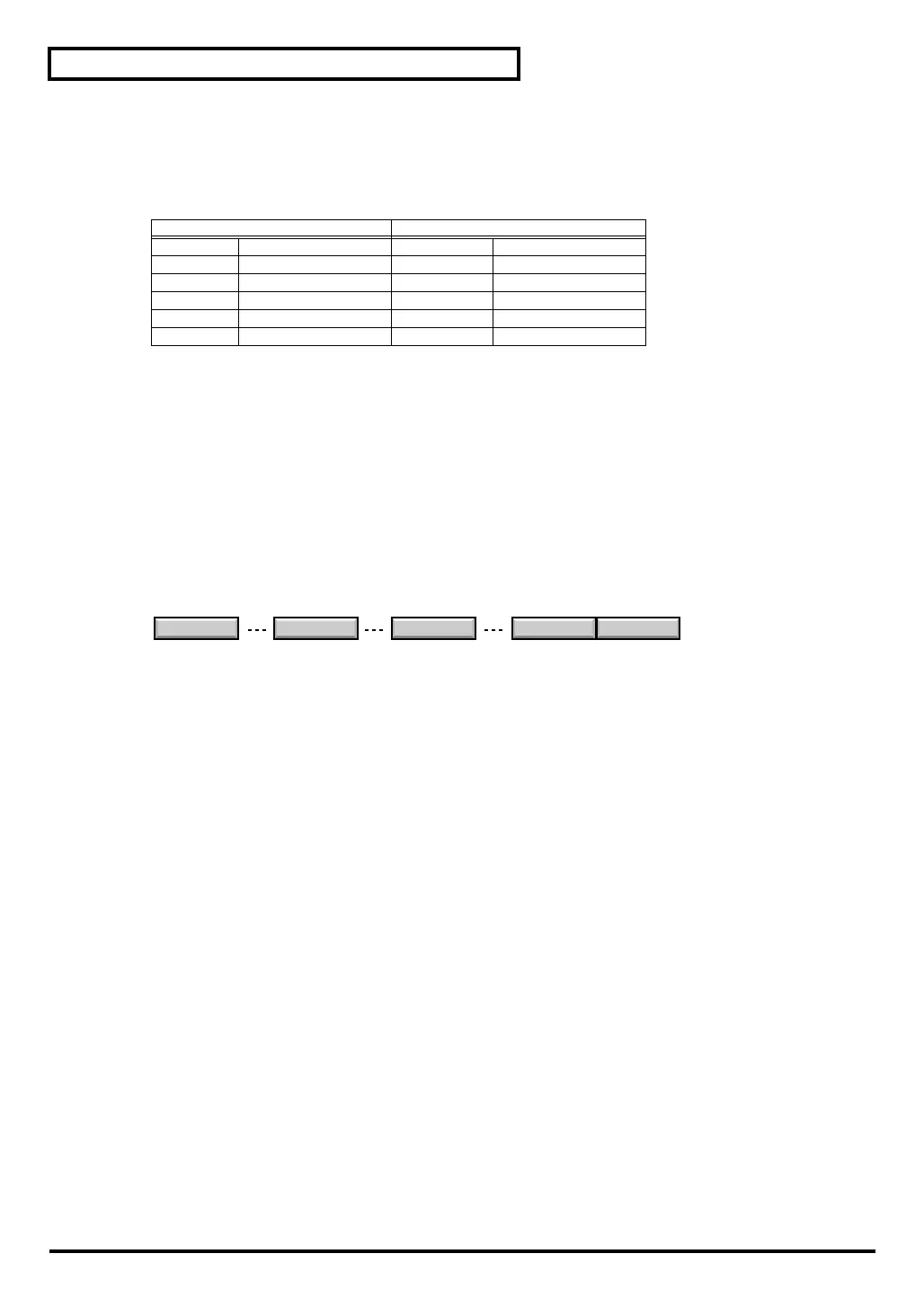
Inst part Drum part
80(50H) Special 1 set — —
81(51H) Special 2 set — —
96(60H) Classical set 104(60H) Classical set
97(61H) Contemporary set 105(61H) Contemporary set
98(62H) Solo set 106(62H) Solo set
99(63H) Enhanced set 107(63H) Enhanced set
STANDARD 1 ROOM TR-808 User Set User Set
001
009 026 065 066
Drum Set name and Drum Set number (Program number)
sd90_manual_e.book 86 ページ 2004年10月4日 月曜日 午後3時28分



 To Next Page