44
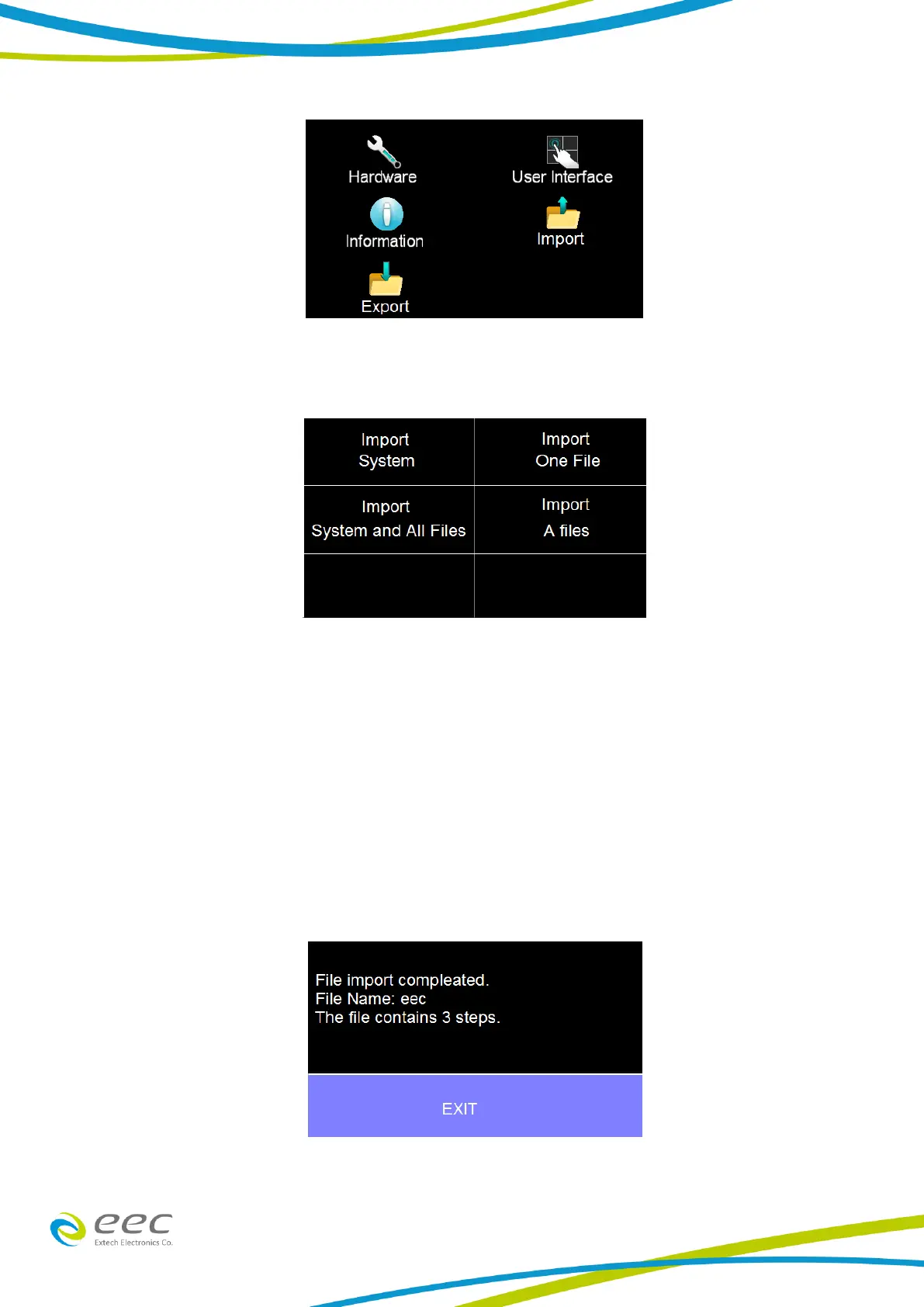
Import Select the Import icon and the following screen will appear:
There are four different Import options available. All the options will import the appropriate files
from the connected USB disk:
System – Import System file
One File – Import a single Test file
System and All Files – Import System and all Test files
All Files – Import all Test files
For example if you decide to import a single test file select Import One File and all the test files
that are on the USB disk will be displayed. Select the test file that needs to be imported and the
screen will display the import progress and once the import is complete the following confirmation
screen will appear:
If there is no Test file to import the following warning message will appear on the screen:



 To Next Page