61
4.7.5 Continuity (Opt.7002)
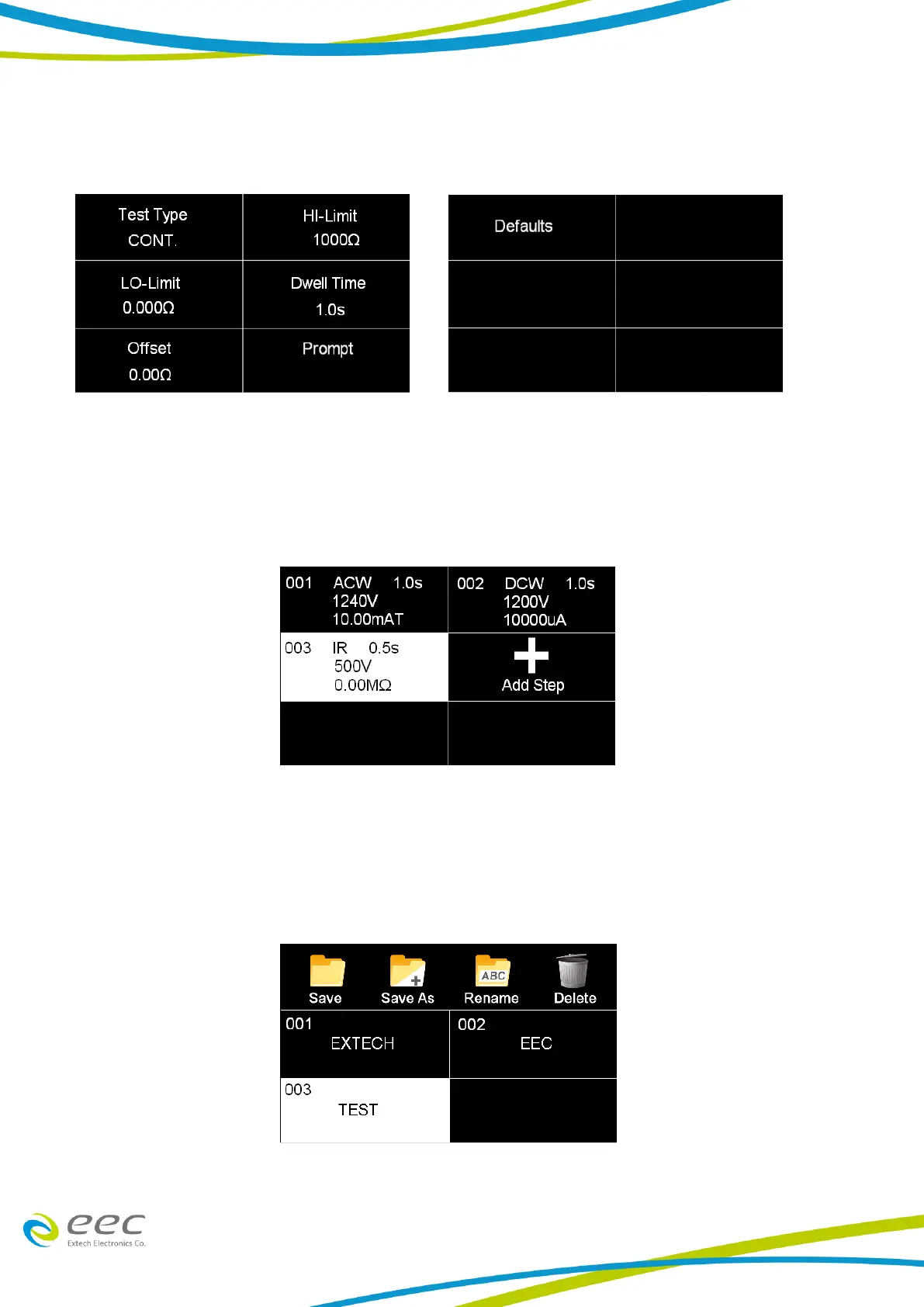
Select Continuity for the test type and use the enter key (↵) to save the Test Type and move to the
next test parameter:
4.7.6 View Test Files
Once all tests have been programmed and saved, navigate to the Main Menu. Select the Setup
Tests icon and select the test file that was previously created. The screen should display all tests
that have been programmed in this test file.
For example:
4.7.7 Edit Test Files
Once multiple test files have been programmed and saved the user can edit these files from the
Setup Test menu. From the main menu select Setup Test.



 To Next Page