52
4.5.5 IR FAILCHEK
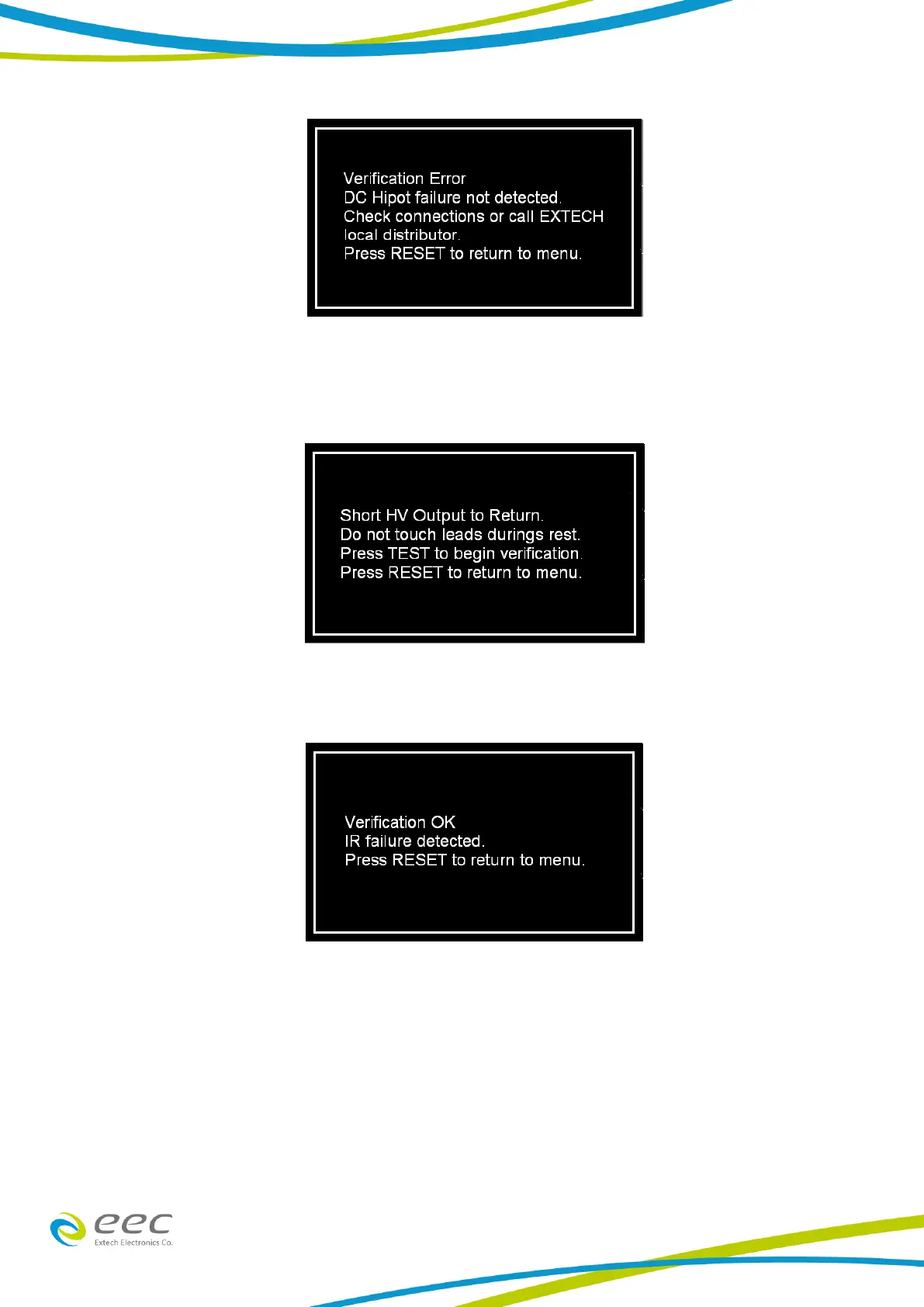
To perform an IR FAILCHEK, touch the IR icon and the following screen will appear:
Follow the instructions on the screen. Press the Test button on the front panel of the instrument
to start the test. If the FAILCHEK test passes, the following screen will appear:
If the FAILCHEK test fails, the following screen will appear:



 To Next Page