48
NOTE: whenever a user’s security level is Run
Only, you may only start at test step 1.
Once a user has been successfully added the User Setup screen will display the newly added user.
From this screen the user settings can be edited:
4.5 FAILCHEK
FAILCHEK is the process by which an instrument’s failure detectors are proven to be functioning
properly. Checking the failure detection circuitry of the electrical safety tester is required by safety
agencies such as CSA, UL, and TÜ V.
NOTE: this process should be performed at the beginning of each day or each shift, before
testing has begun.
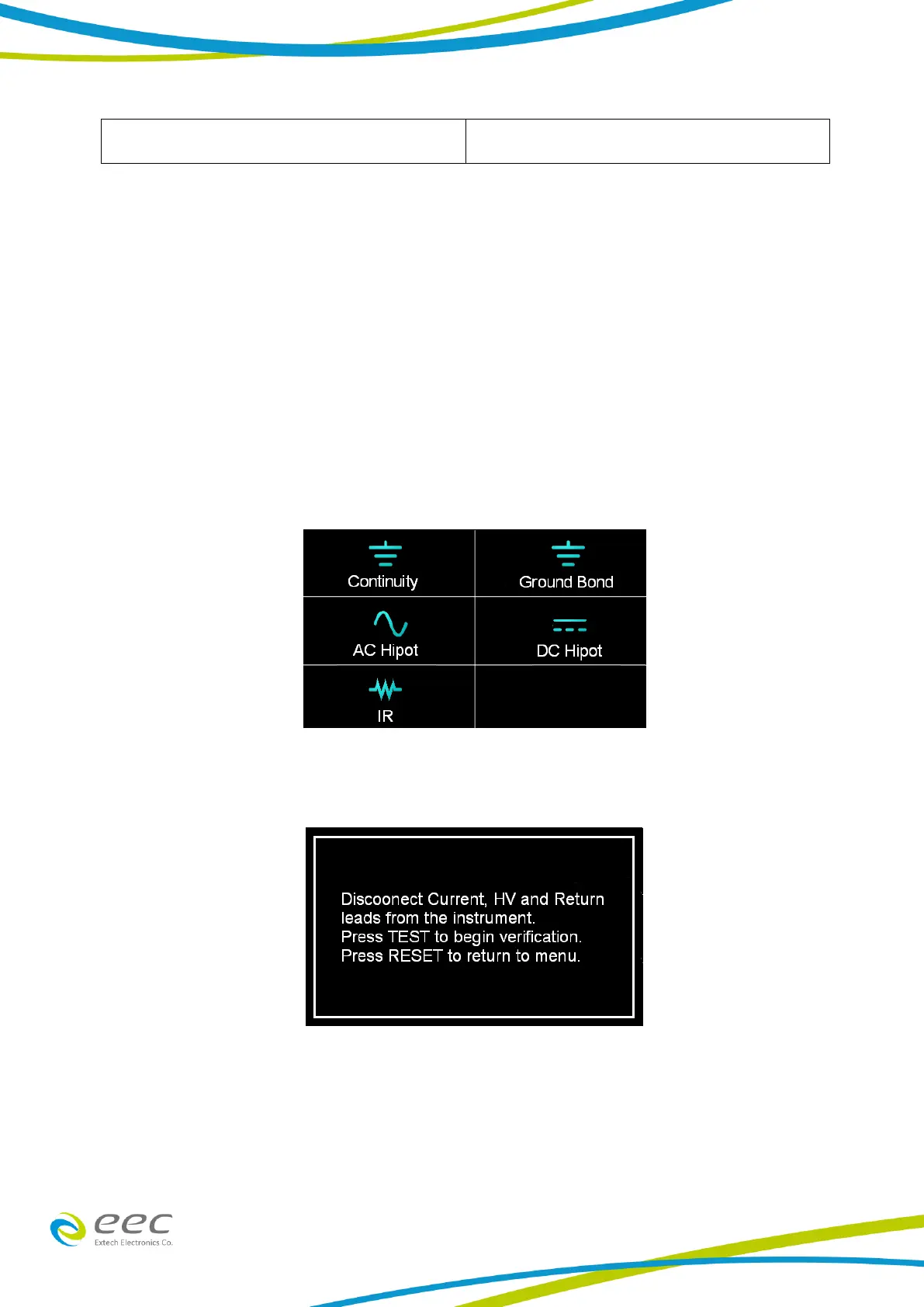
Select the FAILCHEK icon from the main menu and the following screen will appear:
4.5.1 Continuity FAILCHEK (Opt.7002 , Opt.7006)
To perform Continuity FAILCHEK, touch the Continuity icon and the following screen will appear:
Follow the instructions on the screen. Press the Test button on the front panel of the instrument
to start the test. If the FAILCHEK test passes, the following screen will appear:



 To Next Page