47
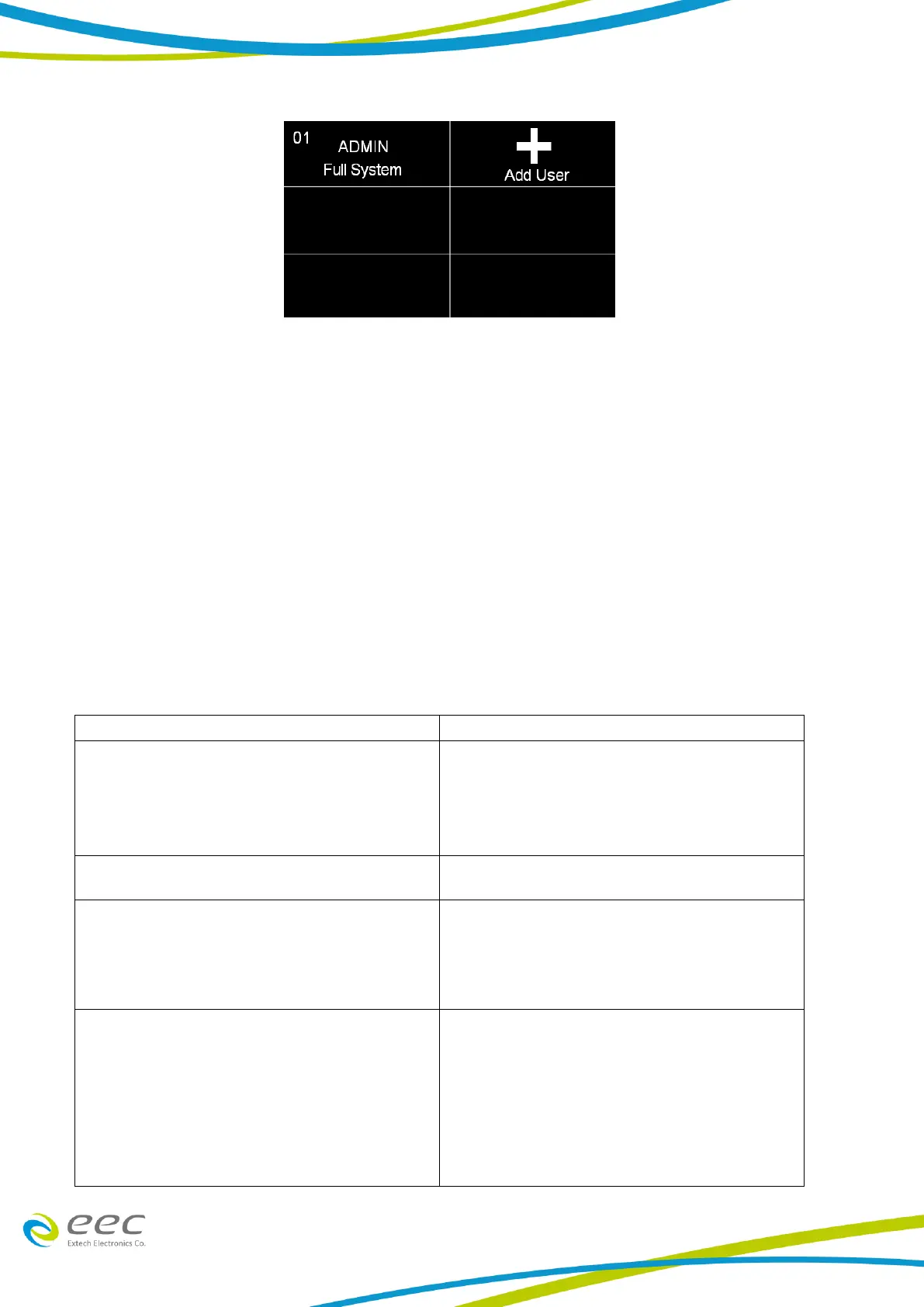
1. To add a user, select the Add User icon and the following screen will appear where an alpha-
numerical user ID can be entered and saved.
2. After the User ID is entered, the next screen will ask for entering a Password for the newly
added User ID.
3. Using the numeric keypad enter a password for the newly created User ID. After the password
is entered another screen will appear to confirm the Password.
Once the Password is confirmed the next screen will display the Security Level options for the
newly added User ID. Use the touch screen display to select between Run Only, Recall Setup, Edit
Setup or Full System
The security level descriptions are as follows:
In this mode the user has full access level to
all instrument setup parameters as well as
system configuration and security levels.
Access at this level should be restricted to
System Administrators
In this mode the user can load files and edit
test parameters.
This mode allows the user to load previously
configured test files but it does not allow any
editing of the parameters. In this mode the
user is restricted from access to the "Setup Test
Parameters" screen.
This is the most restricted mode of user access.
The user can only initiate a test, reset a failure
or abort a test from the Perform Tests screen.
NOTE: whenever a user’s security level is Run
Only, “Single Step” and “Fail Stop” soft keys will
be disabled at the Perform Test screen.



 To Next Page