46
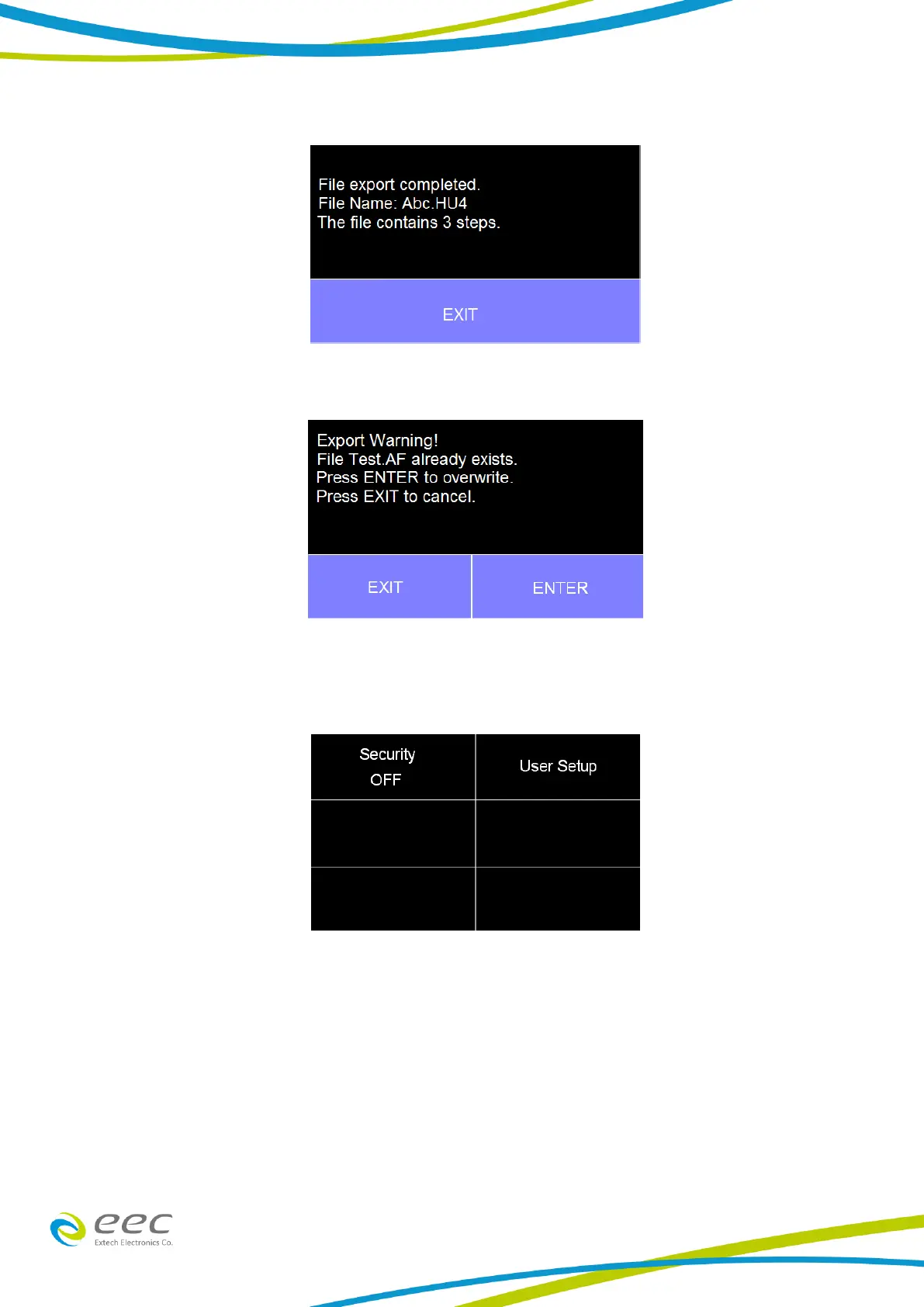
following confirmation screen will appear:
If the Test file with the same name already exists on the USB disk the following message will
appear:
4.4 SECURITY
From the Main Menu select Security and the following screen will appear:
The first option under Security allows the user to set Security to ON or OFF. Select Security using
the touchscreen keypad and choose between ON or OFF.
The next option under security is User Setup where multiple users can be added and assigned
different privileges. To add a user select User Setup from the Security screen and the following
screen will appear:



 To Next Page