66
6. Results Screens
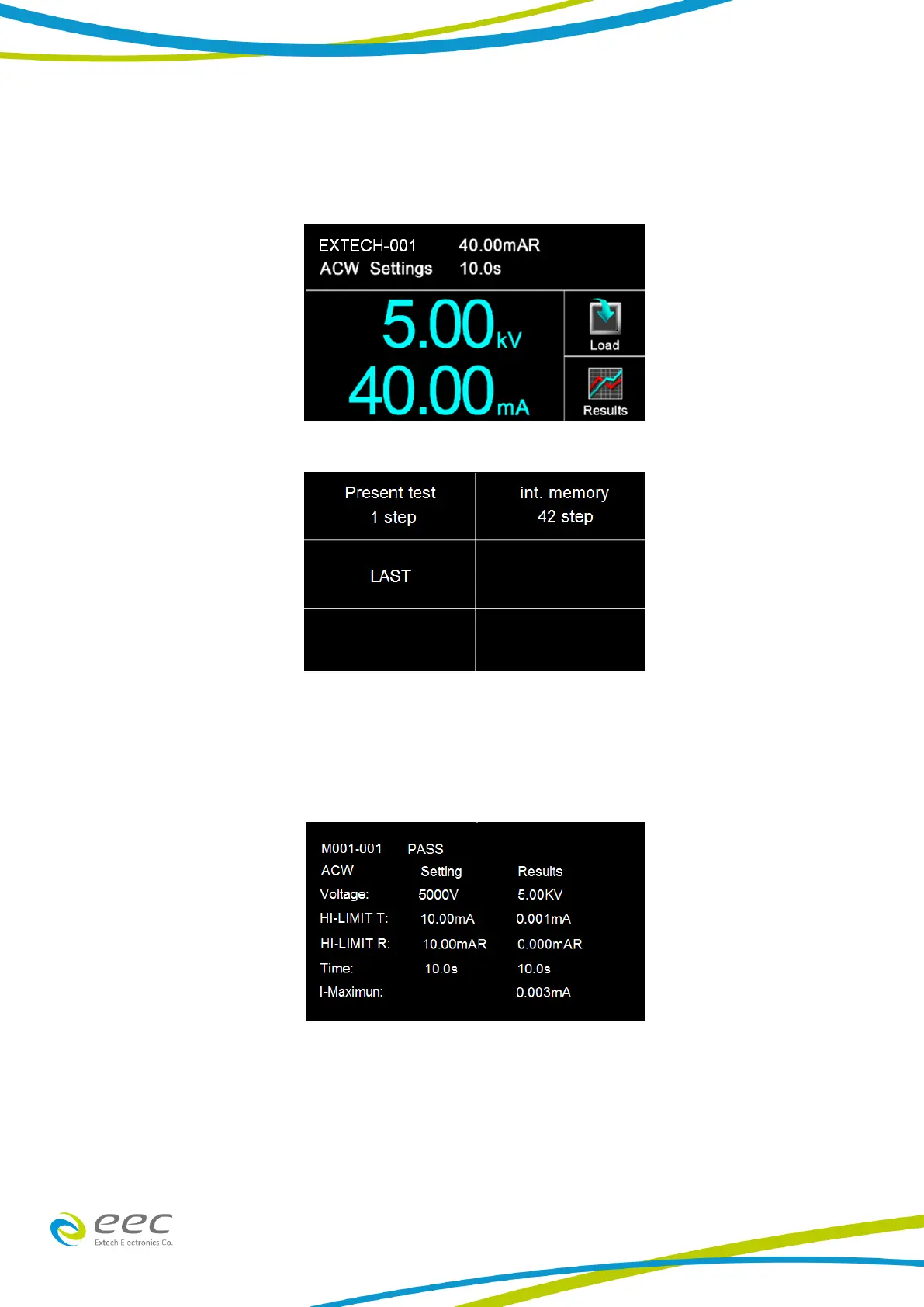
After a test has completed the Results icon will be available on the screen. For example:
Select the Results icon to enter the results screen. The Results screen will appear as follows:
The Results screen allows you to view the results of the last test step the instrument performed
and the results of the previously performed tests. Select Present Test to view test results from the
current test sequence that was executed. Select any test step to view more details regarding the
test:
Select Int. Memory to view all the test results stored on the internal memory of the instrument.
Scroll down to view all the test results:



 To Next Page