28
4. Programming Instructions
4.1 Using the Touch Screen
The touch screen display of the SE provides full control of the instrument. The touch screen will be
used to setup system and test parameters as well as security setup and calibration. SE’s touch
screen functions just like any other touch screen.
Soft Keys
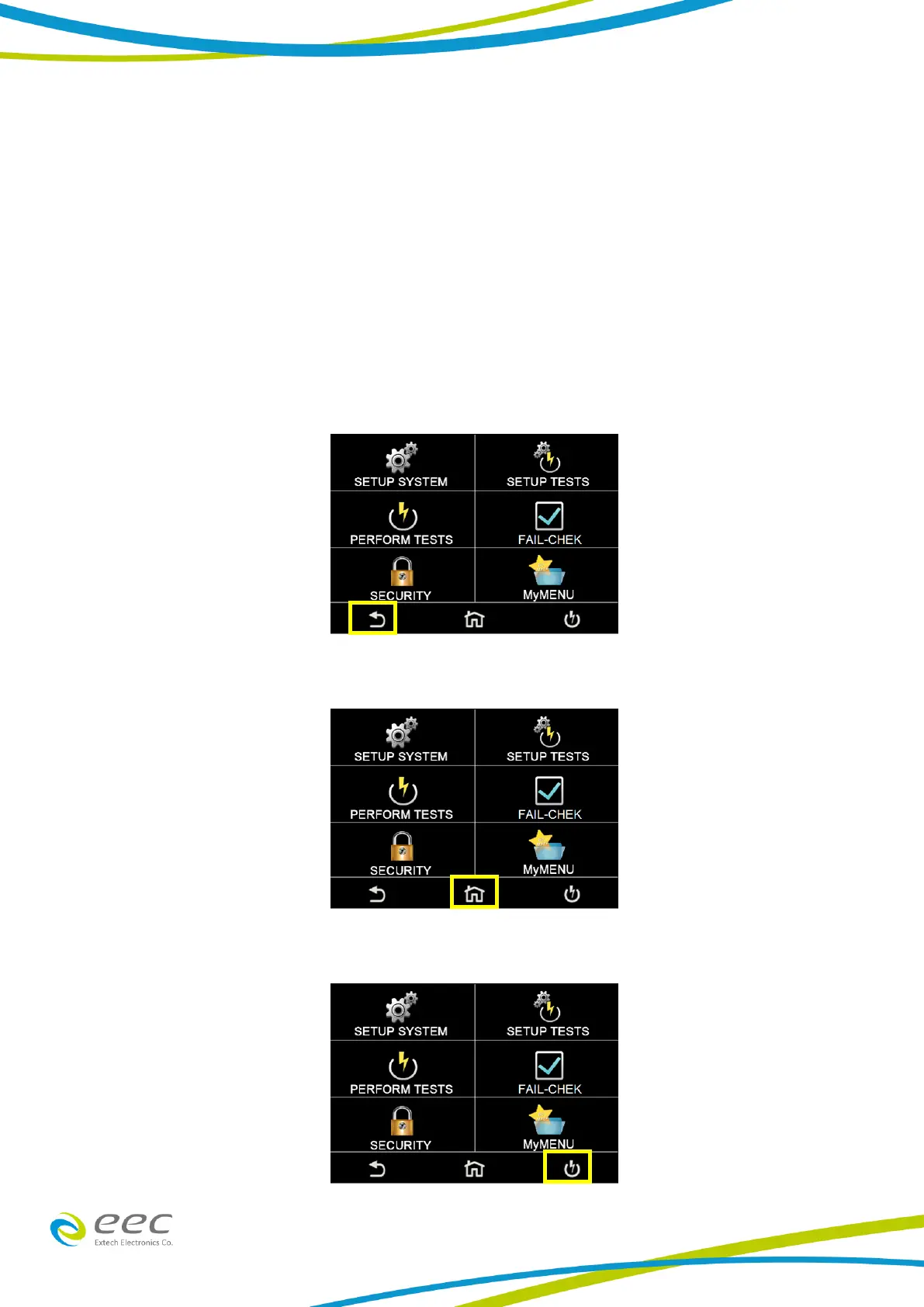
The SE touch screen has 3 soft keys: Back, Home and Perform Tests.
Use the Back key to return to a previous menu:
Use the Home key to return to the Main Menu:
Use the Perform Tests key to navigate to the Perform Tests screen:



 To Next Page