62
4.8 PERFORM TESTS
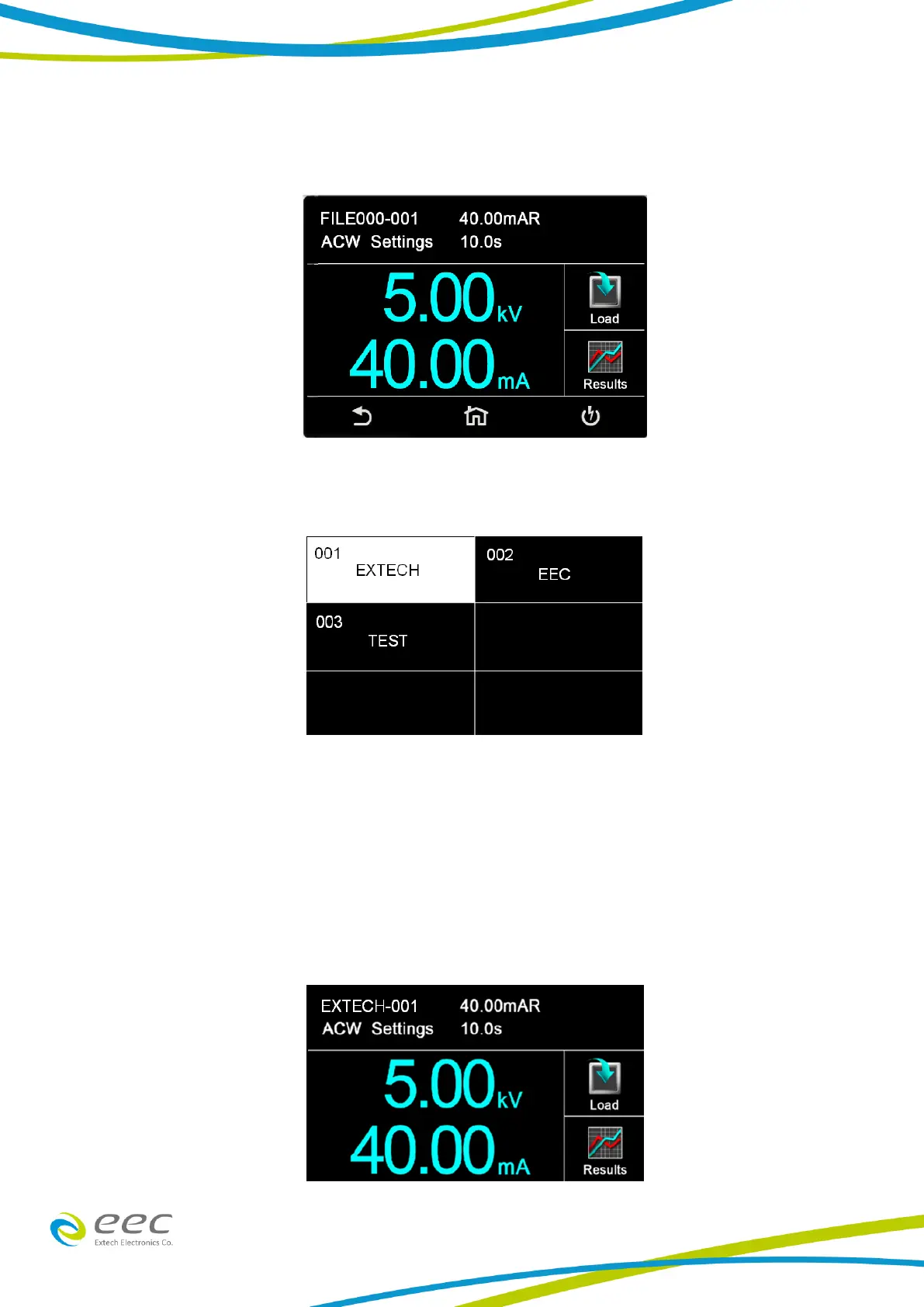
From the main menu select the Perform Test icon and the following screen will appear:
This screen will display the first test that was saved in the test file. If there are multiple test files
saved in the instrument select the Load icon and all the test files will be displayed:
The user can select the desired test file and the first test step in the selected test file will be
displayed.
Meters
The Perform Test screen of the SE has several different meters depending on the type of test being
performed. These meters can be arranged as desired by the user and can also be tied to the user
security setup. The drag and drop feature of the instrument allows the user to set large and small
meters. For example the following screenshot shows the Perform Test screen of the ACW test:
In the image above, the two large meters display the ACW test voltage and the Hi Limit Total. The



 To Next Page