AutoCal V3 User Guide
support@efilive.com - 14 - www.efilive.com
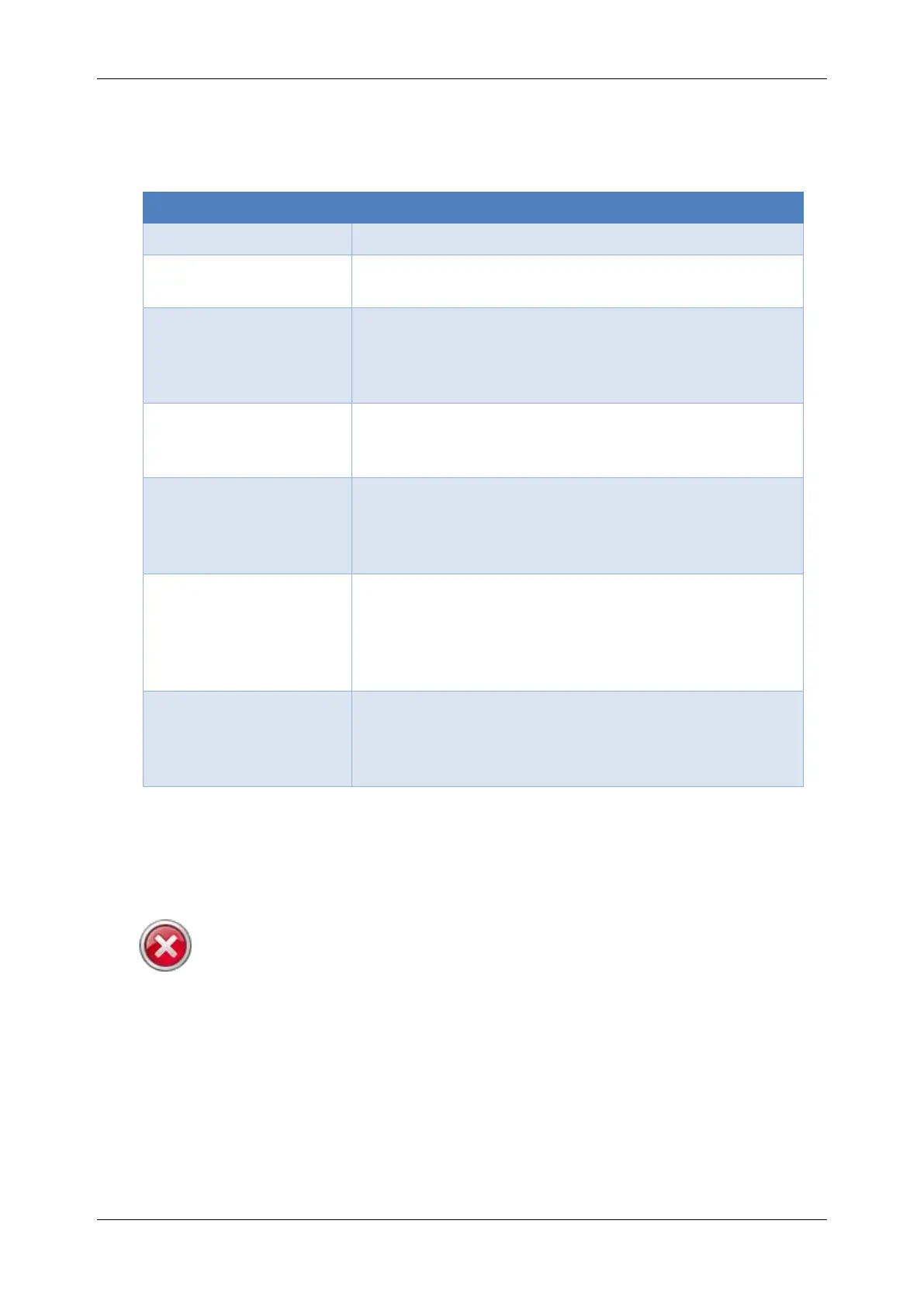
AutoCal Folder Structure
The AutoCal folder structure is designed to accommodate different groups of files.
The menu options you select on your keypad will reference files in these specific
folder locations. The function of each folder is described below:
Contains configuration files copied to AutoCal V3
to support controller read and flash functions.
Contains custom menu configuration files. Where
a custom menu is installed on AutoCal V3,
standard menu configuration files are also copied
here.
Contains files created by the Record Data
operation. Files in this folder will typically be
provided to your tuner to refine your calibrations.
Contains files created by the Save Trace File
operation. Files in this folder will typically be
provided to EFILive to assist with support
requests.
Contains calibration files which can be
programmed using the [Program Cal] and
[Program Full] tuning options. This is where
calibrations from your tuner must reside in order
to be available to program your vehicle.
Contains calibration files which you have read
from your vehicle controller(s) with the [Read
Tune] option. This is where calibrations you will
send to your tuner will reside.
Custom folders can be created, refer to USB Thumb drive for instructions.
Tunes placed in custom folders will be accessible using the standard AutoCal
menu, or where tunes are correctly mapped using AutoCal Custom menu.
Communicating with AutoCal V3
Please avoid rapid connection/disconnection of AutoCal V3's USB
cable. Doing so repeatedly may cause the AutoCal V3 to fail to power
up via the USB connection. If AutoCal V3 does not power up within
10 seconds of a USB connection, you can reset AutoCal V3 by
powering up FlashScan V3 via the OBDII connection.
There are several methods available to move data to/from your AutoCal device.
The method used will depend on what data needs to be moved and how the tuner
chooses to manage content. Your tuner will provide instructions on how to
manage data.



 To Next Page