AutoCal V3 User Guide
support@efilive.com - 18 - www.efilive.com
AutoCal V3 Menu Navigation
AutoCal V3 supports two menu structures; the EFILive standard menu and the
user defined menu. Where a used defined menu is not installed, the EFILive
standard menu will be displayed.
User Defined Menu Structure
Tuners can customize the AutoCal V3 menu structure to suit their business
allowing the Tuner to define what options they wish their custom to see.
The User Defined menu is managed via text file that is defined in the
\Documents\EFILive\V8\User Defined Menus\ SampleCustomMenu.txt file. A
working example is also provided.
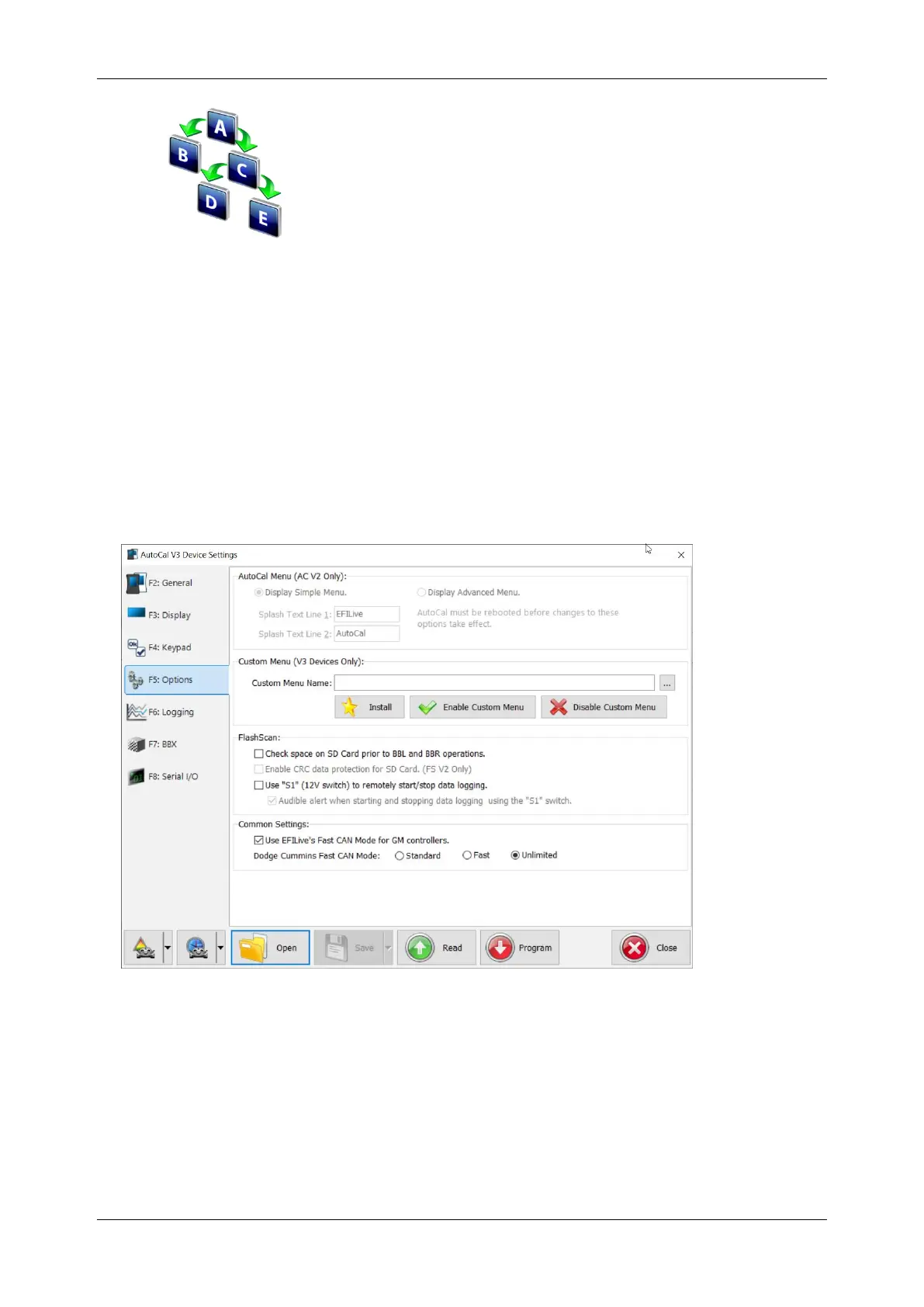
Custom menus can be installed/removed using the [F6 Devices]->[F5: Options]
screen.
[Install] will compile the named *.txt file to the mainmenu.menu custom file and
copy that file onto the device. At the same time it will remove the file
mainmenu.disabled from the device (if it exists).
[Disable Custom Menu] will rename the mainmenu.menu file to
mainmenu.disabled and save a copy of the mainmenu.disabled to
\Documents\EFILive\V8\User Defined Menus\mainmenu.disabled.
[Enable Custom Menu] will attempt to locate the file named mainmenu.disabled
on the device, if it can't find it on the device then it will try to locate it on the PC in
the folder \Documents\EFILive\V8\User Defined Menus and copy that file to the



 To Next Page