AutoCal V3 User Guide
support@efilive.com - 20 - www.efilive.com
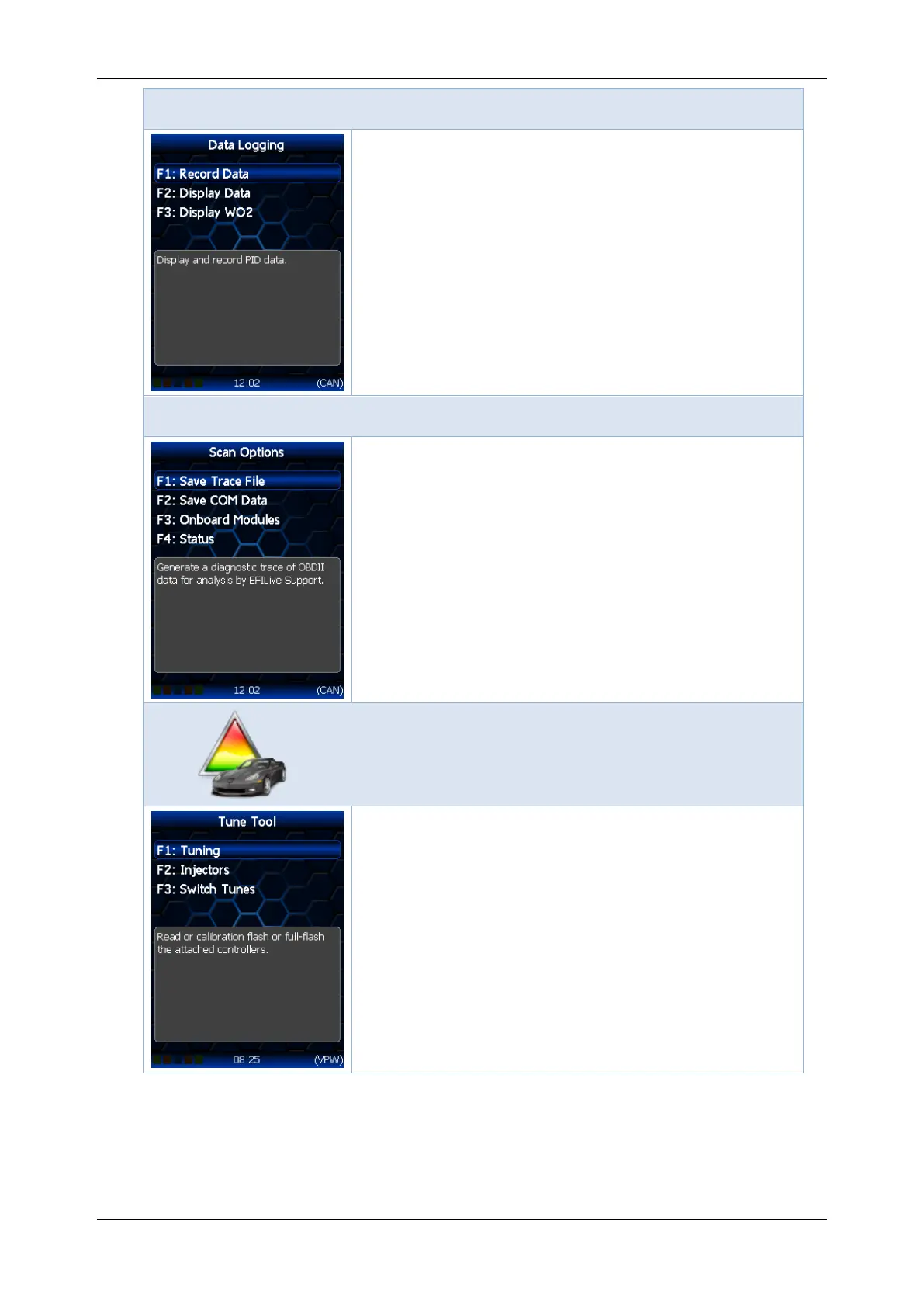
Scan Tool -> [F2: Data Logging] menu
F1: Record Data; Display and record PID data.
F2: Display Data; Displays but do not record the
PID data to the FlashScan V3 screen.
F3: Display WO2; Display wide band O2 values
from wide band controller(s) connected to the
serial port.
Scan Tool -> [F3: Scan Options] menu
F1: Save Trace File; Generate a diagnostic trace
of OBDII data for analysis by EFILive Support.
F2: Save COM Data; Generate a diagnostic trace
of RS232 and CAN peripheral data for analysis by
EFILive Support.
F3: Onboard Modules; Displays a list of detected
electronic modules in the vehicle.
F4: Status: Displays a dynamic list of real time
data detected by this device.
F1: Tuning; opens the Tuning menu to read
and/or re-program the vehicle’s controller.
F2: Injectors; opens the Injectors menu to read or
reprogram injector data.
F3: Switch Tunes; Switch between custom tunes.



 To Next Page