AutoCal V3 User Guide
support@efilive.com - 28 - www.efilive.com
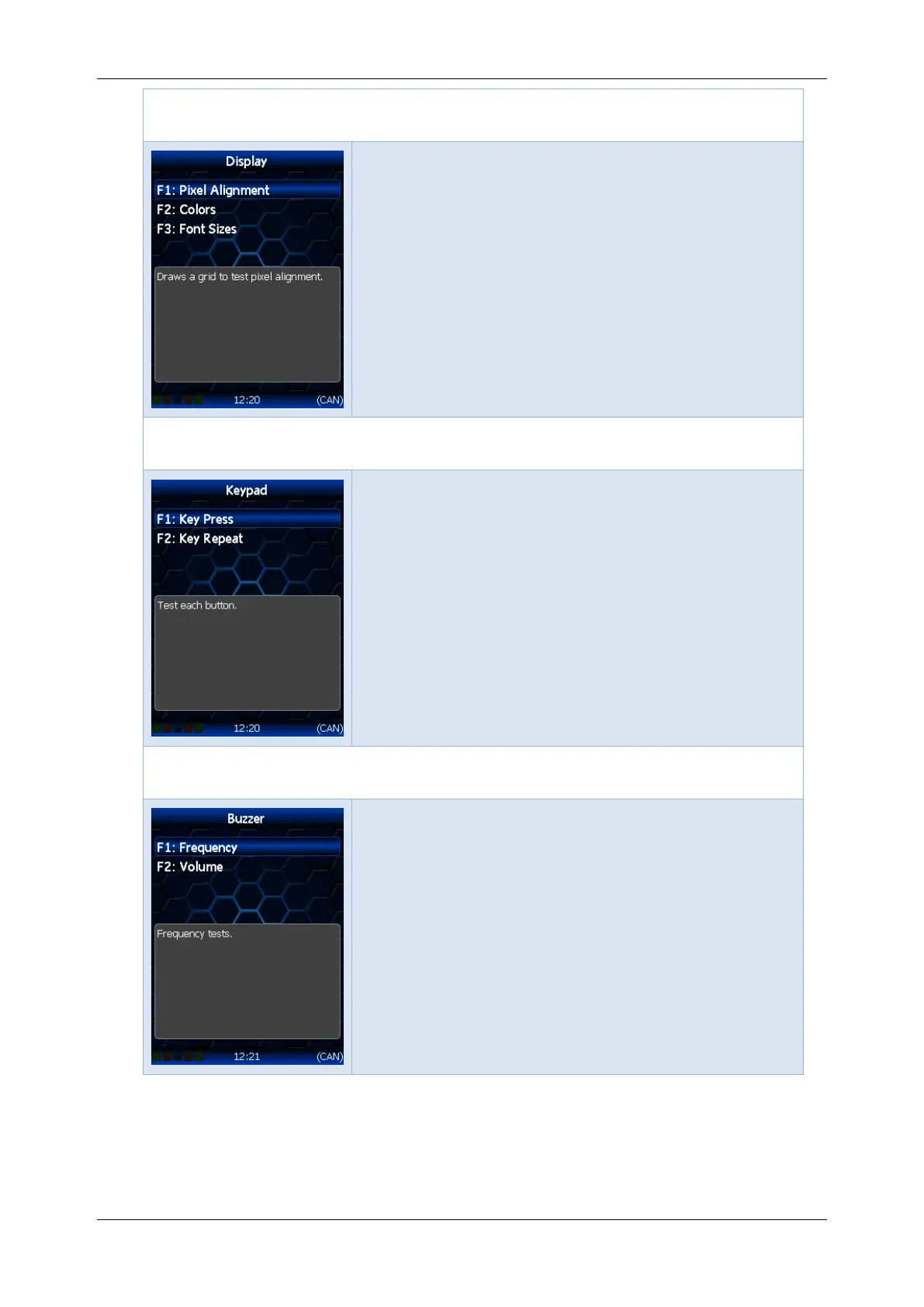
Options -> [F4: Self Tests] -> [F1: User Interface] -> [F1:
Display] menu
F1: Pixel Alignment; Draws a grid to test pixel
alignment.
F2: Colors; Display color test patterns.
F3: Font Sizes; Display available font sizes.
Options -> [F4: Self Tests] -> [F1: User Interface] -> [F2:
Keypad] menu
F1: Key Press; Test each button.
F2: Key Repeat; Test button repeat delay and
speed.
Options -> [F4: Self Tests] -> [F1: User Interface] -> [F3: Buzzer]
menu
F1: Frequency; Frequency tests.
F2: Volume; Volume tests.



 To Next Page