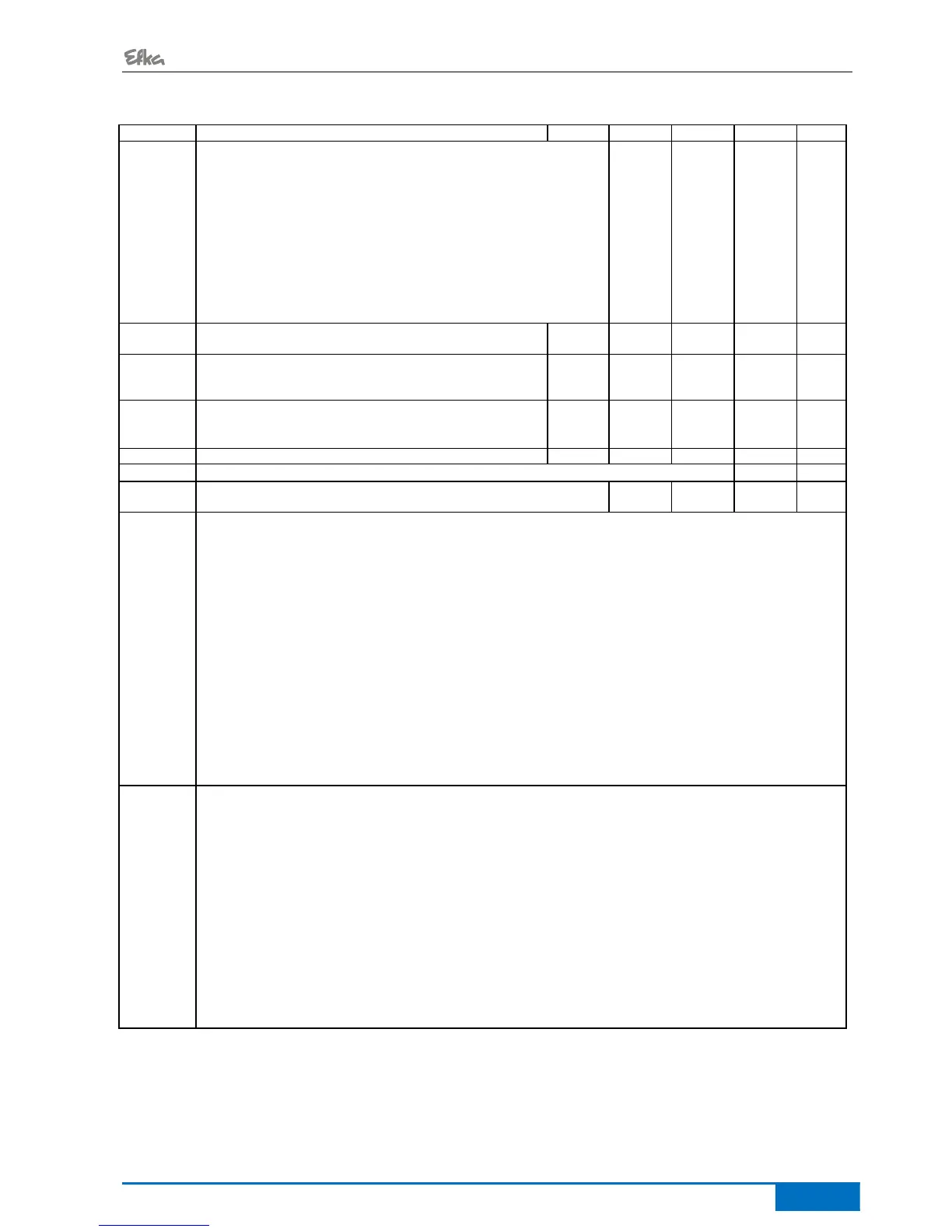
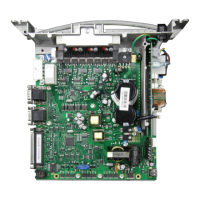
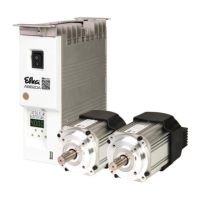
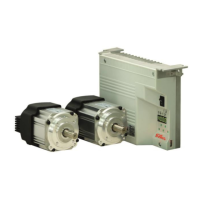
- AB600A5010 Parameter List
Mode signal run
0 = Signal Off.
1 = Signal run On.
2 = Signal “run” enabled when the speed is >3000 RPM.
3 = Signal with pedal <> 0.
4 = Signal enabled only after motor synchronization (one rotation at
positioning speed after power On).
5 = Motor runs Eco with setting F-84 and F-85
6 = Motor runs the same as chain suction at the seam start / end
with counter F-084 and F-085
7 = The same as 6, however chain suction at the start of the seam
can be interrupted and with switch-off delay F-156
Switch-off delay for the signal “run” or signal with pedal in
pos. 0 (neutral)
Direction of motor rotation
0 = Clockwise rotation
1 = Counterclockwise rotation
- See Section Fehler! Verweisquelle konnte nicht
gefunden werden. Setting the reference position
(Parameter 170)
See Section 6.10 Indication of the setting of the positions
See Section 8 Signal test
Service routine for total operating hours display.
The process is as with display example of parameter 177.
Service routine for display of hours since the last service.
Display example for the operator control panel:
Press the E key again to restart routine, or press the P key twice to
return to operational status
Display of control program number with index and more identification
numbers. The data is displayed in sequence by keystroke.
Display example for the operator control panel:
Press the E key again to restart routine, or press the P key twice to
return to operational status


 To Next Page