12
MAIN MENU
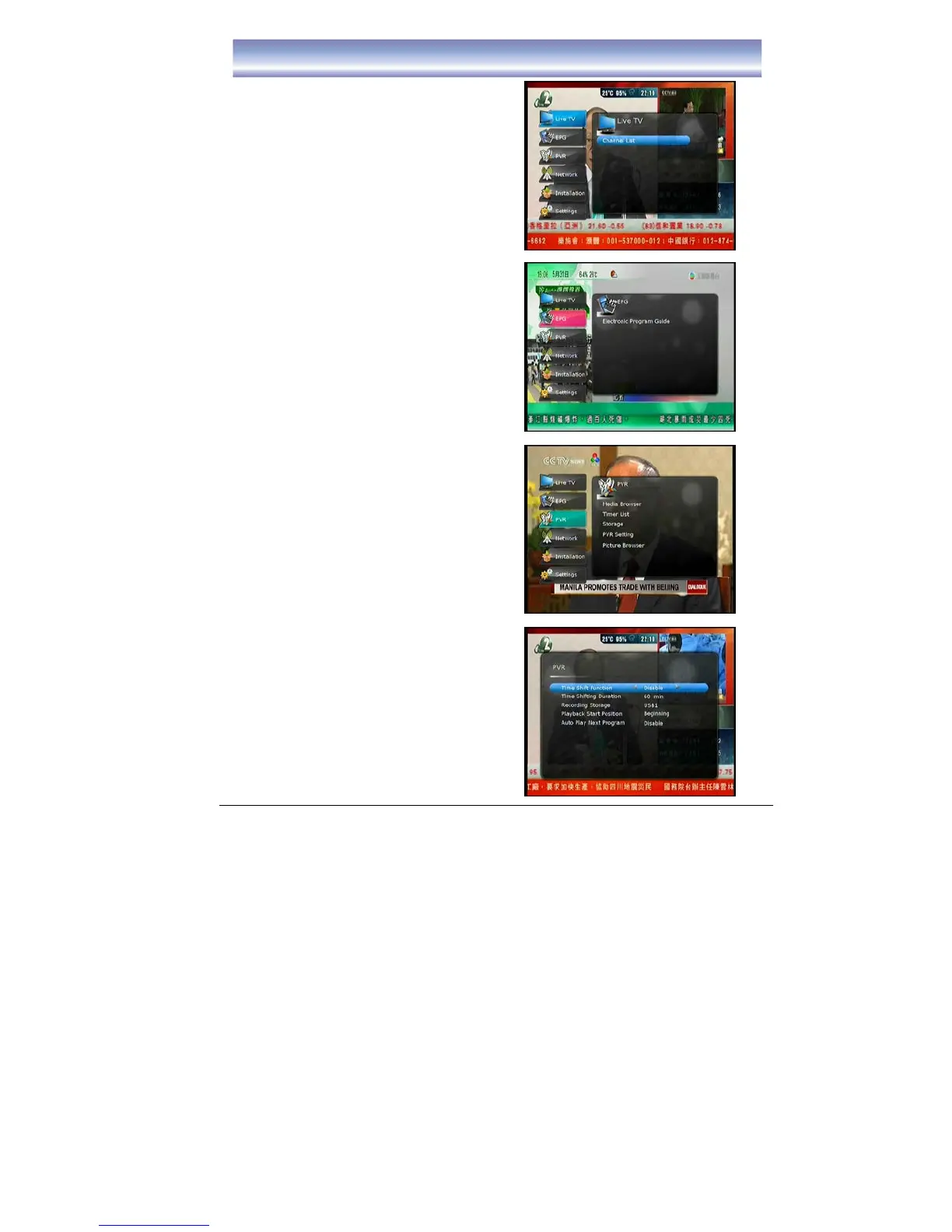
Pressing [MENU] to open MAIN MENU.
Description on each setting items are as below:
LIVE TV mode
Press [OK]/[▶] to enter the Channel List.
EPG Menu
Press [OK]/[▶] to enter EPG List.
z Electronic Program Guide
PVR Menu
Press [OK]/[▶] to enter PVR List, to select
others function.
z Media Browser
z Timer List
z Storage
z To view the status of the Harddisk
z Format HDD
z PVR Setting
z Time Shift Function (Enable/Disable)
z Time Shifting Duration
- Support from 2 min up to 2 hours
z Recording Storage
-This is the storage device for
recording. All related files for
incoming recordings will be stored in
the specific device.



 To Next Page