18
Basic Operation
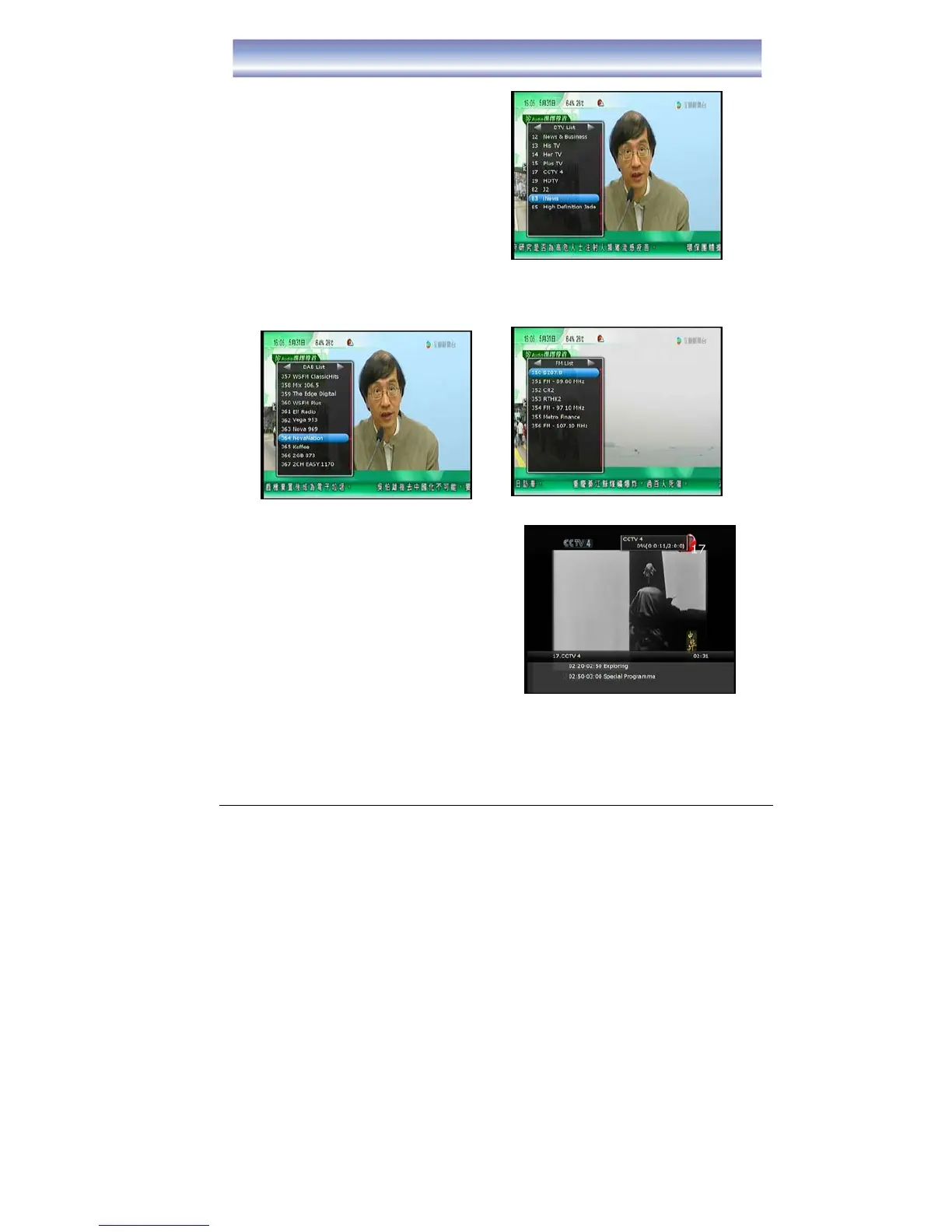
Changing Channels
1) Open Channel List menu by pressing
[OK] .
2) Press [◀]/[▶] key to switch between
DTV List/DAB List/FM Radio list.
3) Press [
▲]/[▼] key to navigate for the
channels.
4) Press [OK] key to play the channel.
5) Channel Change can also be done by:
z Press [CH+][CH-].
z Input the Channel LCN by keypad.
Note: When recording program, only can view the Live TV Channels which inside in
recorded frequency, the programs of others frequency will be hide. And there is a
red square show near the channel which under recording.
Info Box
1. Open Info Box by pressing [INFO] in Live
TV Mode.
2. It shows the current and next program and
the relative information of the program.
3. Wait a moment or press [EXIT] to quit.
4. When recording, the record status will
show on the top right corner of
the
screen.
Changing Volume
Press the [VOL+]/[VOL-] to increase or decrease the volume accordingly.
The current volume level will show on the bottom of the screen.



 To Next Page