5
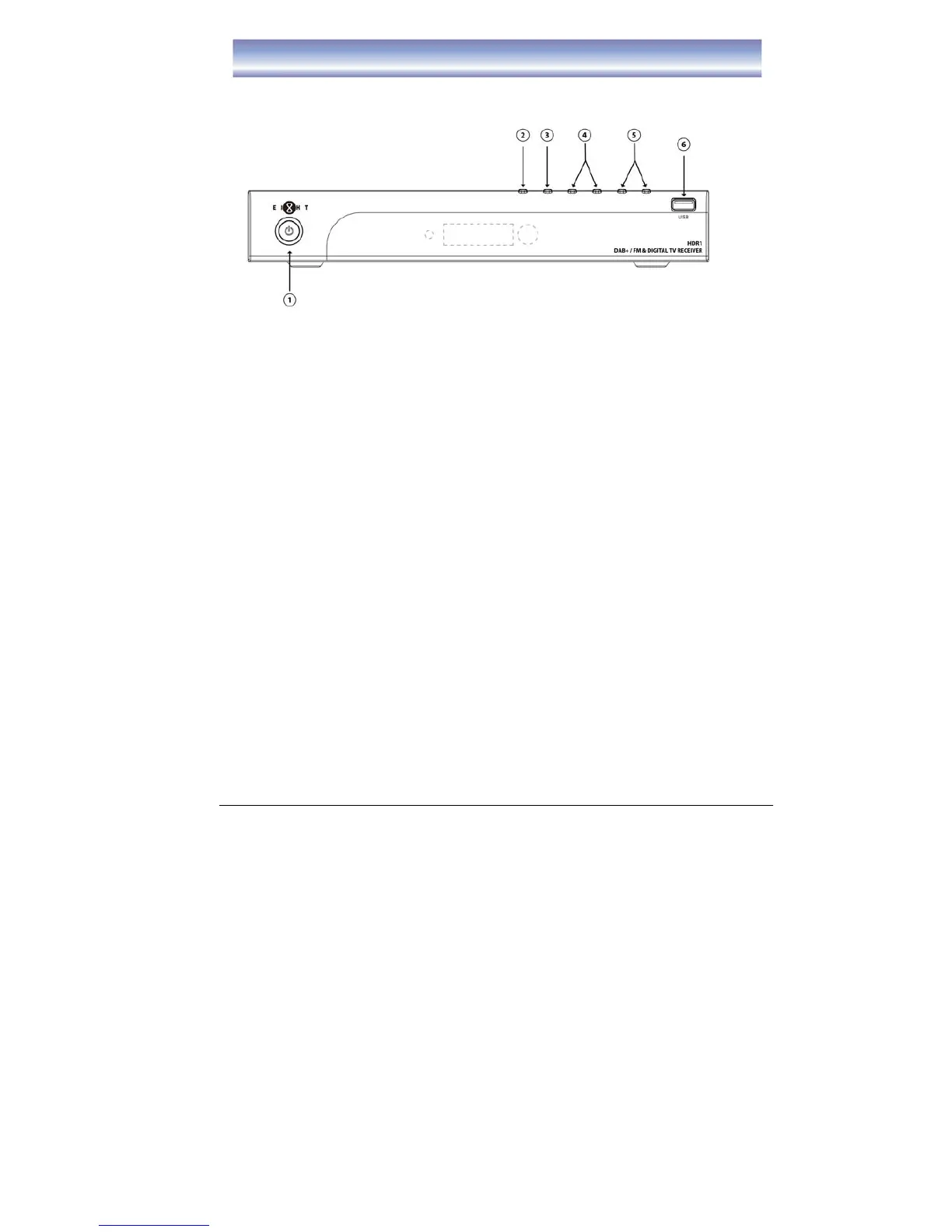
Front Panel
Front Panel
1. STAND BY: To turn the Standby mode ON/OFF.
2. MENU: To enter the Main Menu.
3. OK: To confirm the selected menu item.
4. CH-/CH+: To change Channel up/down or move cursor up/down in the menu.
5. VOL-/VOL+: To control volume level up/down or move cursor up/down in the
menu.
6. USB Slot: Connect for software upgrade or proceed the recording function..
(USB2)



 To Next Page