26
Network
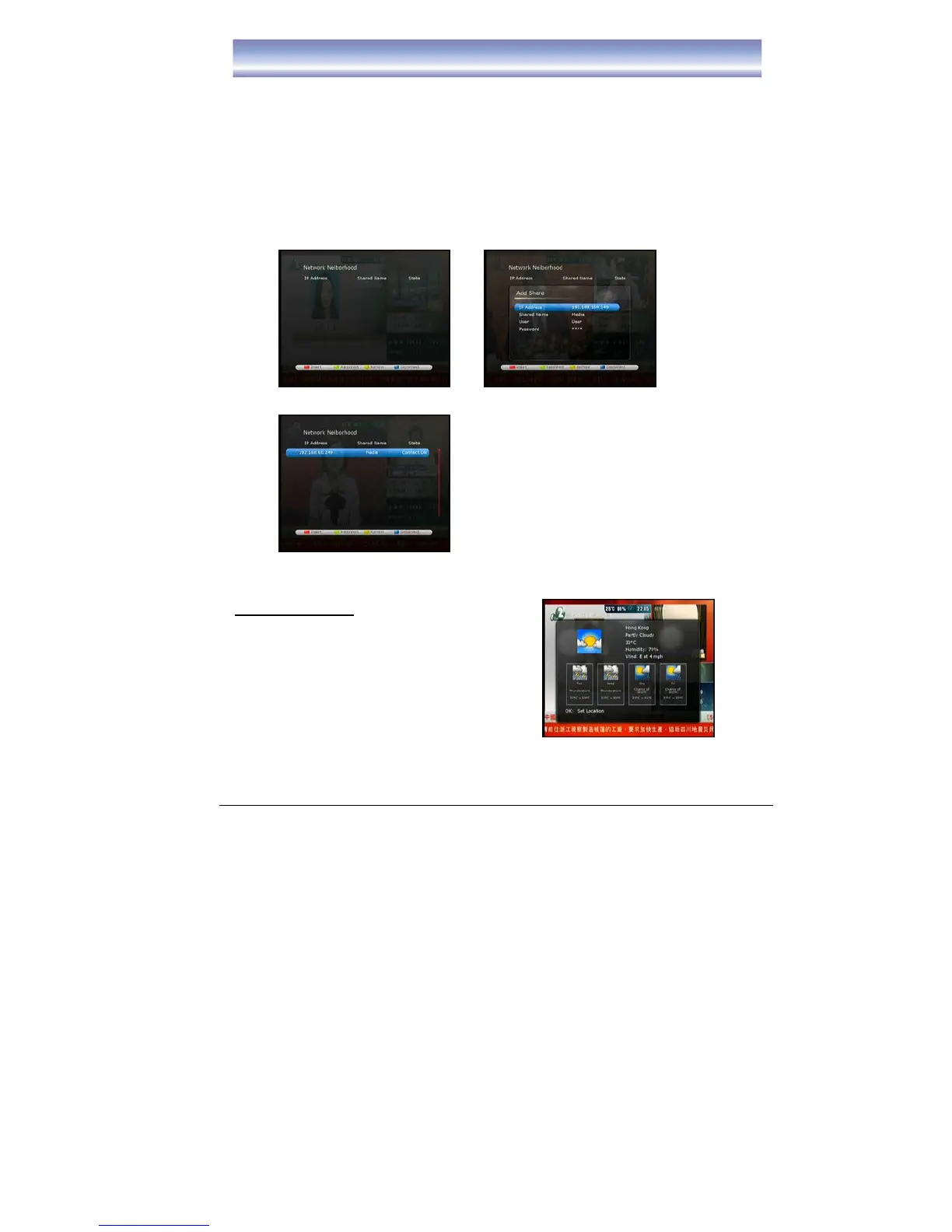
To activate the Network Neiborhood:
1. Press [MENU] key in Live TV mode.
2. Select Network Æ PC Share
3. Press Red button to insert share information
z Enter IP address for PC share
z Press [▶] button to enter the file name which want to share in PC
(recommend the file name use ‘Media”)
4. Press [OK] to exit the screen and go to PVR list to play the media file which store
in PC.
Weather Information
1. Press [MENU] key in Live TV mode.
2. Select Network Æ Weather
3. Press [OK] to select Area



 To Next Page