25
Network
Operation system is windows 7
Please follow the below steps to create a share directory in the PC to connect with the
receiver.
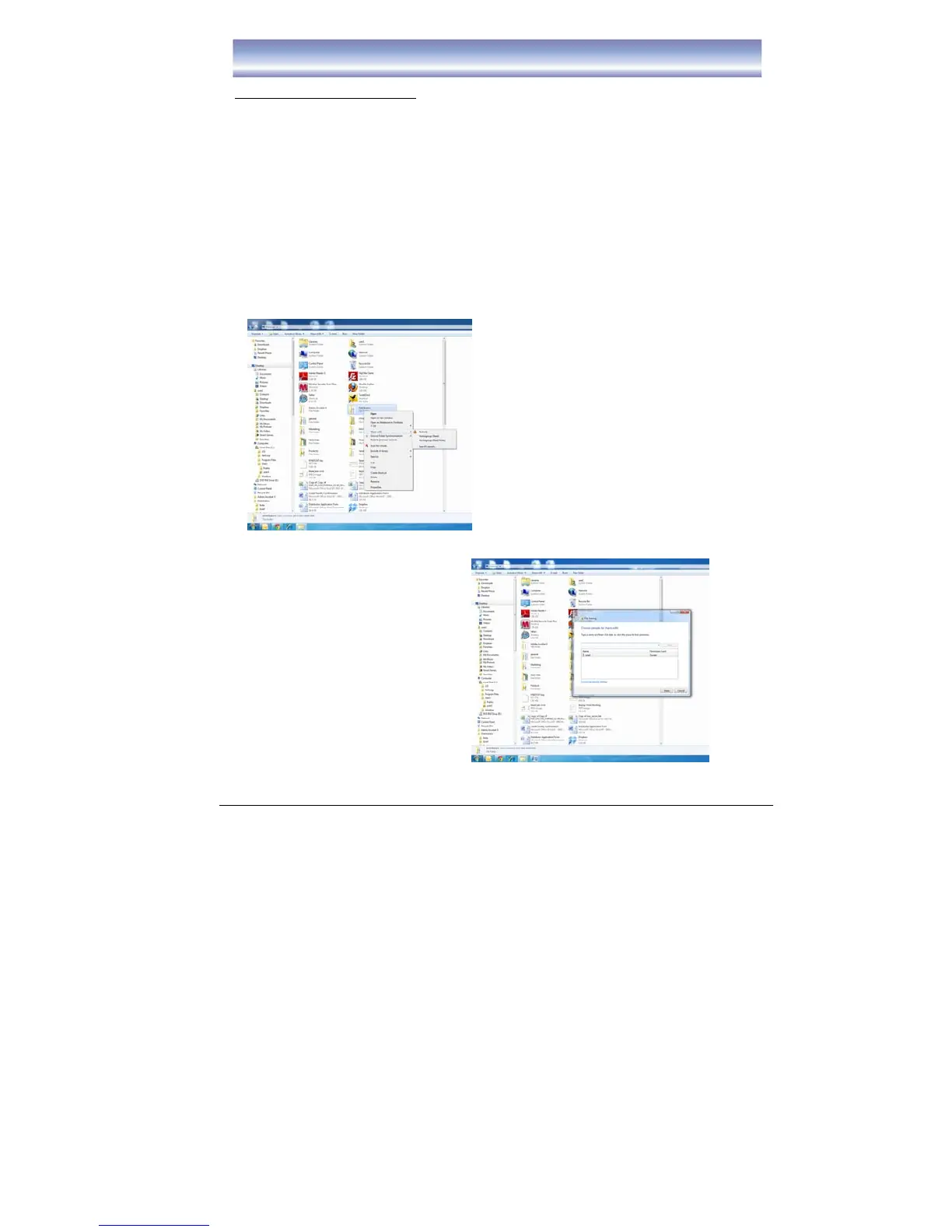
1. Create a new folder in the PC (for example in E: ). Suggest to use the folder
name as “Media”.
2. Select “Media” folder, right click and select “Share with”.
3. In the “Share with” Sheet, select “Nobody”/ “Homegroup (Read)”/ “Homegroup
(Read/Write)”/ “Specific people”. If select “Specific people”, need to select the
people who want to be share with. The Procedure as follows:
z Right click and select “Share with”, select “Specific people”
z “File Sharing” dialog will be pump up
z Select the people need to add and specific the nature of the people
z Select “Share”



 To Next Page