16
Basic Operation
Channel Search
Included DTV channels, DAB channels & FM Radio channels.
For DTV channels search
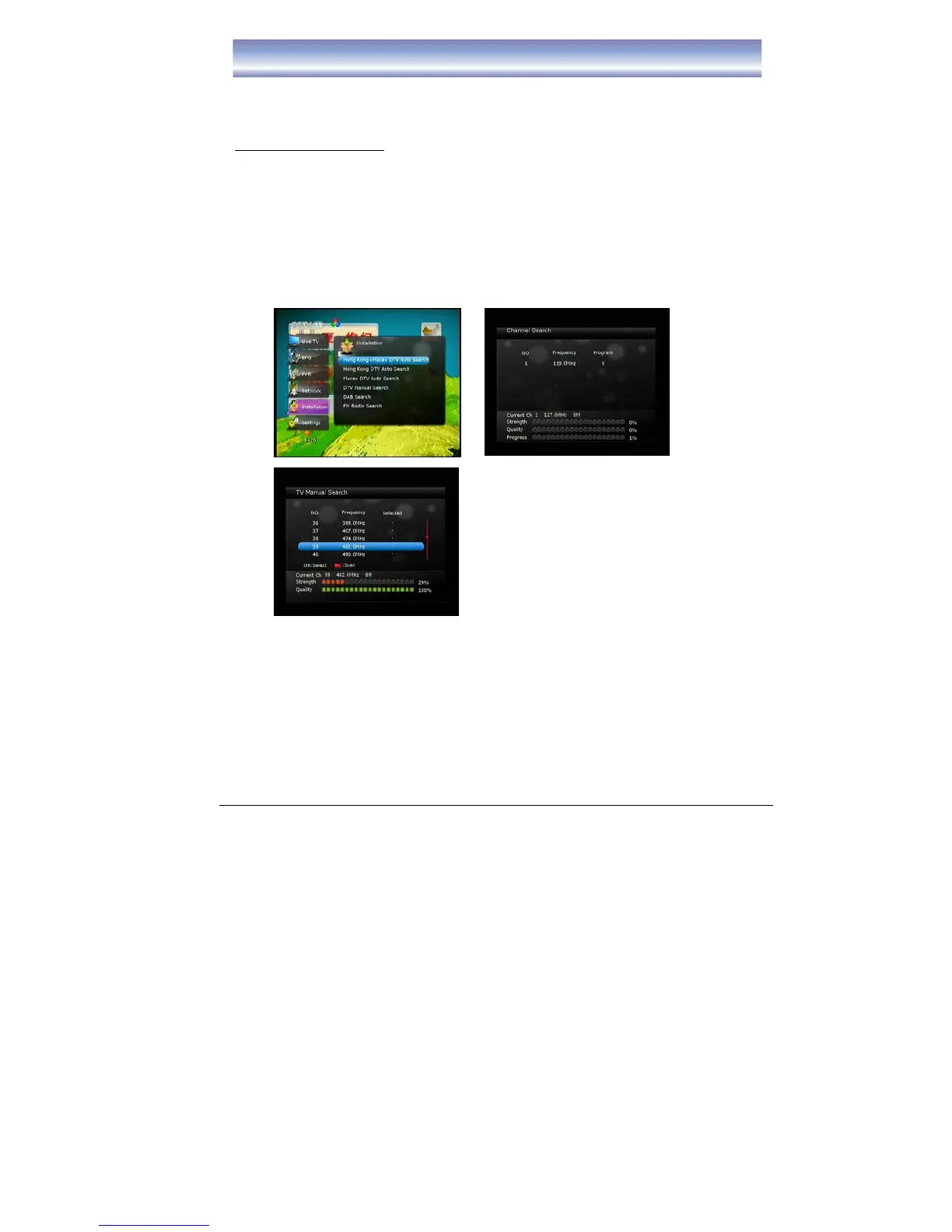
1. Press [MENU] and then click [
▲]/[▼] to [Installation].
2. Press [OK]/ [▶] to enter [Installation] menu.
3. Press [
▲]/[▼] to select the method of channel scan, press [OK] to confirm.
Auto Search: can select – Hong Kong & Macau DTV Auto Search, Hong Kong
DTV Auto Search, Macau DTV Auto Search.
Manual Search: Suitable when specific channel to be searched, press [◀/▶] to
navigate.
4. Press [OK]/Red button to start search when search method is selected.
Note: Any added timer in time list will be cleared when any channel search is performed.



 To Next Page