27
Electronic Program Guide (EPG)
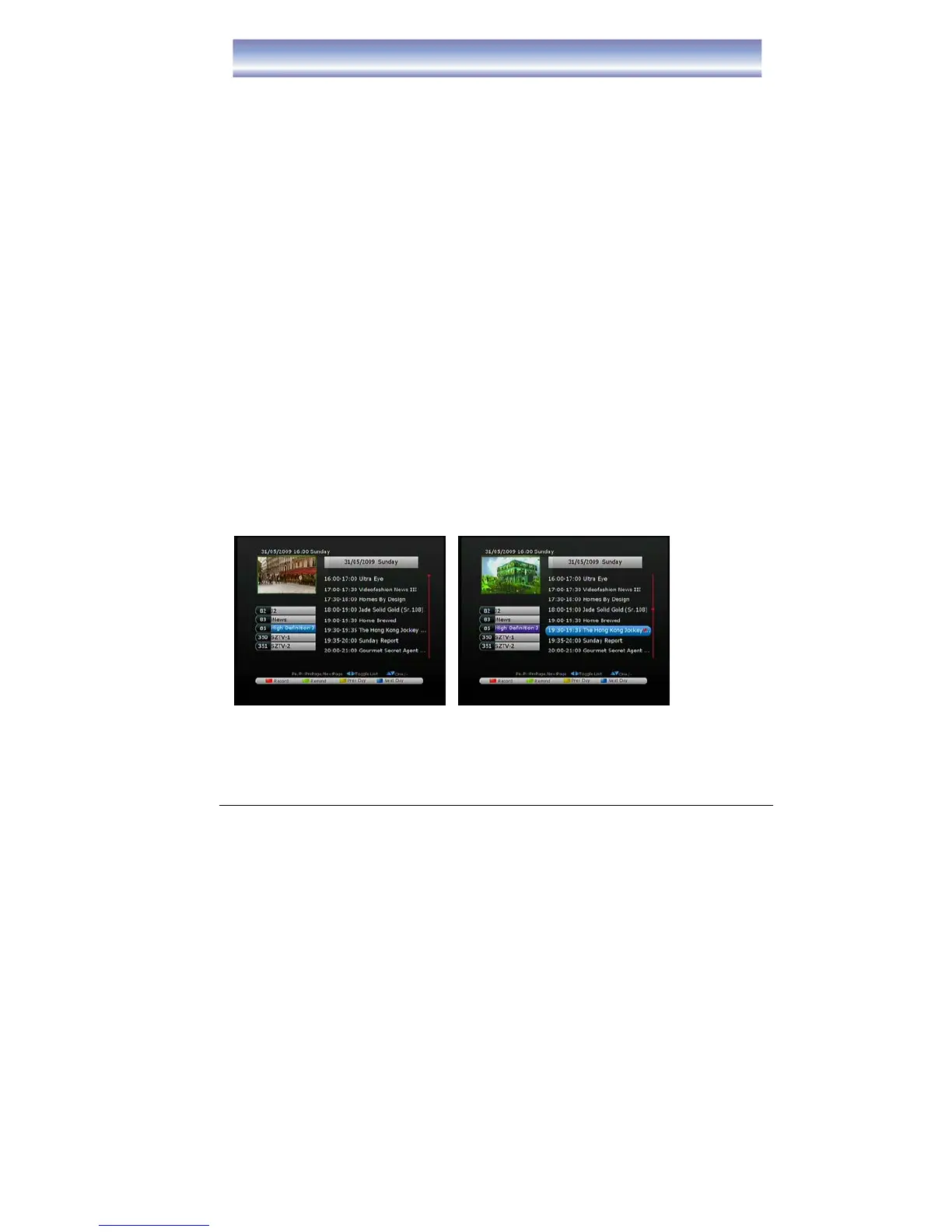
Open EPG menu by pressing [EPG] in Live TV Mode.
The cursor displayed in the channel list.
1. Press [▲][▼] [CH+][CH-] key to change Channel.
2. Press [▶] key to enter electronic program data list.
3. Press [EXIT] key to exit the screen.
The cursor displayed in the electronic program data list.
1. Press [▲][▼] to navigate the programs.
2. Press [P+][P-] to scroll across pages.
3. Press [RED] button to set the pre-set recording.
z Press [RED] button one time, a “red square” icon will show near the pre-set
program name.
z Press [RED] button twice times, to edit the information of recording (include:
record format/time of start & finish record).
z Press [RED] button third times, to cancel the pre-set recording.
4. Press [GREEN] button to set the remind function, the program will switch to
select program when the time arrived.
z Press [GREEN] button one time, a “green square” icon will show near the
selected program name.
z Press [GREEN] button twice times, to edit the information of remind
(include: remind format/time of start & finish remind).
z Press [GREEN] button third times, to cancel the remind function.
5. Press [YELLOW]/[BLUE] button to view the electronic program data list for
previous/after 24 hours.
6. Press [EXIT] button to exit the screen.



 To Next Page