EasyManua.ls Logo

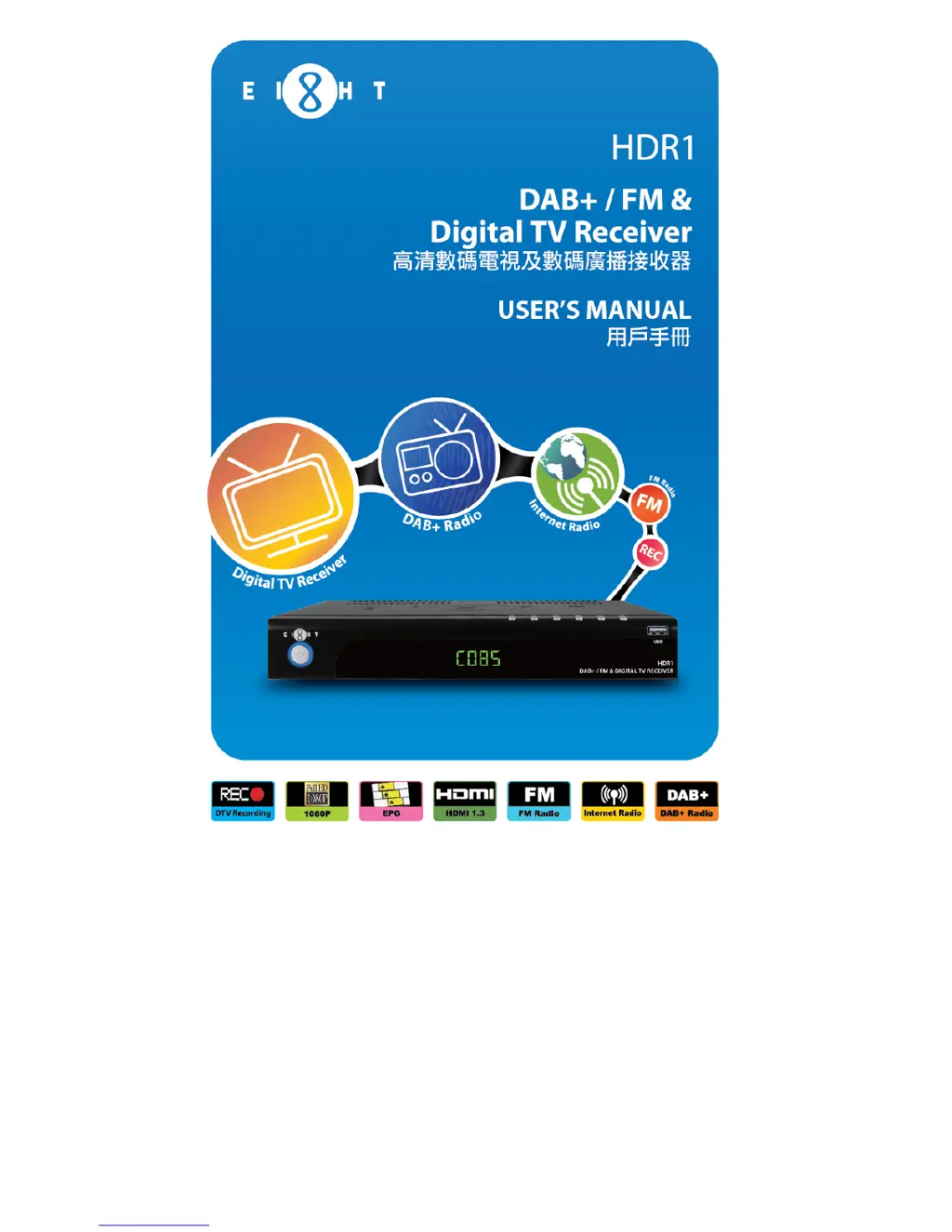
Eight HDR1 - User Manual

Default Icon
59 pages
Print Icon
To Next Page IconTo Next Page
Loading...

Questions and Answers

  • W
    William PattonAug 12, 2025
    Why is my Eight TV Receiver remote control not working?
    • H
      hendrixkathyAug 13, 2025
      If your Eight TV Receiver remote control isn't working, there are a couple of things to check: First, make sure you're aiming the remote directly at the sensor on the front panel of the receiver. Second, the batteries in the remote might be low, so try changing them.
  • M
    Michael GrahamAug 16, 2025
    What to do if my Eight HDR1 TV Receiver has no sound and no picture?
    • T
      Timothy WhiteAug 16, 2025
      If your Eight TV Receiver shows no sound and no picture, it might be in standby mode. Try pressing the Standby key to switch it to operation mode.
  • J
    John WhiteAug 20, 2025
    How to fix the issue when my Eight HDR1 TV Receiver has picture but no sound?
    • H
      Haley MartinAug 20, 2025
      If you're getting a picture but no sound on your Eight TV Receiver, try these steps: * Ensure the audio cable is securely connected. * Check if the system is in MUTE mode and, if so, press the MUTE key on the RCU to restore the volume. * Increase the volume if it's set to the minimum. * Go to the Audio Setting menu and select the proper audio mode and language.
  • M
    Mrs. Gina VegaAug 23, 2025
    What to do if my Eight TV Receiver shows no signal when selecting channels?
    • B
      Brandon WilliamsAug 23, 2025
      If your Eight TV Receiver displays 'no signal' when you select channels, it could be due to a disconnected signal cable. Ensure the signal cable is securely connected. Also, verify that your program parameters are set correctly.
  • A
    andrea55Aug 27, 2025
    Why does my Eight HDR1 TV Receiver picture freeze or look like a mosaic?
    • C
      Casey SandovalAug 27, 2025
      If the picture on your Eight TV Receiver is still or looks like a mosaic, the signal might be too weak. Check to ensure that the signal cord has been connected tightly.
  • A
    Alexandra SanchezAug 31, 2025
    How to resolve video and audio mismatch or abnormal sound on my Eight TV Receiver?
    • L
      Lisa QuinnAug 31, 2025
      If you're experiencing a video and audio mismatch or abnormal sound with your Eight TV Receiver, the audio channel might not be set correctly. Try selecting the proper audio channel.
  • K
    katrina19Sep 3, 2025
    What causes sound but no picture on my Eight HDR1?
    • S
      Scott HollandSep 4, 2025
      If you are getting sound but no picture on your Eight TV Receiver, the video cable might not be securely connected. Make sure to connect the video cable securely.
  • C
    Casey SmithSep 7, 2025
    How to fix the display on my Eight TV Receiver if it doesn't light up?
    • M
      Mr. Kevin ArnoldSep 8, 2025
      If the display on the front panel of your Eight TV Receiver doesn't light up, the power cord might not be connected. Check that the power cord is plugged into the power socket.

Summary

Safety Instructions

Main Menu Operations

Accessing Live TV, EPG, and PVR

Describes how to access Live TV, EPG, and PVR menus for core functions.

Basic Operation

Channel Search Procedures

Steps for searching for DTV, DAB, and FM channels using auto or manual methods.

Time Shift Functionality

Instructions on how to use the Time Shift feature for pausing live TV.

Recording Functionality

Instant and Scheduled Recording

How to start recording instantly or schedule future recordings.

Electronic Program Guide (EPG)

EPG Navigation and Control

How to navigate the EPG, set recordings, and reminders for programs.

Troubleshooting Guide

Resolving Common Issues

A guide to diagnosing and resolving common problems encountered with the receiver.

Technical Specifications

Product Hardware and Software Specs

Detailed technical specifications of the receiver's hardware and software capabilities.

Eight HDR1 Specifications

General IconGeneral
Wi-FiYes
BluetoothYes
EthernetYes
Video OutputHDMI
Audio OutputHDMI
HDRYes
Card ReaderMicroSD
Resolution4K UHD
Storage8GB