19
Basic Operation
Subtitle
Press [SUBT] to circulate between available subtitles of current watching channel or
turn it off. On the screen top left corner will show the current choice.
Audio
Press [AUDIO] to circulate between available sound tracks of current watching
channel.
Mute
Press [MUTE] to mute or recover the sound.
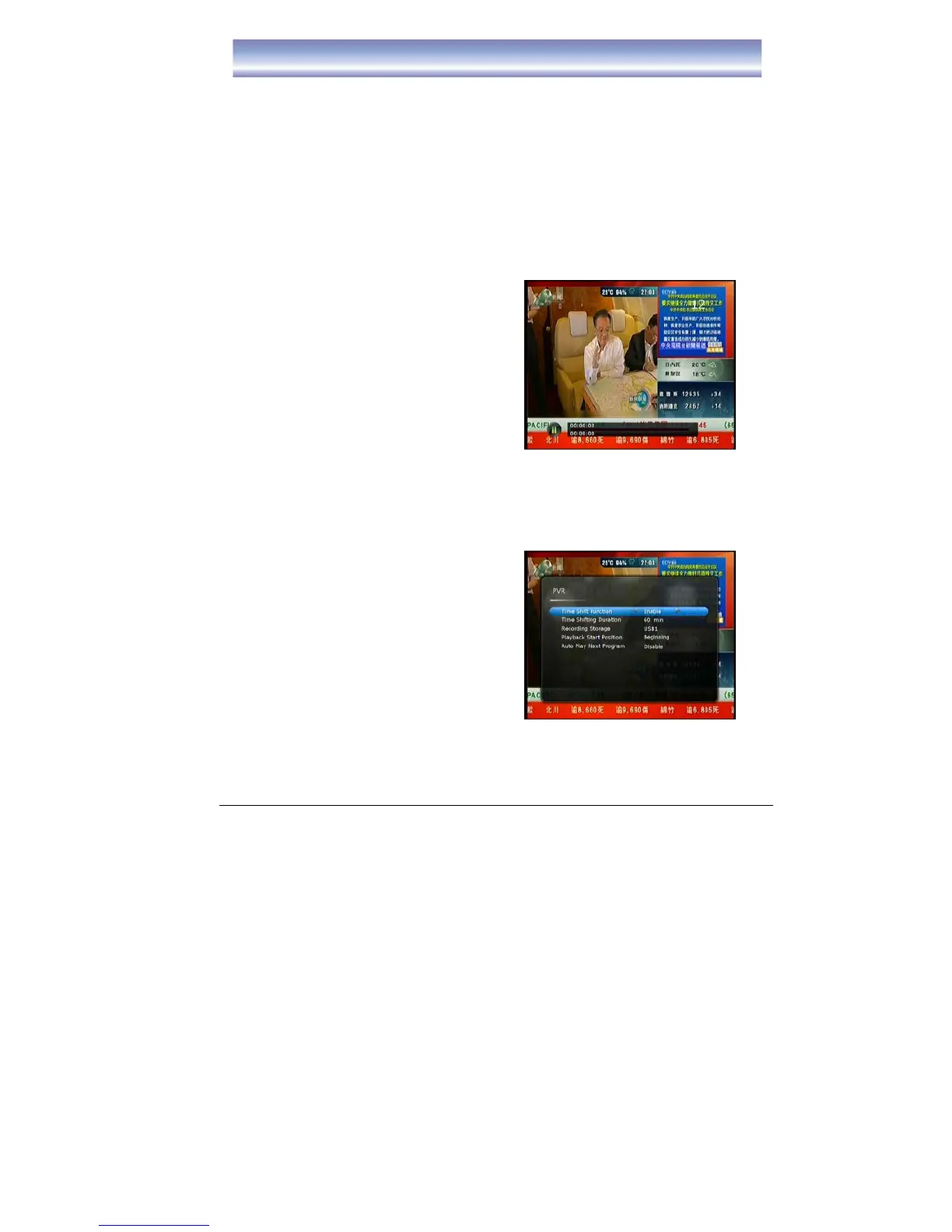
Time Shift Function
1. Activate Time Shift by pressing [PAUSE]
in Live TV Mode. Time Shift supports up
to 2 hours.
2. Main Screen will be paused.
3. The information bar shows up the time is
delayed from the Live TV.
4. Press [PLAY]/[PAUSE] to resume the
main screen.
5. While playing in time shift mode, you can
press [PAUSE] again to pause the main
screen.
6. Press [FF] to circulate between 2X, 4X, 8X, 16X, 32X, 64X fast forward & play
mode.
7. Press [REW] to circulate between 2X, 4X, 8X, 16X, 32X, 64X fast rewind & play
mode.
8. Press [STOP] to stop time shift and return to Live mode.
Time Shift function can also be done by:
1. Press the [MENU] button to enter the
main menu, select [SETTING] ÆPVR
Setting.
2. Select [ENABLE] to activate the time shift
function.
3. Time Shift function mode will start 30
seconds after channel change
automatically
4. Press [PAUSE] to activate time shift
function.
Note: Please make sure the external harddisk/USB device have connected the unit
before process Time Shift function.



 To Next Page