- 14 -
Chapter 2 Basic Adjustment/Setting
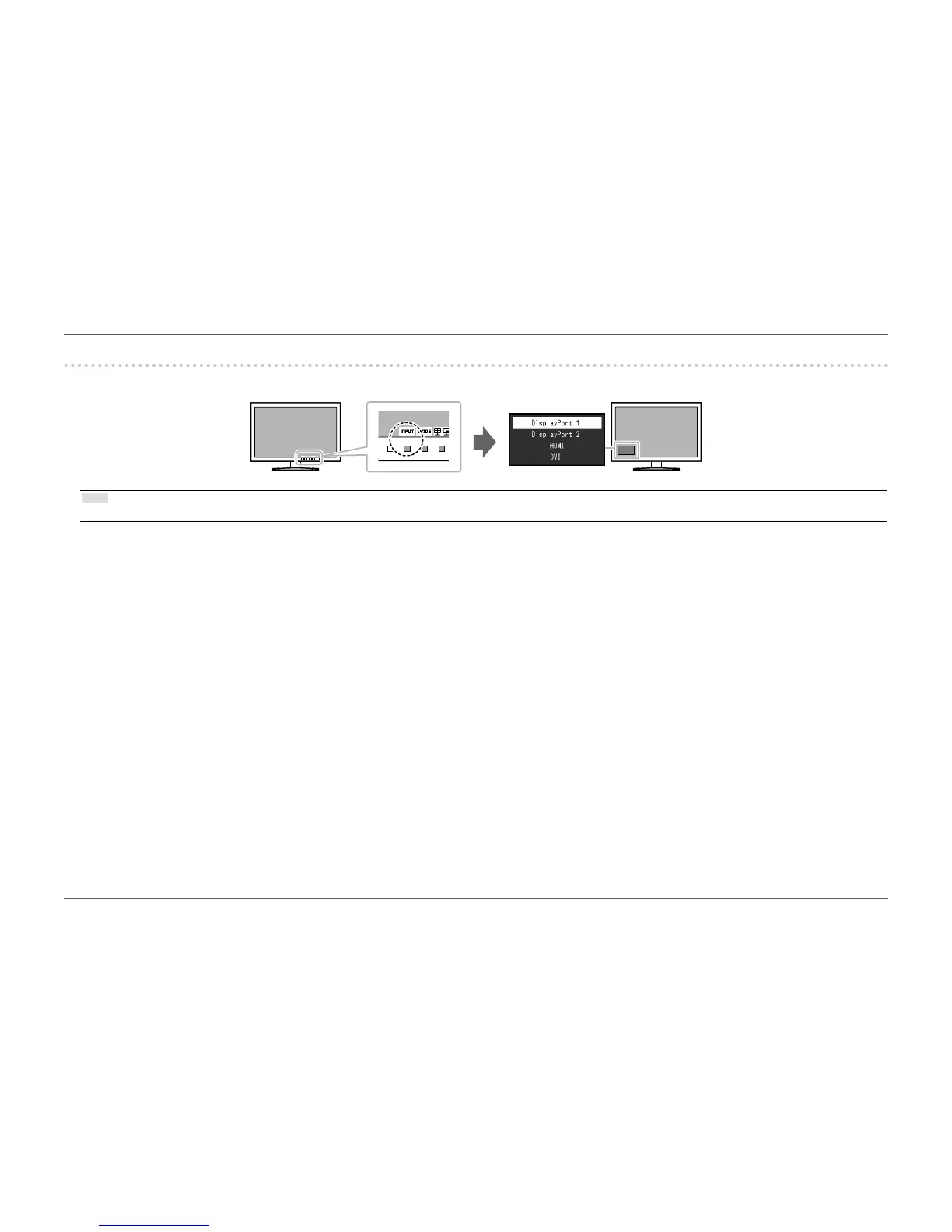
2-2. Switching Input Signals (During Single Screen Display)
When a monitor has multiple signal inputs, the signal to display on-screen can be changed.
Note
• During PbyP/PinP display, specify the input signal of each screen in the “Picture Setup”. For details, see “2-4. Conguring PbyP/PinP” (page 16).














 To Next Page