- 9 -
Chapter 1 Introduction
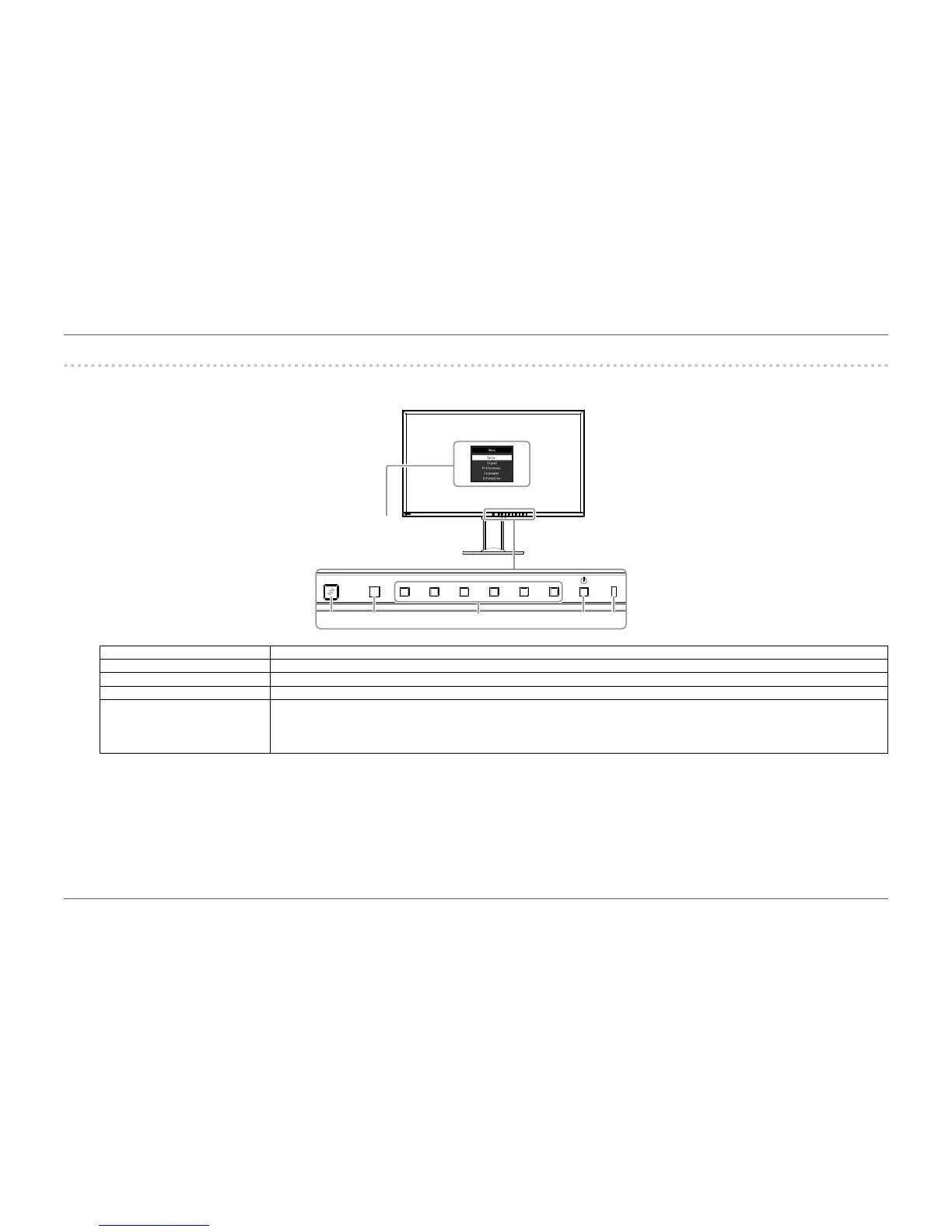
1-2. Controls and Functions
●
Front
3
4
521
1. EcoView Sense sensor Detects user movement in front of the monitor (EcoView Sense function (page 22)).
2. Ambient light sensor Detects ambient brightness (Auto EcoView function (page 21)).
3. Operation buttons Displays menus. Operate the buttons according to the operation guide.
4. Power button Turns the power on or off.
5. Power indicator Indicates the monitor’s operation status.
White: Screen display
Orange: Power saving mode
OFF: Main power / power off
*1 For details on usage, see “3-1. Basic Operation of the Setting menu” (page 25).
Setting menu
*1















 To Next Page