- 16 -
Chapter 2 Basic Adjustment/Setting
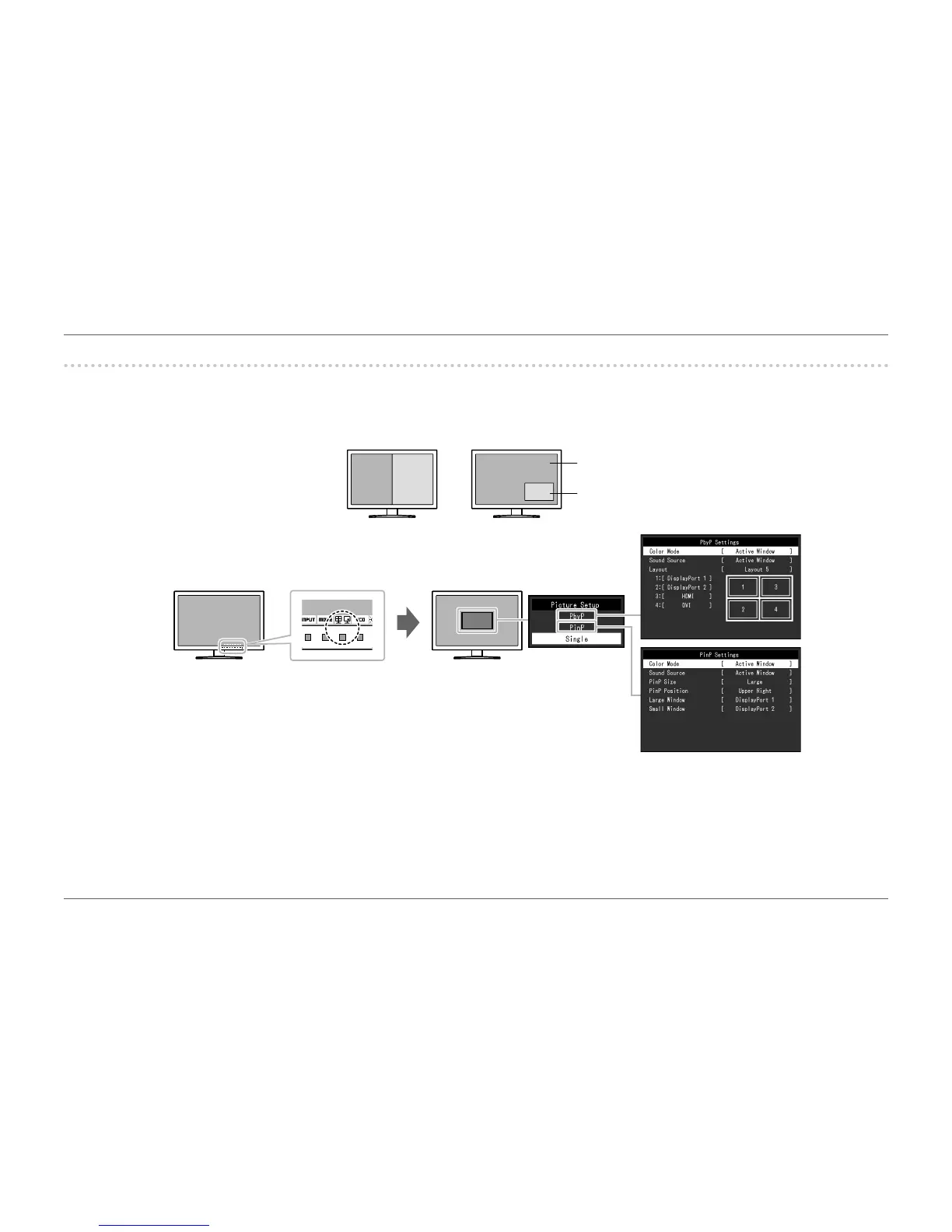
2-4. ConguringPbyP/PinP
When the monitor receives multiple input signals, windows can be displayed in a side-by-side or large/small conguration.
Because multiple windows can be displayed on a single monitor, the need for changing between signals is eliminated, which leads to increased work efciency.
A B
B
A
Large window
Small window
PbyP (Picture by Picture) PinP (Picture in Picture)
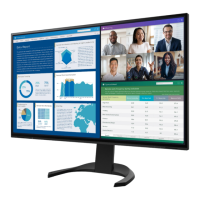
Display example














 To Next Page