- 30 -
Chapter 3 Advanced Adjustment/Setting
Function
Input Signal
(The setting range of each function
differs depending on the input signal.)
√: Settable -: Not settable
Setting Range Description Note
DisplayPort
HDMI
DVI
PC
signal
Video
signal
Input Color Format √ - - - Auto
YUV
RGB
The color format of the input signal can be specied.
Try changing this setting if colors are not displayed
correctly.
• This setting is required
when a DVI device is
connected to the monitor
via the HDMI connector
port using a DVI-HDMI
conversion connector.
• This setting is xed to “RGB”
when receiving a DVI signal
from the DVI connector.
- √ - - YUV 4:2:2
YUV 4:4:4
RGB
- - √ - Auto
YUV 4:2:2
YUV 4:4:4
RGB
Range Extension √ - √ - Auto
On
Off
Depending on the PC, black and white of the video
level of the signal output to the monitor may be
limited. If a limited signal is displayed on the monitor,
black will appear faint and white will appear dull,
leading to a reduction in contrast. The output range
of such signals can be extended to match the actual
contrast ratio of the monitor.
• “Auto”
Automatically identies the brightness range
of the input signal and displays the image
accordingly.
• “On”
Extends the signal output range through 0 to 255
and displays the image.
• “Off”
Extension of the signal output range is not
performed.
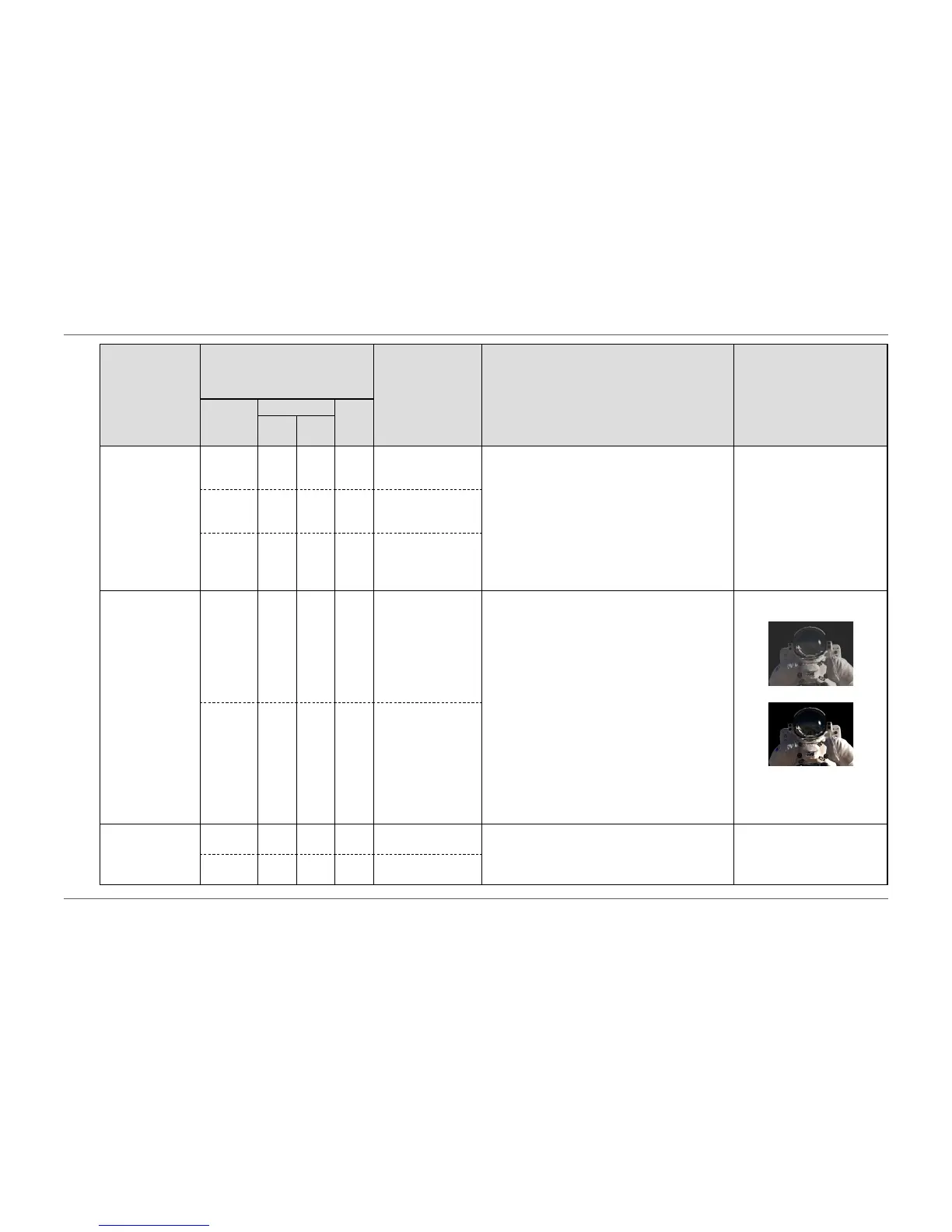
• Example settings
- Off
- On
• This setting is xed to “Off”
for DVI signal input.
- √ - - On
Off
Sound Source √ - - - Stereo Mini Jack
DisplayPort
The audio source can be changed when receiving
DisplayPort signal input or HDMI signal input.
• This setting is xed to
“Stereo Mini Jack” when
receiving DVI signal input or
HDMI (PC signal) input.
- - √ - Stereo Mini Jack
HDMI














 To Next Page